
What is a Network Route and How Does it Work?
This post explains what a network route is and how routers use routing tables to forward packets toward their destinations. It covers the three main routing types (connected, static, and dynamic) and explains why routing is essential for IP connectivity between networks.

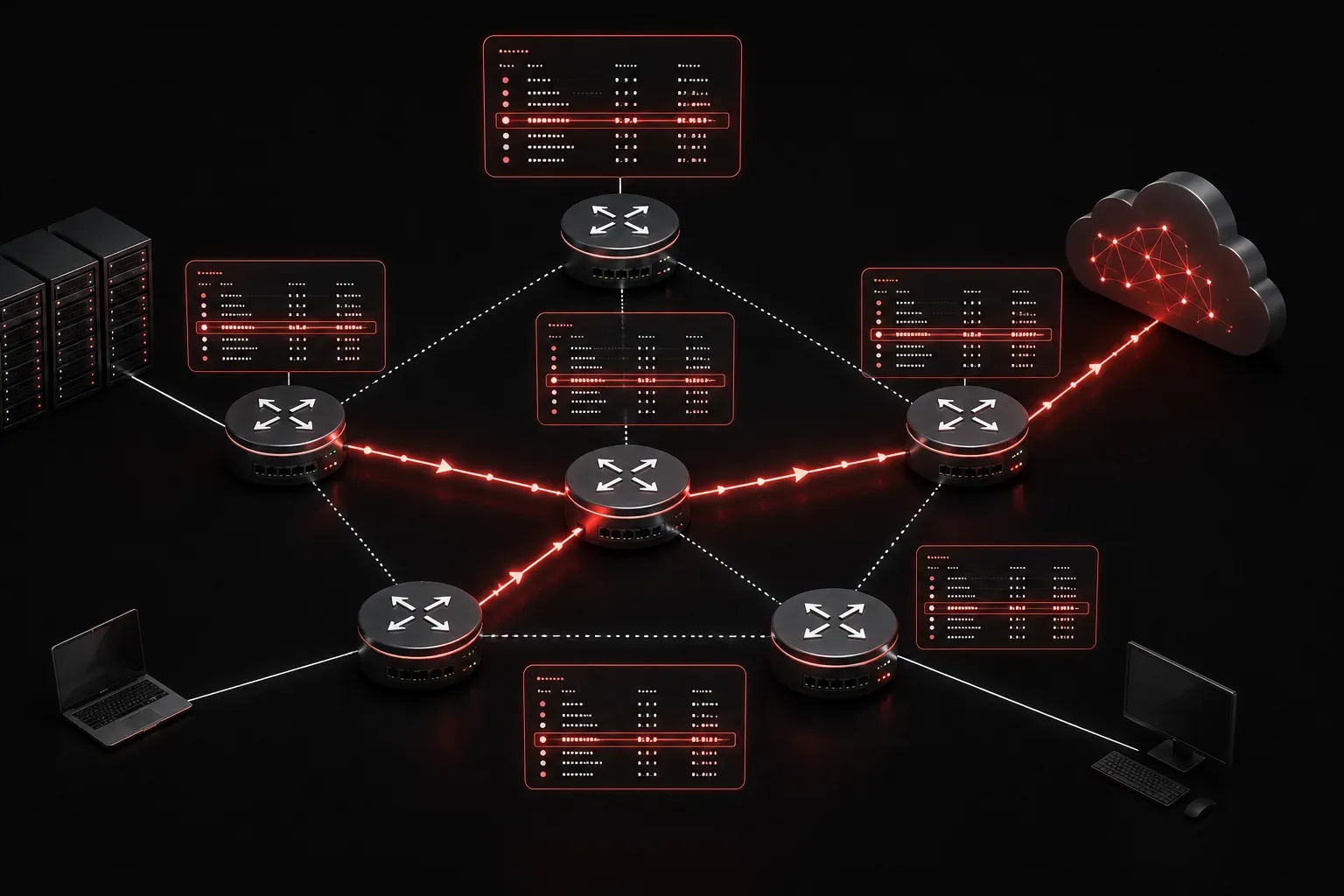
When you send a packet across a network, how does it know where to go? The answer lies in something called a network route. Understanding what a route is and how routing works is one of the most foundational concepts in networking, and it sits right at the heart of the CCNA exam objectives.
What is a Network Route?
A network route is simply an entry in a router's routing table that tells the router: "If you receive a packet destined for this network, send it in this direction." Think of it like a set of directions. You tell the router the destination network, and it knows which interface or next-hop IP address to use to get the packet closer to that destination.
Every router maintains a routing table, which is a list of known destination networks and how to reach them. When a packet arrives, the router looks up the destination IP address in its routing table and forwards the packet accordingly. If no matching route exists, the packet is dropped.
You can view a router's routing table using the following command:
Router# show ip routeHere is an example of what that output might look like:
Router# show ip route

Codes: C - connected, S - static, R - RIP, O - OSPF

Gateway of last resort is not set

C    192.168.1.0/24 is directly connected, GigabitEthernet0/0
S    10.0.0.0/8 [1/0] via 192.168.1.1
O    172.16.0.0/16 [110/2] via 192.168.1.1, 00:01:23, GigabitEthernet0/0
Each line in this table is a route. The letter at the beginning tells you how the router learned about that network.
How Does a Router Use Routes?
When a packet arrives at a router, the router performs a longest prefix match lookup. It compares the destination IP address against every entry in the routing table and chooses the most specific match. A route for 192.168.1.0/24 is more specific than a route for 192.168.0.0/16, so the router will prefer the more specific one.
If the router finds a match, it forwards the packet out the corresponding interface or toward the specified next-hop IP address. If there is no match at all, and no default route is configured, the packet is simply discarded.
The Main Routing Types
Not all routes are learned the same way. There are three primary routing types you need to understand for the CCNA:
- Connected routes: These are automatically added when you configure an IP address on a router interface and bring it up. The router knows that network is directly attached.
- Static routes: These are manually configured by a network administrator. You explicitly tell the router how to reach a specific network. Static routes are reliable, predictable, and great for small or simple topologies.
- Dynamic routes: These are learned automatically through routing protocols such as
OSPF,EIGRP, orRIP. Routers exchange routing information with each other and update their tables automatically as the network changes.
For the CCNA exam objective 3.3.b, the focus is on static routing, specifically how to configure and verify static routes for both IPv4 and IPv6. Understanding this foundation makes everything else click into place.
Why Network Routing Matters for IP Connectivity
IP connectivity between devices on different networks is only possible because of routing. Without routes, a router has no idea where to send a packet. Even a simple network with two subnets requires proper routing to allow devices on each subnet to communicate.
A practical example: if a device on 192.168.1.0/24 needs to reach a server on 10.0.0.0/8, the router sitting between them must have a route to 10.0.0.0/8. Otherwise, the traffic goes nowhere.
What's Next
Now that you understand what a network route is and how routing types differ, the next step is putting this into practice. In the next post, we will walk through configuring IPv4 static routes on a Cisco router, including how to set up a default route and verify your configuration using show ip route and ping. That hands-on practice is where the real learning happens.
If you want to dive deeper into routing concepts alongside your studies, the Cisco Press CCNA 200-301 Official Cert Guide by Wendell Odom covers routing tables and static routing in excellent detail.