
Webhooks Explained: How They Work in Simple Terms
This post explains webhooks in plain language using relatable analogies. It covers how webhooks work, what a JSON payload looks like, real-world webhook examples in networking, and how webhooks differ from traditional REST API calls.

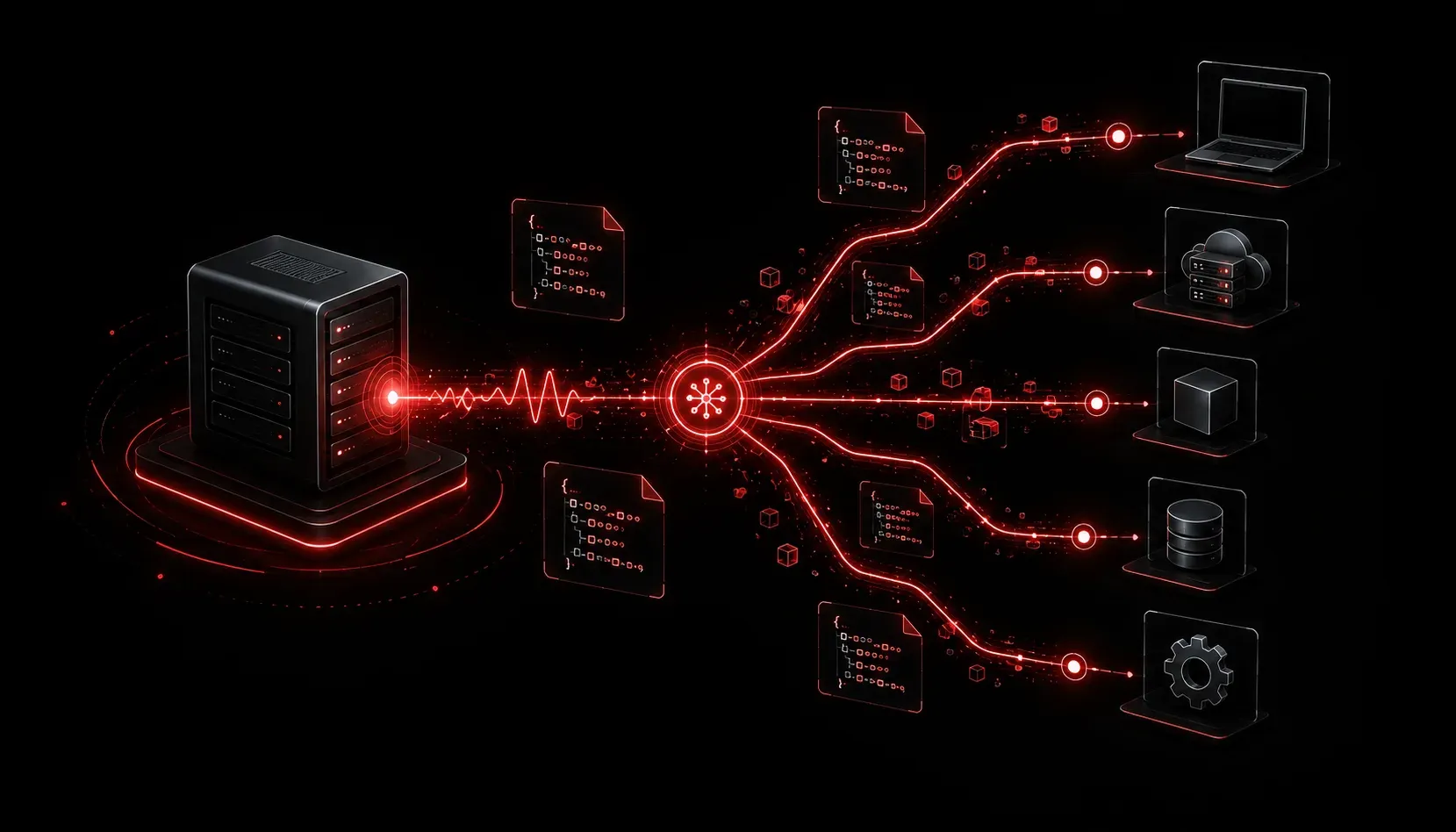
If you've spent any time exploring network automation or APIs, you've probably come across the term "webhook." It sounds technical, but the concept is surprisingly straightforward once you have the right mental model. Let's break it down.
The Problem Webhooks Solve
Before we define a webhook, let's talk about the problem it solves. Imagine you've ordered a package online and you want to know when it arrives. You have two options:
- Call the delivery company every five minutes to ask "Is it here yet?"
- Give them your phone number and let them call you when it arrives.
The first approach is called polling. Your system repeatedly asks another system for updates, even when nothing has changed. It wastes resources and adds unnecessary load.
The second approach is exactly how a webhook works. Instead of constantly asking, you register your interest and let the other system notify you automatically when something happens.
Webhooks Explained in Plain Terms
A webhook is an HTTP callback. When a specific event occurs in one system, that system sends an HTTP POST request to a URL you have provided in advance. That URL is your webhook endpoint, and the data sent in the request is the event payload, usually formatted as JSON.
Here is the basic flow:
- You register a webhook URL with an external service or platform.
- An event occurs on that platform (a device goes down, a form is submitted, a commit is pushed).
- The platform sends an HTTP
POSTrequest to your URL with event details in the body. - Your server or application receives the request and takes action.
That's it. No constant polling. No wasted requests. Just event-driven communication.
What a Webhook Payload Looks Like
When a webhook fires, it delivers a JSON payload to your endpoint. Here's a simplified example of what a network monitoring tool might send when a device goes offline:
{
  "event": "device_down",
  "timestamp": "2024-11-15T10:32:00Z",
  "device": {
    "hostname": "core-sw-01",
    "ip_address": "192.168.1.1",
    "location": "Data Center A"
  },
  "severity": "critical"
}
Your application receives this payload at the registered URL and can immediately trigger a response, such as sending a Slack message, opening a ticket, or running a remediation script.
Real-World Webhook Examples
Webhooks are everywhere once you know what to look for. Here are some practical scenarios relevant to networking and automation:
- Cisco Meraki: Meraki can send webhook alerts when a network event occurs, such as a client associating to an access point or a WAN uplink going down.
- Webex: Webex webhooks notify your application when a new message is posted in a room, enabling chatbot automation.
- GitHub: When code is pushed to a repository, GitHub fires a webhook to trigger a CI/CD pipeline automatically.
- PagerDuty: Incident state changes can trigger webhooks that update your network dashboard or notify your NOC team.
Webhooks vs. APIs: Clearing Up the Confusion
A common point of confusion for beginners: webhooks are not a replacement for APIs, they are a pattern built on top of HTTP, just like REST APIs are. The key difference is direction and timing.
- REST API call: You initiate a request to get information on demand.
- Webhook: The remote system initiates a request to push information to you when an event happens.
Think of a REST API as making a phone call to ask a question, and a webhook as receiving a text message when something changes. Both use the same underlying network, but the flow of communication is different.
A Quick Note on Security
Because webhook endpoints are publicly accessible URLs, basic security matters. Most platforms include a secret token or HMAC signature in the request headers so your application can verify the payload is legitimate and wasn't tampered with. Always validate incoming webhook payloads in production environments.
What's Next
Now that you understand webhook basics, the natural next step is building a simple webhook receiver. In the next post, we'll write a lightweight Python Flask application that listens for incoming webhook payloads and processes them. You'll see firsthand how automation with webhooks comes together in real code.