
What is Private IPv4 Addressing?
Private IPv4 addressing allows networks to reuse IP addresses internally while conserving public IPv4 addresses. This post explains the three private address ranges (10.x.x.x, 172.16-31.x.x, 192.168.x.x) and how they work with NAT to enable internet connectivity.

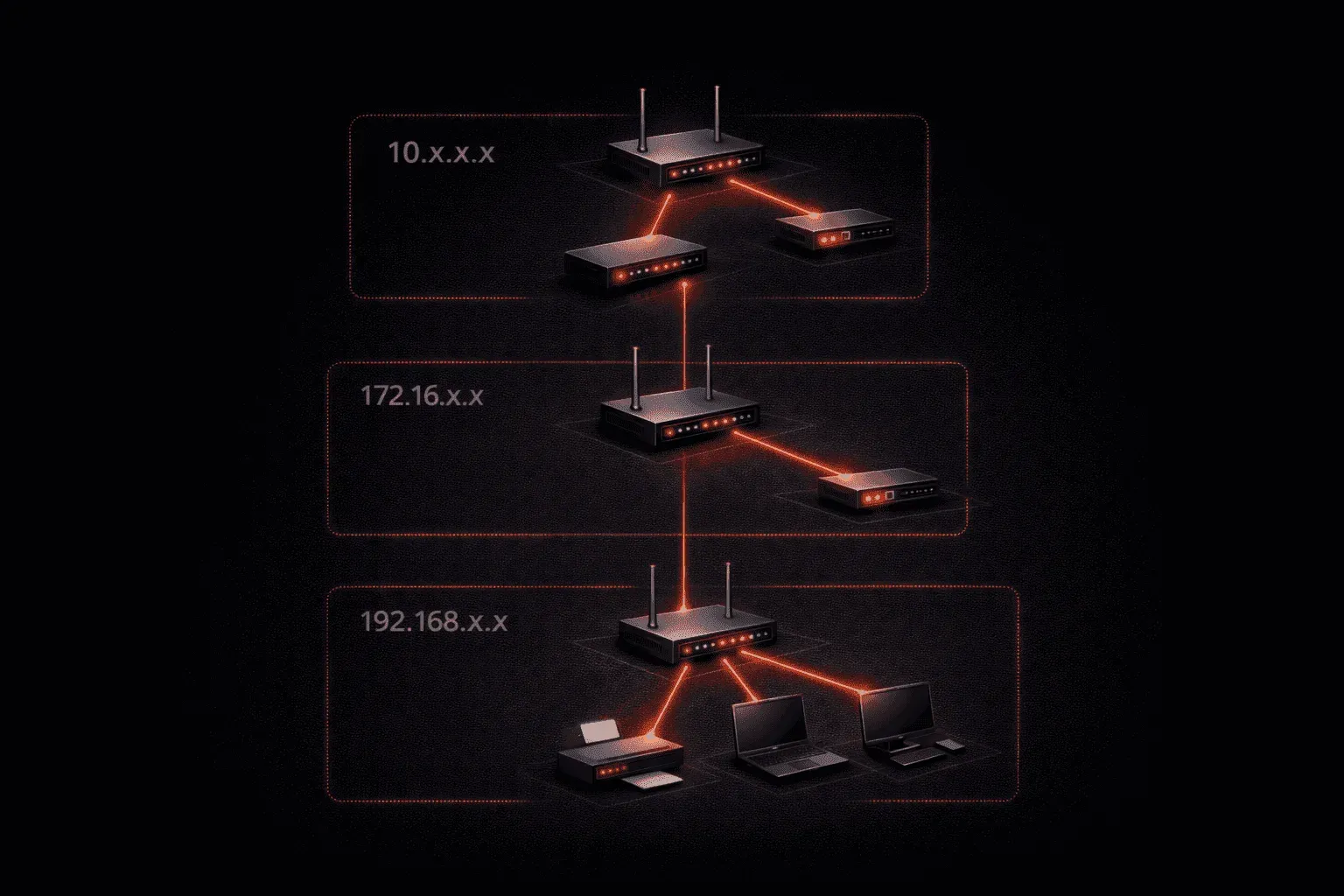
When you're learning about networking, one of the most important concepts to understand is private IPv4 addressing. If you've ever looked at your computer's network settings and seen an IP address starting with 192.168 or 10, you've already encountered private IP addresses in action.
What Makes an IP Address "Private"?
Private IPv4 addresses are IP addresses that can only be used within your local network, they're not routable on the public internet. Think of them like apartment numbers within a building. The apartment number "5B" only makes sense within that specific building, just like a private IP address only makes sense within your specific network.
The Internet Assigned Numbers Authority (IANA) has reserved three specific ranges of IPv4 addresses for private use:
- Class A:
10.0.0.0to10.255.255.255(10.0.0.0/8) - Class B:
172.16.0.0to172.31.255.255(172.16.0.0/12) - Class C:
192.168.0.0to192.168.255.255(192.168.0.0/16)
These ranges are defined in RFC 1918, which is why you'll often hear them called "RFC 1918 addresses."
Private IP vs Public IP: Understanding the Difference
The fundamental difference between private and public IP addresses lies in their reachability:
Public IP addresses are unique across the entire Internet. When you visit a website like Google.com, you're connecting to Google's public IP address. Every device that needs direct internet access must have a unique public IP address.
Private IP addresses can be reused across different networks. Your home router might assign your laptop the address 192.168.1.100, and your neighbor's router can assign the same address to their laptop, there's no conflict because these addresses exist in separate private networks.
Why Do We Need Private IP Addresses?
Private addressing solves a critical problem: IPv4 address exhaustion. With only about 4.3 billion possible IPv4 addresses and billions of devices worldwide, we simply don't have enough public addresses for every device.
By using private addresses internally and sharing public addresses through Network Address Translation (NAT), we can support far more devices than would otherwise be possible. This is fundamental to IPv4 addressing basics; it's how the internet continues to function despite the limited address space.
How NAT and Private IPs Work Together
Here's where NAT and private IPs become crucial. Your home router performs NAT to translate between your private network addresses and its single public IP address. When your laptop with private IP 192.168.1.100 wants to visit a website, the router translates this to its public IP address before sending the traffic to the internet.
You can see this in action with some basic commands. On a Windows machine connected to your home network, try:
ipconfigYou'll likely see a private IP address assigned to your network adapter. Then check your public IP by visiting a website like whatismyip.com, you'll see a completely different address that belongs to your internet service provider.
Common Private Addressing in Practice
Different devices and manufacturers tend to use different private ranges:
- Home routers: Usually use
192.168.1.xor192.168.0.x - Corporate networks: Often use the
10.x.x.xrange for large deployments - Small businesses: Commonly use
172.16.x.xthrough172.31.x.x
Understanding private IPv4 addressing is essential because it affects how you configure networks, troubleshoot connectivity issues, and plan network designs. Every device in your home, office, or school likely uses a private IP address for internal communication while sharing a public IP address for internet access.
What's Next
Now that you understand private addressing, the next logical step is diving deeper into how NAT actually works to translate between private and public addresses. We'll explore the different types of NAT and see exactly how your router manages this translation process behind the scenes.
CCNA study resources
- CCNA Official Cert Guide Library (Wendell Odom) — Both volumes covering the full 200-301 exam blueprint. The definitive CCNA study resource.
- Wendell Odom CCNA Vol 1 — Networking fundamentals, switching, VLANs, STP, and IPv4 routing.
- Wendell Odom CCNA Vol 2 — Advanced routing, WAN, security, automation, and network management.