
What is Switching in Networking?
Switching in networking is the intelligent process of directing data between devices in a local network. Unlike older hubs, switches learn device locations and forward data only to intended recipients, creating efficient and secure communication paths.

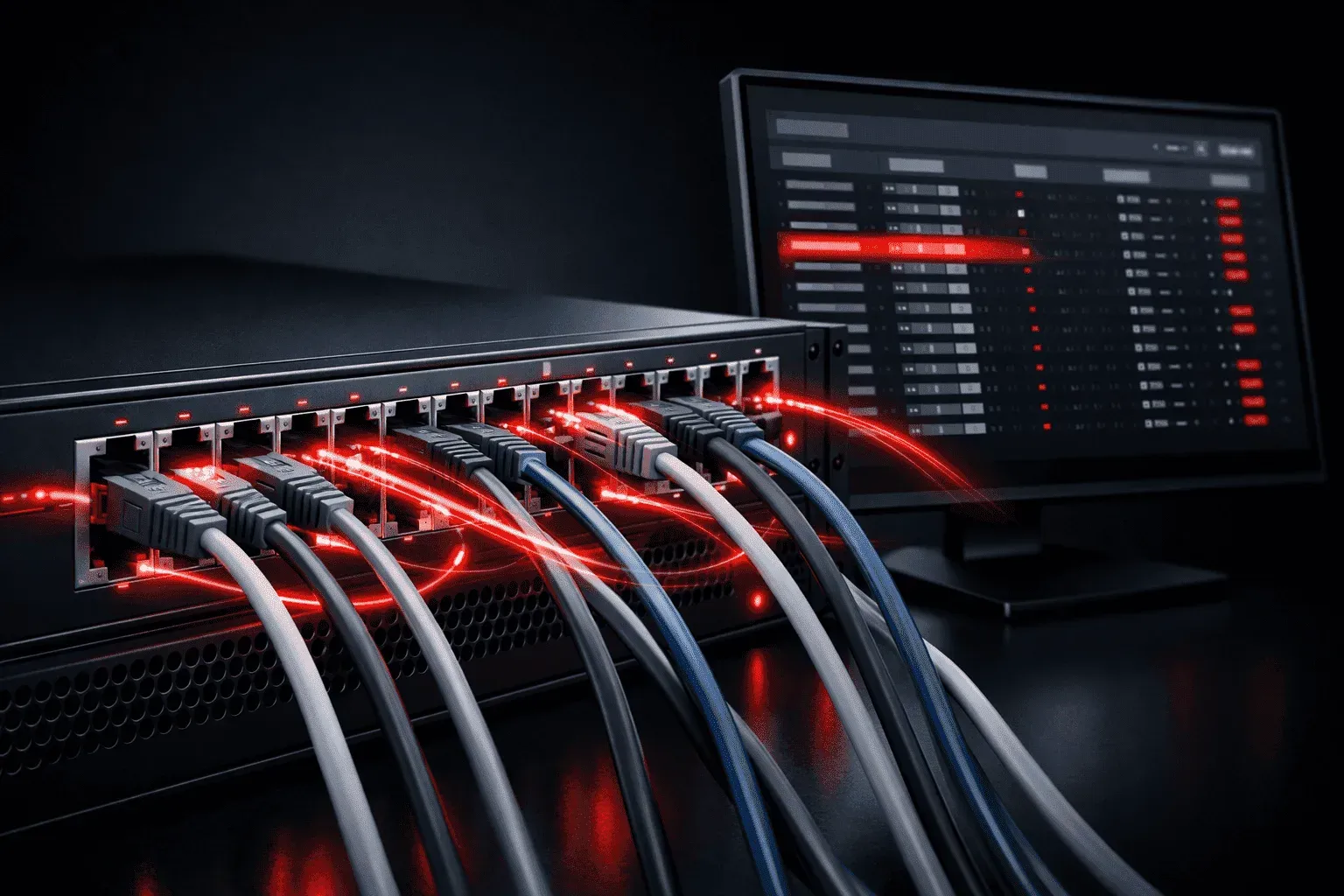
When you send a message, open a website, or stream a video, your data needs to travel through a network to reach its destination. But how does this data know where to go? The answer lies in switching in networking, a fundamental process that directs data traffic efficiently within local networks.
What Is Network Switching?
Switching is the process of receiving data from one device and forwarding it to the correct destination device within the same network segment. Think of it like a postal worker at a sorting facility, they receive mail, examine the address, and send it down the right path to reach its destination.
A network switch is the hardware device that performs this switching function. Unlike older networking devices called hubs that simply repeated data to all connected devices, switches intelligently learn and remember where devices are located, then send data only to the intended recipient.
How Switching Works: The Learning Process
Understanding network switch basics starts with learning how switches build their knowledge of the network. When a switch first powers on, it knows nothing about the devices connected to it. Here's how it learns:
- Learning Phase: When a device sends data, the switch examines the source MAC (Media Access Control) address and records which port that device is connected to
- Building the MAC Address Table: The switch stores this information in its MAC address table, creating a map of which devices are on which ports
- Forwarding Decisions: When data arrives for a specific destination, the switch checks its table and forwards the data out the correct port
Let's see this in action with a practical example. When you configure a Cisco switch, you can view this learning process:
Switch# show mac address-table
          Mac Address Table
-------------------------------------------

Vlan    Mac Address       Type        Ports
----    -----------       --------    -----
   1    0050.56c0.0001    DYNAMIC     Fa0/1
   1    0050.56c0.0002    DYNAMIC     Fa0/2
   1    0050.56c0.0003    DYNAMIC     Fa0/3
This output shows that the switch has learned three MAC addresses and knows exactly which physical ports they're connected to.
The Three Key Switching Functions
Effective data direction in switching relies on three core functions:
1. Learning
Switches continuously learn MAC addresses by examining the source address of incoming frames. This creates a dynamic database that updates automatically as devices connect and disconnect.
2. Forwarding
When the switch knows where a destination device is located, it forwards the frame directly to that port. This creates dedicated bandwidth for each conversation and eliminates unnecessary network traffic.
3. Flooding
If the switch doesn't know where a destination device is located, it floods the frame out all ports except the one it came from. While this seems inefficient, it only happens until the switch learns the device's location.
Why Switching Matters for Network Operations
Modern network operations depend heavily on efficient switching because it provides several critical benefits:
- Collision Domain Separation: Each switch port creates its own collision domain, eliminating data collisions that plagued older hub-based networks
- Dedicated Bandwidth: Each port gets the full bandwidth of the connection, rather than sharing it with all connected devices
- Improved Security: Data is only sent to the intended recipient, reducing the risk of eavesdropping
- Scalability: Networks can grow larger and more complex while maintaining good performance
Switching vs. Other Networking Methods
To fully appreciate switching, it helps to understand what came before. Early networks used hubs, which simply repeated every piece of data to all connected devices. This created security concerns and performance issues as networks grew larger.
Switching revolutionized networking by creating intelligent data direction. Instead of broadcasting everything to everyone, switches create direct paths between communicating devices, dramatically improving both security and performance.
What's Next
Now that you understand the fundamentals of switching in networking, you're ready to explore how switches handle different types of network traffic. In our next post, we'll dive into VLANs (Virtual Local Area Networks) and how modern switches can create multiple logical networks on a single physical infrastructure, giving you even more control over your network's data flow.
CCNA study resources
- CCNA Official Cert Guide Library (Wendell Odom) — Both volumes covering the full 200-301 exam blueprint. The definitive CCNA study resource.
- Wendell Odom CCNA Vol 1 — Networking fundamentals, switching, VLANs, STP, and IPv4 routing.
- Wendell Odom CCNA Vol 2 — Advanced routing, WAN, security, automation, and network management.