
What is WLAN Creation and Why is it Important?
This post explains the basics of WLAN creation on Cisco wireless infrastructure, covering what a WLAN is, why it matters for client connectivity and network segmentation, and the key parameters involved in a proper wireless network setup. It targets CCNA exam objective 2.9 under the Network Access

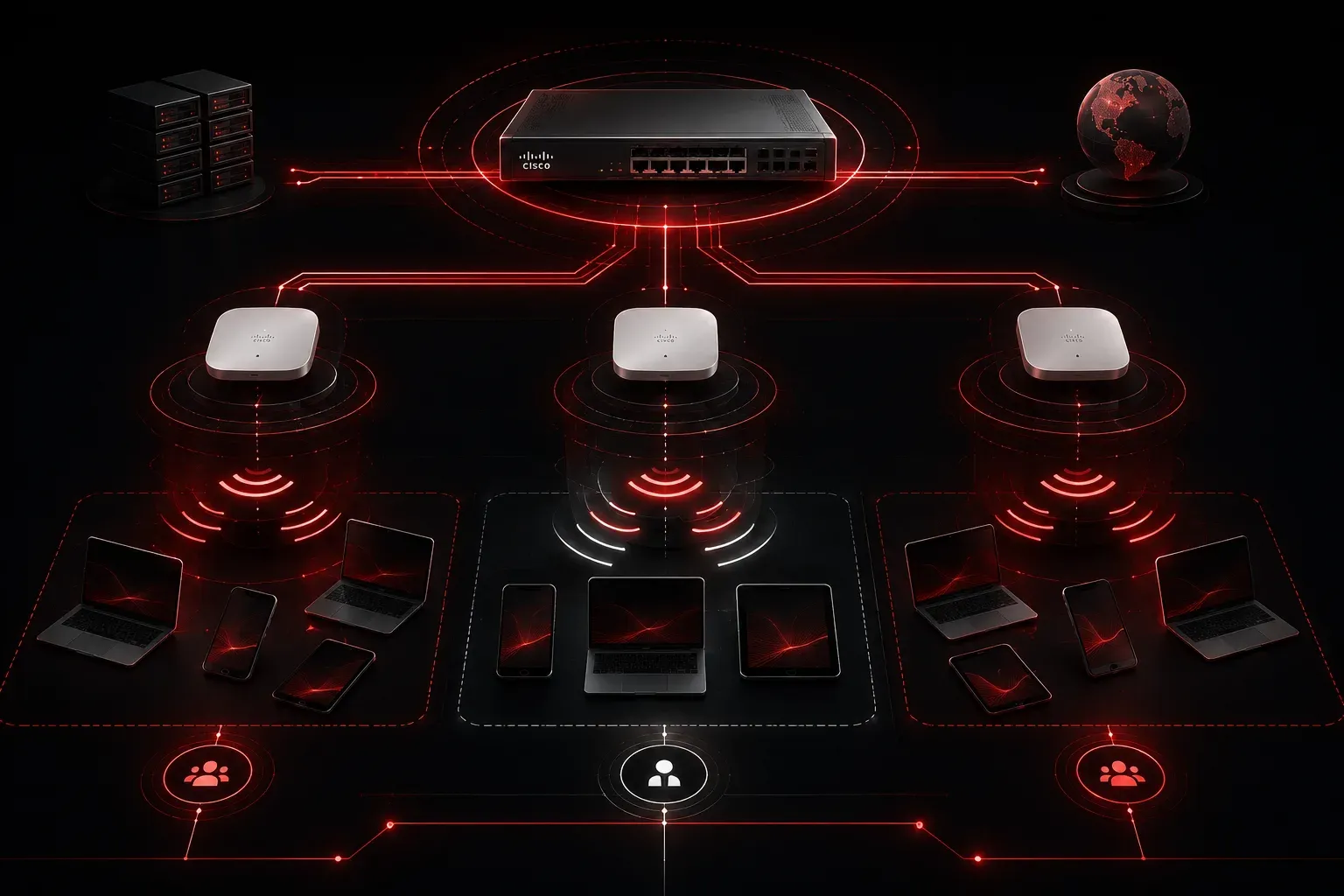
Wireless connectivity is everywhere, and for good reason. Whether you're in an office, a coffee shop, or a campus, devices connect to the network without a single cable. Behind that seamless experience is a configured Wireless LAN, or WLAN. Understanding WLAN creation basics is a foundational skill for any network engineer, and it is a topic covered in the CCNA exam under the wireless networking domain.
What Exactly is a WLAN?
A WLAN (Wireless Local Area Network) is a logical network that enables wireless clients to communicate with one another and access wired network resources. Think of it as a named wireless segment that devices can discover, authenticate to, and join. The WLAN is broadcast to nearby devices through a Service Set Identifier (SSID), the human-readable name you see when scanning for Wi-Fi networks on your phone or laptop.
On Cisco infrastructure, WLANs are created and managed on a Wireless LAN Controller (WLC). The WLC handles authentication, radio-frequency policy, and mapping wireless traffic to the correct wired VLAN (Virtual Local Area Network), a logical subdivision of a wired network used to separate traffic, all from a centralized point. Access Points (APs) in the network then broadcast the configured WLANs over the air.
Why WLAN Creation Matters
Creating a WLAN is more than just naming a Wi-Fi network. It defines how wireless clients connect, what security method protects them, and which part of the wired network they land on once associated. Get this configuration wrong and you end up with clients that can't connect, devices landing on the wrong VLAN, or an open network with no security whatsoever.
Here are the key reasons WLAN creation is important:
- Client Connectivity: Without a defined WLAN, wireless clients have nothing to connect to. The SSID is the entry point.
- Network Segmentation: Each WLAN maps to a VLAN, keeping different types of traffic (corporate, guest, IoT) logically separate.
- Security Enforcement: WLANs define the authentication method, whether that's WPA2-Personal, WPA2-Enterprise, or an open guest portal. WPA2-Personal uses a single pre-shared key (PSK) shared among all users — straightforward to deploy but less granular. WPA2-Enterprise integrates with a RADIUS server to authenticate each user individually, making it better suited for corporate environments where per-user accountability matters.
- Policy Application: QoS, bandwidth limits, and access policies are applied at the WLAN level, giving you granular control over the wireless experience.
Core Components of a WLAN Configuration
When you create a WLAN on a Cisco WLC, several key parameters need to be configured. Here are the essentials you'll encounter in the lab and on the exam:
- SSID: The name that wireless clients see when scanning for networks.
- WLAN ID: An internal identifier on the WLC, typically a number from 1 to 512.
- Interface/VLAN Mapping: The WLAN is tied to a WLC interface, which maps wireless traffic to a specific VLAN on the wired side.
- Security Policy: Defines how clients authenticate. WPA2 with PSK (pre-shared key) is common for small deployments; 802.1X is used in enterprise environments.
- Admin Status: The WLAN must be enabled for APs to broadcast it.
A Quick Look at the WLC Interface
On a Cisco WLC using the GUI, navigating to WLANs > Create New starts the process. You give the WLAN a profile name and an SSID, assign it an ID, and then configure the security and interface mapping on the subsequent tabs.
For those working with the CLI on a WLC, a basic WLAN creation sequence looks like this:
wlan CORP-WIFI 1 CORP-WIFI
 security wpa psk set-key ascii 0 MySecurePass123
 no shutdown
This creates a WLAN named CORP-WIFI with ID 1, assigns WPA with a pre-shared key, and enables it. In a real deployment, you would also map this to the correct interface and tune additional settings like radio policy and QoS.
WLAN Importance in the Bigger Picture
When wireless clients connect to a network, they aren't just grabbing an IP address. They are associating with a specific WLAN that governs their entire network experience. A well-planned wireless network setup uses multiple WLANs to separate traffic types, enforce security boundaries, and give administrators precise control. A single misconfigured WLAN can expose sensitive data or block legitimate users entirely, which is why this topic deserves careful attention.
What's Next
Now that you understand what a WLAN is and why creating one correctly matters, the next step is diving into how WLANs are actually configured on a Cisco WLC, step by step. We'll walk through the full WLAN setup process including interface mapping, security settings, and enabling the WLAN for client use. That walkthrough will bring this concept to life in a practical, hands-on way.
Tools and resources for this topic
- CCNA Official Cert Guide (Wendell Odom) — The definitive CCNA study resource. Both volumes cover the 200-301 exam blueprint in full.
- Wendell Odom CCNA Vol 1 — Covers networking fundamentals, switching, and routing basics.
- Wendell Odom CCNA Vol 2 — Covers advanced routing, WAN, infrastructure services, and security.