
Advanced Troubleshooting of Route Maps for Routing Protocols
A comprehensive guide to troubleshooting route map issues across BGP, OSPF, and EIGRP, covering common failure patterns, protocol-specific diagnostic techniques, and systematic troubleshooting methodologies for optimal network performance.

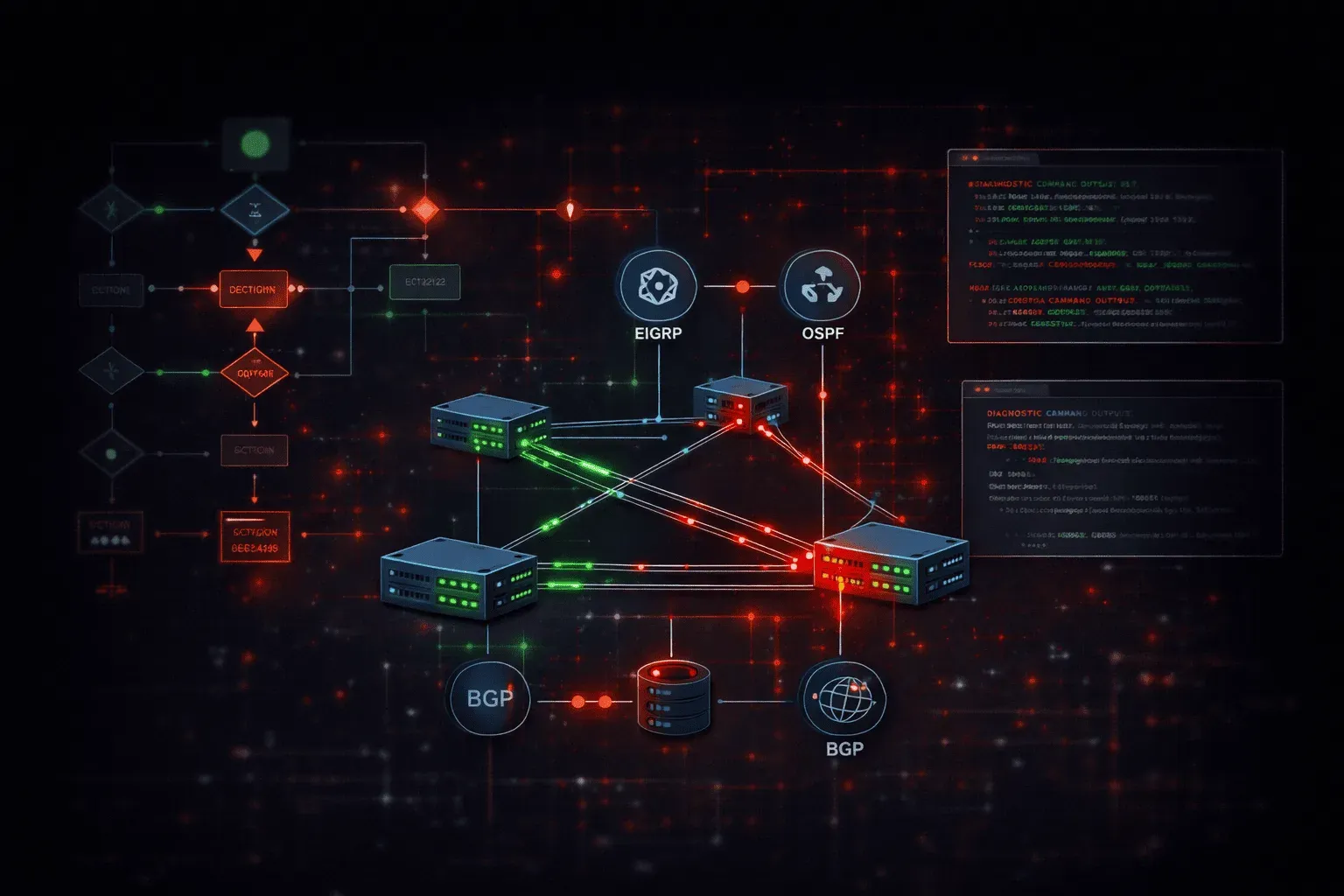
Route maps serve as the Swiss Army knife of routing policy control, but their complexity can introduce subtle issues that manifest as performance degradation, suboptimal path selection, or complete routing failures. When troubleshooting route map problems across different routing protocols, a systematic approach combined with protocol-specific verification commands becomes essential for rapid resolution.
Common Route Map Failure Patterns
Route map troubleshooting begins with understanding the most frequent failure modes. The implicit deny at the end of every route map catches many engineers off-guard, particularly when migrating from prefix-lists or access-lists. A route map without an explicit permit statement will deny all routes, creating what appears to be a complete routing protocol failure.
Sequence number gaps represent another common pitfall. When inserting new statements between existing sequences, remember that IOS processes route maps sequentially. If you need to insert between sequences 10 and 20, you must specify an intermediate sequence number explicitly:
route-map POLICY permit 15
 match ip address prefix-list NEW_NETWORKS
 set metric 200
Match condition logic errors frequently cause route map issues. Multiple match statements within a single sequence create an OR relationship, while multiple conditions within a single match statement create an AND relationship. This distinction becomes critical when troubleshooting complex policies that aren't behaving as expected.
Protocol-Specific Troubleshooting Techniques
BGP Route Map Diagnostics
For BGP route map troubleshooting, start with show ip bgp neighbors [neighbor-ip] advertised-routes and show ip bgp neighbors [neighbor-ip] received-routes. These commands reveal whether your route maps are affecting advertisement or reception as intended.
The debug ip bgp updates command provides real-time insight into route map processing, but use it cautiously in production. For safer troubleshooting, enable conditional debugging:
debug condition interface fastethernet0/0
debug ip bgp updates
BGP route map issues often stem from incorrect set actions. When setting BGP attributes like local preference or MED, verify the changes took effect:
show ip bgp [network] [mask]Look for the modified attributes in the detailed output. If attributes aren't changing, verify your route map is applied in the correct direction and neighbor relationship.
OSPF Route Map Verification
OSPF route map troubleshooting focuses on redistribution scenarios. Use show ip ospf database external to examine Type-5 LSAs generated by your redistribution route maps. Missing external routes often indicate route map deny statements or incorrect match conditions.
For area-specific issues, particularly with NSSA areas, check show ip ospf database nssa-external. Route maps applied to NSSA redistribution can create Type-7 LSA filtering that's not immediately obvious.
The show ip route ospf command combined with show ip ospf border-routers helps identify when route maps are affecting OSPF's path selection through metric manipulation.
EIGRP Route Map Analysis
EIGRP route map troubleshooting requires understanding composite metric manipulation. When route maps modify EIGRP metrics, use show ip eigrp topology [network] [mask] to examine the calculated composite metric values.
EIGRP's feasibility condition can interact unexpectedly with route map metric modifications. If routes are missing from the topology table, verify that your route map isn't creating infeasible paths:
show ip eigrp topology all-linksThis command reveals all paths, including infeasible ones, helping identify route map-induced feasibility issues.
Advanced Diagnostic Commands
The show route-map command provides essential statistics showing how many times each sequence has matched. Zero matches on a sequence you expect to be active indicates a configuration problem:
route-map REDISTRIBUTION_POLICY, permit, sequence 10
  Match clauses:
    ip address (access-lists): ALLOWED_NETWORKS
  Set clauses:
    metric 1000
  Policy routing matches: 847 packets, 94532 bytes
For real-time troubleshooting, enable route map debugging with granular control:
debug route-mapThis command shows route map processing decisions in real-time, but limit its scope using conditional debugging to avoid overwhelming the console.
Performance Impact Analysis
Route map issues often manifest as network performance problems rather than complete failures. When troubleshooting performance degradation, examine whether route maps are causing suboptimal path selection.
Use traceroute from multiple points in your network to identify asymmetric routing patterns that might result from route map policies. Compare the forward and reverse paths – they should generally be symmetric unless your design specifically requires otherwise.
CPU utilization spikes can indicate route map processing overhead, particularly with complex match conditions or frequent route updates. Monitor route processor CPU during periods of high routing churn:
show processes cpu historySystematic Troubleshooting Methodology
When facing route map issues, follow this systematic approach:
- Verify route map syntax and logic using
show route-map - Check match statistics to identify unused sequences
- Test match conditions independently using
show access-listorshow ip prefix-list - Verify set actions took effect using protocol-specific show commands
- Compare expected versus actual routing behavior using
show ip routeandtraceroute
Document your findings as you progress through each step. Route map troubleshooting often reveals cascading issues where one problem masks another.
What's Next
With route map troubleshooting mastered, the next critical skill involves optimizing BGP path selection and understanding how route maps interact with BGP's decision-making process. We'll explore advanced BGP path manipulation techniques that build upon these troubleshooting foundations.