
Mastering EtherChannel Troubleshooting Techniques
Comprehensive guide to troubleshooting EtherChannel failures, covering static and LACP configurations, systematic diagnostic methodology, and resolution techniques for common link aggregation problems in enterprise networks.

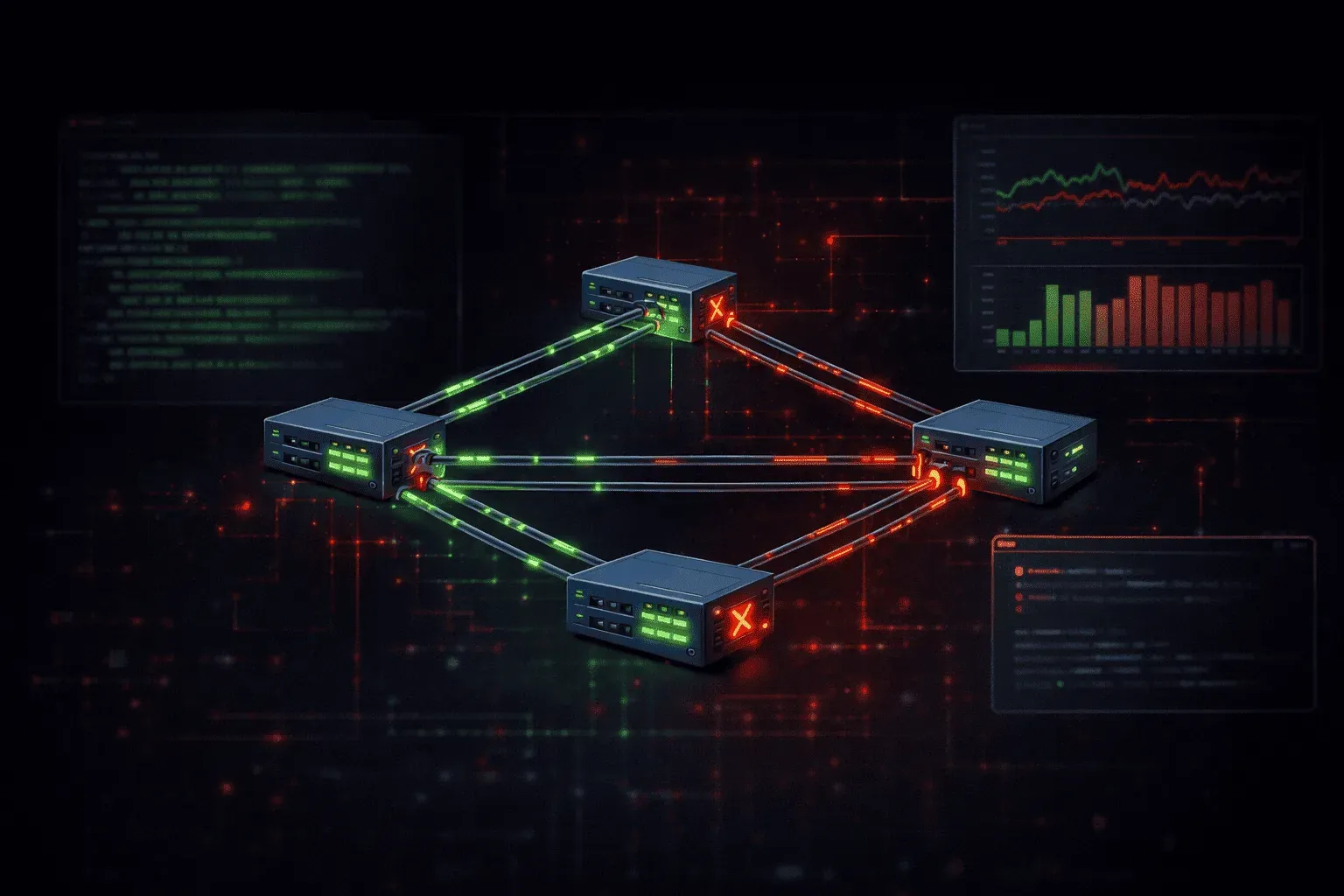
EtherChannel failures in production networks create immediate service disruption and demand systematic troubleshooting methodology. Understanding the specific failure patterns, verification commands, and resolution techniques separates competent engineers from those who panic when link aggregation fails.
Common EtherChannel Failure Scenarios
Most EtherChannel issues fall into predictable categories that require specific diagnostic approaches. Configuration mismatches represent the majority of problems, followed by hardware compatibility issues and protocol negotiation failures.
Static EtherChannel Configuration Errors
Static EtherChannels fail when interface parameters don't match exactly across member links. Speed, duplex, VLAN configuration, and spanning-tree settings must be identical on all participating interfaces.
SW1(config)# interface range gi0/1-2
SW1(config-if-range)# channel-group 1 mode on
SW1(config-if-range)# switchport mode trunk

SW2(config)# interface range gi0/1-2
SW2(config-if-range)# channel-group 1 mode on
SW2(config-if-range)# switchport mode access
SW2(config-if-range)# switchport access vlan 10
This configuration creates an immediate failure because SW1 configures trunk mode while SW2 uses access mode. The EtherChannel will show as down despite individual physical links being operational.
LACP Negotiation Problems
LACP issues manifest through protocol negotiation failures, system priority conflicts, or administrative key mismatches. These problems require examining both local and remote LACP parameters.
SW1# show lacp neighbor
SW1# show lacp sys-id
SW1# show lacp internal
When LACP neighbors fail to establish, verify system IDs, administrative keys, and port priorities match expected values. Mismatched LACP timers can also prevent successful negotiation.
Systematic Troubleshooting Methodology
Initial Status Verification
Begin troubleshooting with comprehensive status commands that reveal the current EtherChannel state and member link status.
SW1# show etherchannel summary
Flags:  D - down        P - bundled in port-channel
        I - stand-alone s - suspended
        H - Hot-standby (LACP only)
        R - Layer3      S - Layer2
        U - in use      f - failed to allocate aggregator

Number of channel-groups in use: 2
Number of aggregators:           2

Group  Port-channel  Protocol    Ports
------+-------------+-----------+-----------------------------------------------
1      Po1(SU)         LACP      Gi0/1(P)    Gi0/2(s)
2      Po2(SD)         PAgP      Gi0/3(D)    Gi0/4(D)
This output immediately reveals that Port-channel 1 has one suspended member (Gi0/2) and Port-channel 2 is completely down. The flags provide critical diagnostic information about the failure state.
Detailed Interface Analysis
Examine individual member interfaces to identify specific configuration inconsistencies or hardware problems.
SW1# show interface gi0/2 switchport
SW1# show interface gi0/2 trunk
SW1# show spanning-tree interface gi0/2
SW1# show interface gi0/2 status
Compare these outputs across all EtherChannel members. Configuration mismatches in VLAN assignments, trunk encapsulation, or spanning-tree parameters cause member suspension.
Protocol-Specific Diagnostics
For LACP-enabled EtherChannels, examine protocol negotiation details:
SW1# show lacp 1 neighbor detail
SW1# show lacp 1 internal
SW1# show lacp 1 counters
Look for system ID conflicts, administrative key mismatches, or timer inconsistencies. LACP counters reveal packet exchange problems that indicate physical layer issues or intermediate device interference.
Resolving Configuration Errors
Correcting Parameter Mismatches
Most EtherChannel problems resolve through careful parameter alignment across member interfaces. Document the desired configuration before making changes to avoid introducing additional issues.
SW1(config)# interface range gi0/1-2
SW1(config-if-range)# no switchport trunk allowed vlan
SW1(config-if-range)# switchport trunk allowed vlan 10,20,30
SW1(config-if-range)# switchport trunk native vlan 99
SW1(config-if-range)# spanning-tree portfast trunk
Apply identical configurations to corresponding interfaces on the remote switch. Verify each parameter matches exactly before expecting the EtherChannel to form properly.
LACP System Priority Adjustment
When LACP system priorities conflict, modify the priority to establish a clear hierarchy:
SW1(config)# lacp system-priority 1000
SW2(config)# lacp system-priority 2000
Lower numerical values indicate higher priority. Ensure system priorities differ sufficiently to avoid future conflicts during network changes.
Advanced Troubleshooting Techniques
Load Distribution Analysis
Even functional EtherChannels can exhibit load distribution problems that impact performance. Analyze traffic patterns and hashing algorithms:
SW1# show etherchannel 1 load-balance
SW1# show etherchannel 1 port-channel
SW1# test etherchannel load-balance interface port-channel 1 mac 0000.1111.2222 0000.3333.4444
Modify load balancing methods if traffic distribution appears suboptimal for your specific traffic patterns.
Debugging Protocol Exchanges
Enable debugging for real-time protocol analysis when static verification commands don't reveal the problem:
SW1# debug lacp all
SW1# debug etherchannel events
Monitor the output while manipulating EtherChannel configuration or member interfaces. Debug output reveals timing issues, packet corruption, or unexpected protocol behavior.
Hardware Compatibility Issues
Mixed interface types or cable problems cause subtle EtherChannel failures. Verify physical layer consistency:
SW1# show interface gi0/1 transceiver
SW1# show cable-diagnostics tdr interface gi0/1
Replace suspected cables or transceivers systematically. Document working configurations for future reference when hardware replacement resolves mysterious problems.
Prevention and Best Practices
Implement configuration templates that ensure consistency across EtherChannel deployments. Use configuration management tools to verify parameter alignment during maintenance windows. Establish monitoring that alerts on EtherChannel member failures before they impact network performance.
Regular verification of EtherChannel health prevents small issues from becoming major outages. Schedule periodic checks of load distribution, protocol negotiation status, and member interface health as part of routine network maintenance.
What's Next
With solid EtherChannel troubleshooting skills established, the next critical layer 2 technology to master is Spanning Tree Protocol optimization and troubleshooting, where understanding convergence behavior and topology changes becomes essential for maintaining network stability.