
Comparing Antivirus and Antimalware Software
Explores the key differences between antivirus and antimalware software, explaining how antivirus focuses specifically on viruses while antimalware provides broader protection against all malicious software threats. Covers detection methods, threat coverage, and guidance for choosing appropriate co

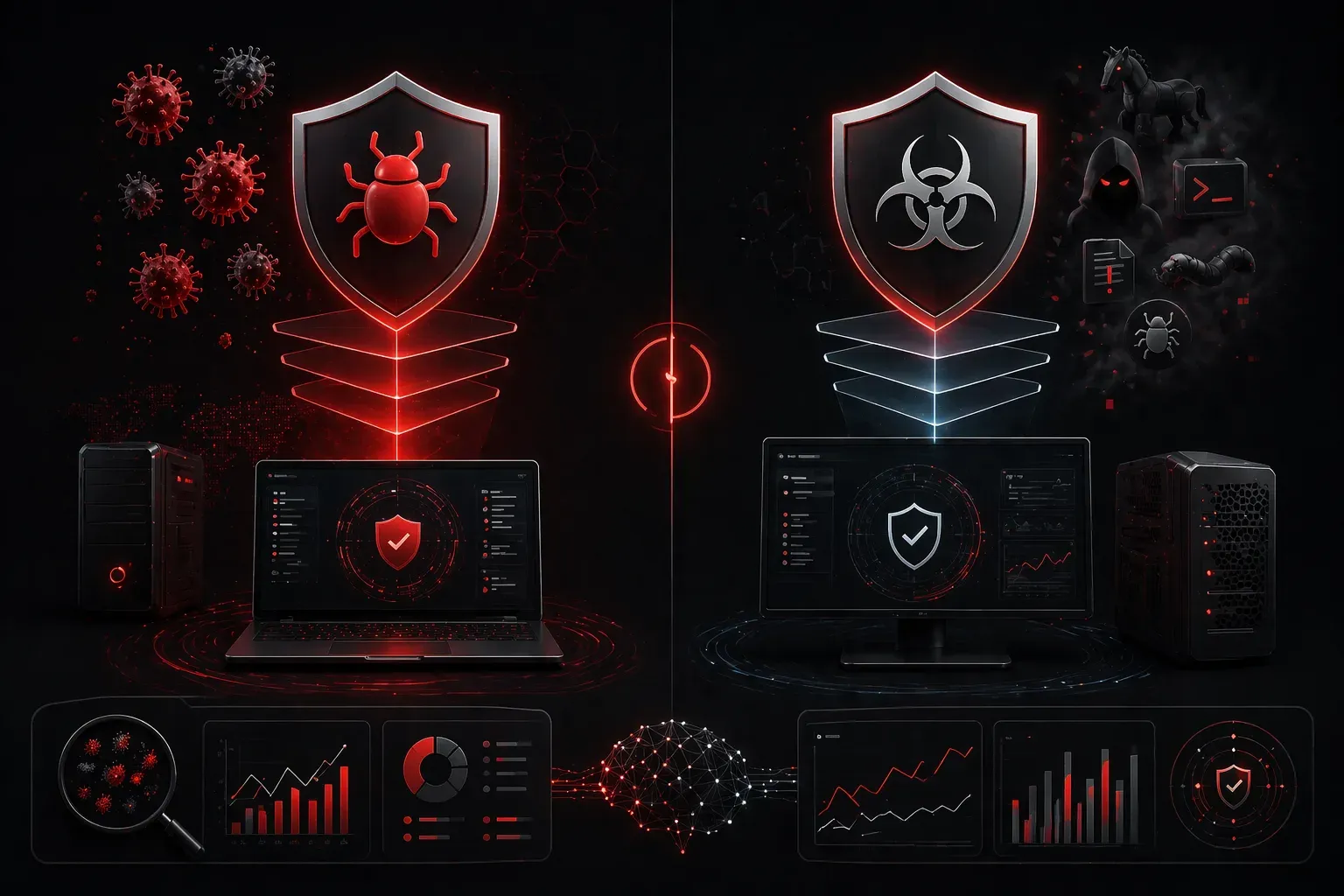
When you're setting up computer protection, you'll often encounter two terms that sound similar but serve slightly different purposes: antivirus and antimalware software. Understanding the distinction between these security tools will help you make informed decisions about protecting your systems, especially as you prepare for Security+ certification.
What is Antivirus Software?
Antivirus software is the traditional guardian of computer systems, originally designed to detect, prevent, and remove viruses. A virus is a type of malicious code that replicates itself by attaching to other programs or files. However, modern antivirus solutions have significantly evolved beyond their original virus-focused scope to include broader malware protection capabilities.
Modern antivirus programs work by:
- Scanning files against databases of known malware signatures (not just viruses)
- Monitoring system behavior for suspicious activities across all malware types
- Quarantining or removing detected threats
- Providing real-time protection during file operations
- Using heuristic analysis to detect unknown threats
Popular antivirus solutions include Windows Defender, Norton Antivirus, and McAfee VirusScan. Today's antivirus products typically offer comprehensive protection against various malware types, making them functionally similar to dedicated antimalware solutions.
What is Antimalware Software?
Antimalware software takes a comprehensive approach to computer protection. While "malware" is an umbrella term that includes viruses, antimalware solutions are specifically designed to combat the entire spectrum of malicious software threats. This includes viruses, worms, trojans, ransomware, spyware, adware, rootkits, and other emerging threats.
Antimalware programs typically offer:
- Comprehensive threat detection across all malware categories
- Advanced heuristic analysis to identify unknown threats
- Behavioral monitoring for zero-day attacks
- Real-time web protection and email scanning
- Scheduled and on-demand system scans
Examples of robust antimalware solutions include Malwarebytes, Bitdefender Total Security, and Kaspersky Internet Security.
Key Differences in the Software Comparison
The distinction between antivirus and antimalware software has become increasingly blurred as both categories have evolved. Here's how they traditionally compared and how they've converged:
Threat Coverage
Traditional Antivirus: Originally focused primarily on viruses
Modern Antivirus: Now covers viruses, trojans, worms, ransomware, spyware, and other malware types
Antimalware: Covers the full spectrum of malicious software from inception
Detection Methods
Traditional Antivirus: Relied heavily on signature-based detection
Modern Antivirus/Antimalware: Both now use multiple detection methods including signatures, heuristics, machine learning, and behavioral analysis
Resource Usage
Modern solutions: Resource usage varies more by vendor and implementation than by whether the product is labeled "antivirus" or "antimalware"
The Convergence of Antivirus and Antimalware
Modern security tools have largely eliminated the traditional distinctions between antivirus and antimalware software. Examples of this convergence include:
- Windows Defender: While called "antivirus," it provides comprehensive malware protection including anti-ransomware features
- Norton Antivirus: Despite its name, includes protection against all malware types plus additional security features
- McAfee products: Branded antivirus solutions that function as full antimalware suites
- Kaspersky Antivirus: Offers the same core malware detection as their "Internet Security" suite
Do You Need Both?
In most cases, you don't need separate antivirus and antimalware solutions. Most contemporary security products, regardless of their marketing label, provide comprehensive protection against all malware types. The key is choosing a quality solution that offers:
- Real-time protection against all malware categories
- Regular signature and behavioral pattern updates
- Multiple detection methods (signatures, heuristics, behavioral analysis)
- Good performance with acceptable resource usage
However, security professionals sometimes recommend a layered approach:
- Use a comprehensive security solution as your primary defense
- Consider specialized tools like Malwarebytes for periodic supplemental scans
- Ensure your chosen solution includes real-time protection
- Keep all security tools updated with the latest threat definitions
Choosing the Right Computer Protection
When selecting security tools for your environment, focus on capabilities rather than labels:
- Threat coverage: Ensure protection against all current malware types
- System performance: Balance protection level with acceptable resource usage
- Feature requirements: Determine if you need web protection, email scanning, or firewall capabilities
- Management complexity: Consider how the solution fits into your overall security architecture
- Detection methods: Look for solutions using multiple detection approaches
For most users and organizations, a quality security solution that provides comprehensive malware protection offers the best defense, regardless of whether it's marketed as "antivirus" or "antimalware."
What's Next
Now that you understand the antivirus vs antimalware comparison and their modern convergence, the next step is learning about endpoint detection and response (EDR) solutions, which represent the evolution of endpoint protection beyond traditional signature-based approaches.
Tools and resources for this topic
- CompTIA Security+ Study Guide — Full SY0-701 exam coverage including threats, vulnerabilities, and mitigation.