
ChatGPT vs Gemini: Choosing the Right AI for IT Tasks
A comprehensive comparison of ChatGPT vs Gemini for IT professionals, analyzing their strengths in code generation, network configuration, Linux administration, and integration capabilities. Helps IT professionals choose the right AI tool for their specific technical needs.

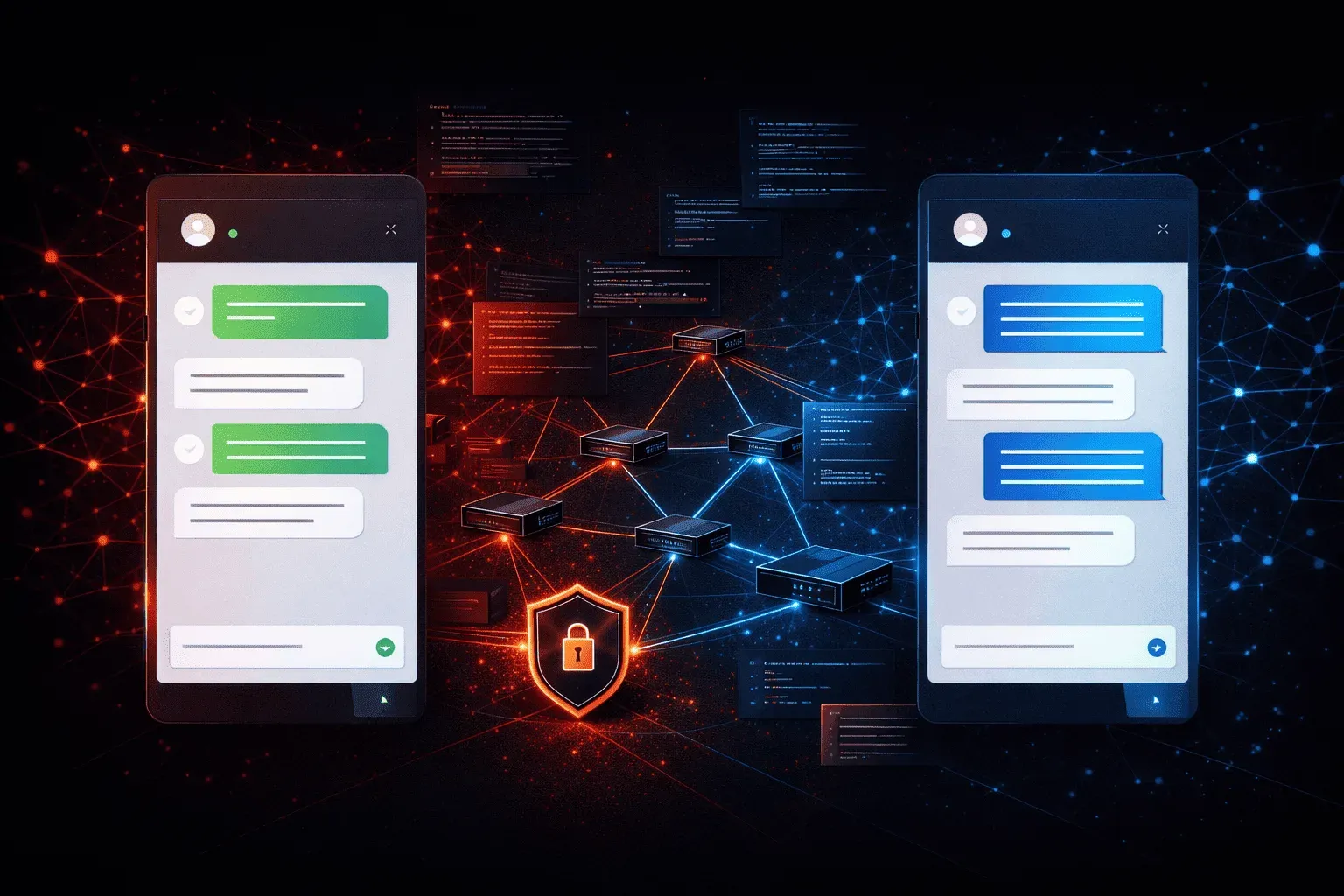
When it comes to AI assistants for IT work, ChatGPT and Gemini are strong contenders. But which one should you rely on for your daily technical tasks? After extensive testing with both platforms, here's what IT professionals need to know about this crucial AI comparison.
Understanding the Core Differences
ChatGPT, powered by OpenAI's GPT models, excels at conversational interactions and creative problem-solving. Gemini (formerly Bard), Google's AI offering, integrates seamlessly with Google Workspace and provides real-time web access. These fundamental differences shape how each tool handles IT tasks.
Code Generation and Debugging
For Python automation scripts, both AI tools perform admirably, but with distinct approaches. ChatGPT tends to provide more detailed explanations alongside code examples:
# ChatGPT often includes comprehensive comments
import paramiko

def ssh_backup_config(hostname, username, password):
    """
    Connect to network device and backup configuration
    """
    try:
        ssh = paramiko.SSHClient()
        ssh.set_missing_host_key_policy(paramiko.AutoAddHostKeyPolicy())
        # Connection logic here...
    except Exception as e:
        print(f"Connection failed: {e}")
Gemini, however, frequently suggests more concise solutions and can reference current documentation through its web access capabilities. When debugging network automation scripts, Gemini's ability to check the latest API documentation gives it an edge over ChatGPT's knowledge cutoff limitations.
Network Configuration Tasks
Both platforms handle Cisco CLI configurations well, but their strengths differ significantly. ChatGPT excels at explaining complex networking concepts and walking through configuration logic step-by-step. When asked to configure OSPF, it provides context about why each command matters.
Gemini shines when you need current vendor documentation or recent security advisories. Its real-time web access means it can reference the latest Cisco documentation while generating configurations, something ChatGPT cannot do without explicit information.
Linux Administration Support
For Linux tasks, ChatGPT demonstrates superior explanation depth. When troubleshooting systemd services, it provides comprehensive diagnostic approaches:
sudo systemctl status nginx
journalctl -u nginx --since "1 hour ago"
sudo nginx -t
Gemini counters with more current information about package versions and security updates. If you're managing Ubuntu servers, Gemini can reference current package repositories and known issues that ChatGPT might miss due to its training data limitations.
Documentation and Learning
ChatGPT excels at breaking down complex topics into digestible explanations. When learning new technologies like Kubernetes or Ansible, its teaching approach feels more structured and beginner-friendly. The conversational flow makes it easier to ask follow-up questions and dive deeper into concepts.
Gemini's strength lies in providing current, accurate references. It can pull recent blog posts, official documentation, and community discussions to supplement its responses. This proves invaluable when working with rapidly evolving technologies.
Integration and Workflow Considerations
Your existing tools significantly impact which AI assistant works better for your IT tasks. Gemini integrates naturally with Google Workspace, making it ideal if you document procedures in Google Docs or collaborate through Gmail. You can seamlessly transfer AI-generated configurations or scripts into your existing Google-based workflow.
ChatGPT, particularly with GPT-4, offers more sophisticated reasoning for complex IT scenarios. When troubleshooting multi-layered network issues or designing automation workflows, its analytical capabilities often produce more thorough solutions.
Making Your Choice
Choose ChatGPT if you prioritize detailed explanations, learning support, and complex problem-solving. It's particularly valuable for junior IT professionals who need comprehensive guidance and senior professionals tackling intricate technical challenges.
Select Gemini when you need current information, Google Workspace integration, or quick access to the latest documentation. It's ideal for fast-paced environments where staying current with vendor updates and security advisories is crucial.
Many IT professionals find success using both AI tools strategically - ChatGPT for learning and complex analysis, Gemini for current information and quick references.
What's Next
Now that you understand the core differences between these AI tools, the next step is learning how to craft effective prompts for IT tasks. Our upcoming post will cover prompt engineering techniques specifically designed for network troubleshooting, automation scripting, and system administration tasks. Coming up is also a comparison with Claude.ai