
When to Use TCP vs UDP: Practical Applications
This post explains when to use TCP versus UDP protocols, covering practical applications and decision-making criteria. It helps beginners understand protocol selection for different networking scenarios including web browsing, gaming, streaming, and file transfers.

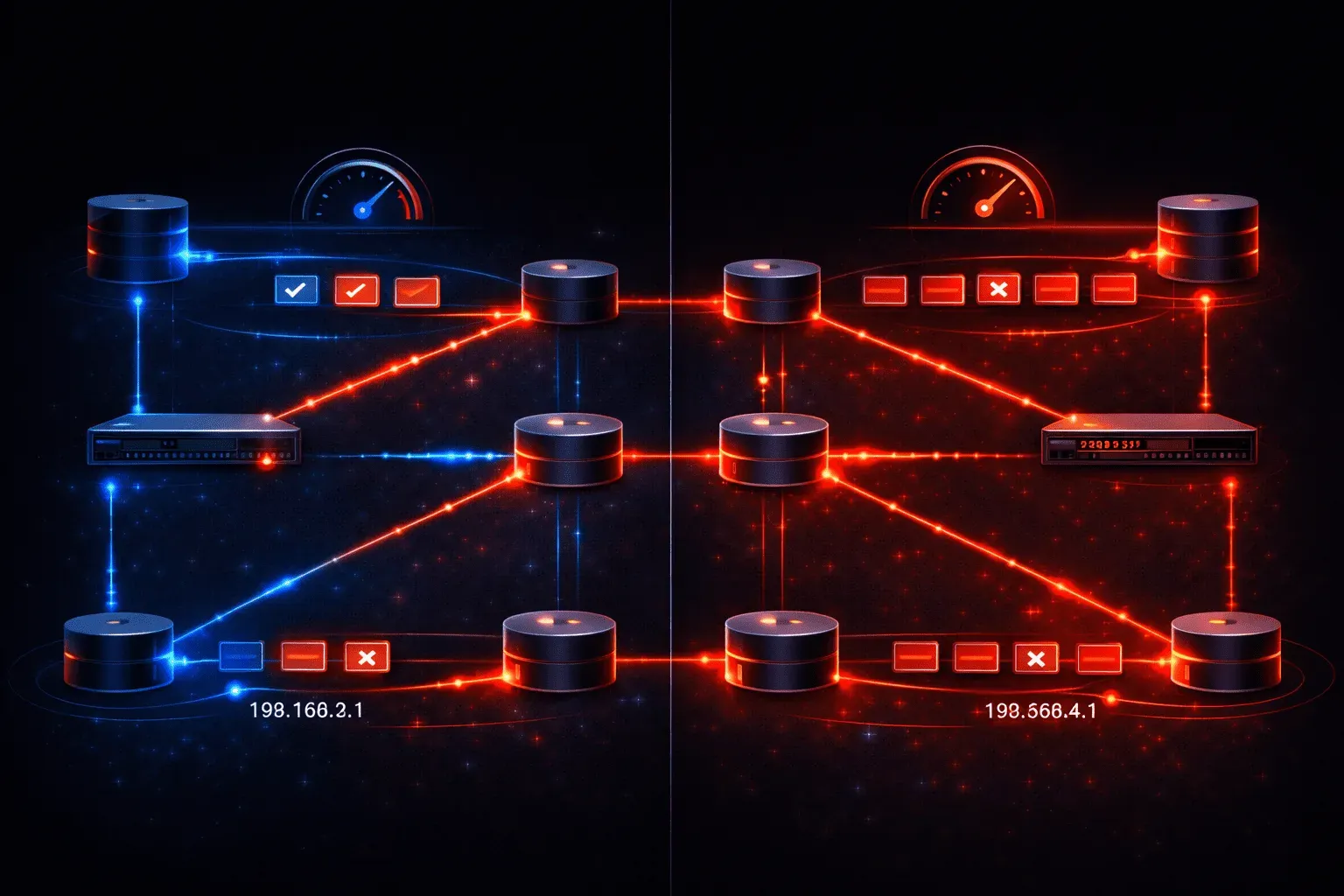
Understanding when to use TCP versus UDP is crucial for network engineers and developers. These two transport-layer protocols serve different purposes, and choosing the right one can make or break your application's performance. Let's explore the practical applications and decision-making process for each protocol.
TCP: The Reliable Choice
TCP (Transmission Control Protocol) is your go-to protocol when data integrity matters more than speed. Think of TCP as a registered mail service, it guarantees delivery and maintains order, but takes longer to complete the process.
When to Use TCP
Choose TCP for applications where every bit of data must arrive intact and in the correct sequence:
- Web browsing (HTTP/HTTPS): Web pages must load completely and accurately
- Email (SMTP, POP3, IMAP): Messages cannot afford to lose content
- File transfers (FTP, SFTP): Files must arrive without corruption
- Database connections: Data integrity is paramount
- Remote access (SSH, Telnet): Every keystroke must be captured
Here's what happens when you initiate a TCP connection:
Router# show tcp brief
TCB     Local Address        Foreign Address      (state)
12F4E8C0 192.168.1.100:22    10.0.0.5:54321      ESTAB
This output shows an established SSH session using TCP port 22, demonstrating TCP's connection-oriented nature.
UDP: The Speed Champion
UDP (User Datagram Protocol) prioritizes speed over reliability. It's like sending a postcard – fast delivery, but no guarantee it will arrive or arrive in order. This makes UDP perfect for time-sensitive applications.
When to Use UDP
Select UDP for scenarios where speed matters more than perfect delivery:
- Live video streaming: A few lost frames won't ruin the experience
- Online gaming: Real-time action requires minimal latency
- DNS lookups: Quick queries that can be easily retried
- SNMP monitoring: Network status updates can tolerate occasional loss
- VoIP calls: Voice quality degrades more from delay than dropped packets
You can observe UDP traffic with network monitoring tools:
Router# show ip sockets
Proto    Remote      Port      Local       Port  In Out Stat TTY OutputIF
 17   192.168.1.1     53    192.168.1.100  1024   0  0   11   0
This shows a UDP DNS query (protocol 17) to port 53.
Making the Right Choice
When designing or troubleshooting network applications, ask yourself these questions:
Reliability Requirements
Does your application need guaranteed delivery? Financial transactions, email, and file downloads require TCP's reliability mechanisms. Real-time applications like gaming or streaming can function with occasional data loss, making UDP suitable.
Performance Considerations
TCP's overhead includes connection establishment, acknowledgments, and flow control. This adds latency but ensures reliability. UDP's minimal overhead makes it ideal for applications where milliseconds matter.
Network Conditions
On unreliable networks, TCP's error recovery becomes more valuable. On stable, high-speed networks, UDP's efficiency shines. Consider your typical network conditions when making protocol choices.
Real-World Protocol Use Cases
Modern applications often use both protocols strategically. For example, a video conferencing application might use:
- UDP for audio and video streams (real-time data)
- TCP for chat messages and file sharing (reliable data)
This hybrid approach optimizes performance for each data type's specific requirements.
What's Next
Now that you understand when to use TCP versus UDP, the next step is diving deeper into how these protocols actually work under the hood. Our next post will explore TCP's three-way handshake process and how it establishes reliable connections, giving you the technical foundation to troubleshoot connection issues effectively.
CCNA study resources
- CCNA Official Cert Guide Library (Wendell Odom) — Both volumes covering the full 200-301 exam blueprint. The definitive CCNA study resource.
- Wendell Odom CCNA Vol 1 — Networking fundamentals, switching, VLANs, STP, and IPv4 routing.
- Wendell Odom CCNA Vol 2 — Advanced routing, WAN, security, automation, and network management.