
Cloud vs On-Premises: Which is Better for You?
This post compares cloud and on-premises deployment models for beginners, covering the key advantages and tradeoffs of each. It includes a practical side-by-side comparison and a framework for deciding which approach suits different organizational needs. The content is aligned with CCST Networking

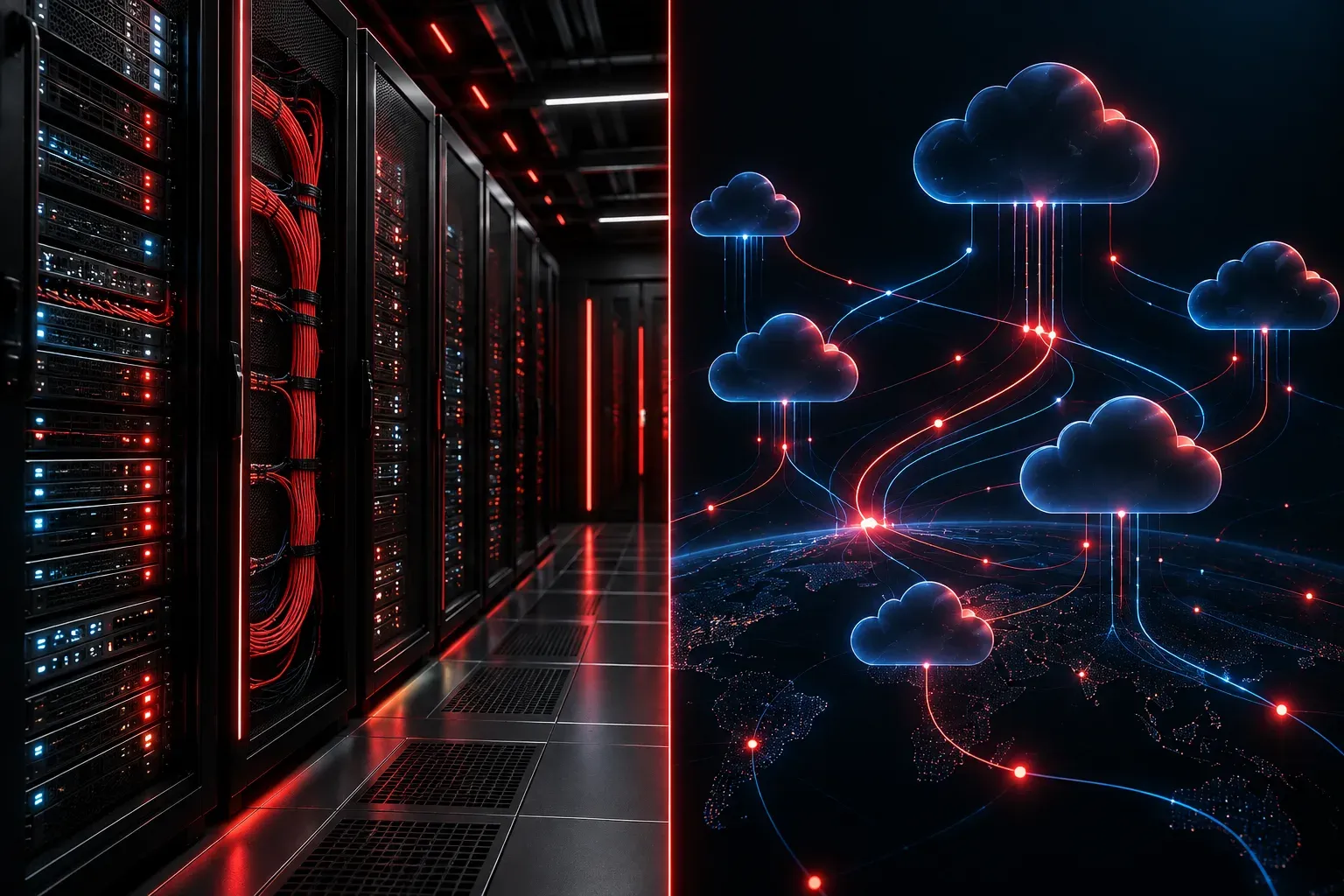
When you start learning about networking and IT infrastructure, one of the first big decisions you'll encounter is whether to use cloud or on-premises solutions. You'll hear these terms constantly, and understanding the difference is fundamental to your career in IT. Let's break it down clearly.
What Do These Terms Actually Mean?
Before comparing them, let's define them properly.
On-premises (often shortened to "on-prem") means the software, servers, and infrastructure live physically in your building or data center. Your organization owns the hardware, manages the software, and is responsible for everything from power to security patches.
Cloud means those same resources are hosted by a third-party provider (like Amazon Web Services, Microsoft Azure, or Google Cloud) and accessed over the internet. You pay for what you use, and the provider handles the underlying infrastructure.
On-Premises Advantages
On-premises solutions have real strengths, especially in specific environments.
- Full control: Your team manages everything. You decide when to patch, how to configure, and who can access what.
- Data sovereignty: Sensitive data never leaves your building. For industries like healthcare, finance, or government, this is sometimes a legal requirement.
- No internet dependency: If your internet connection goes down, on-prem systems can continue running locally.
- Predictable costs over time: After the upfront investment, ongoing costs can be lower than subscription-based cloud services for large, stable workloads.
The tradeoff is significant upfront cost. Buying servers, networking gear, cooling systems, and paying staff to maintain it all adds up quickly.
Cloud Benefits
Cloud computing has become dominant for good reasons.
- Scalability: Need more storage or computing power? You can provision it in minutes without buying new hardware.
- Lower upfront cost: You pay a monthly or usage-based fee instead of a large capital expense on day one.
- Accessibility: Authorized users can access cloud resources from anywhere with an internet connection.
- Managed maintenance: The cloud provider handles hardware failures, firmware updates, and physical security of their data centers.
- Built-in redundancy: Major cloud providers replicate your data across multiple locations automatically.
The downside is that you are trusting a third party with your data and depending on internet connectivity. Monthly costs can also grow unexpectedly if usage isn't monitored carefully.
A Quick Side-by-Side Comparison
Factor              On-Premises          Cloud
-----------         -----------          ------
Upfront Cost        High                 Low
Ongoing Cost        Lower (long term)    Subscription-based
Control             Full                 Limited
Scalability         Slow/costly          Fast/flexible
Internet Required   No                   Yes
Maintenance         Your team            Provider handles
Data Location       Your facility        Provider's servers
Choosing Software: Which Option is Right for You?
There is no universal answer when choosing software deployment models. The right choice depends on your organization's specific situation. Ask yourself these questions:
- How sensitive is the data involved? Regulated industries often lean toward on-premises for compliance reasons.
- What is the IT budget? Startups and small businesses often benefit more from cloud's low upfront costs.
- Does the team have the skills to manage physical infrastructure? Cloud reduces the burden on smaller IT teams.
- How much does the workload vary? Unpredictable spikes in demand favor cloud's elastic scaling.
Many modern organizations land on a hybrid approach, running some workloads on-premises (especially sensitive data) while using the cloud for others (like email, collaboration tools, or development environments). This gives them flexibility without sacrificing control where it matters most.
Why This Matters for CCST Networking
Understanding cloud vs on-premises is directly relevant to exam objective 1.4, which covers standards and concepts in modern networking. As a networking professional, you need to understand where services live because it affects how you design networks, configure firewalls, plan bandwidth, and troubleshoot connectivity issues. A help desk call about "the app not working" looks very different depending on whether that app lives in your server room or in a cloud region halfway around the world.
What's Next
Now that you understand where applications and data can live, the next step is understanding network topologies: how devices are physically and logically connected to each other and to those resources. Knowing the difference between star, mesh, and hybrid topologies will help you visualize the networks you'll be working with and troubleshooting every day.