
What Are Cloud Applications?
This post explains what cloud applications are using simple language and everyday examples like Gmail, Netflix, and Google Drive. It covers how cloud apps work, why they are popular, and how they depend on the network. Written for CCST Networking beginners, it connects cloud computing concepts to r

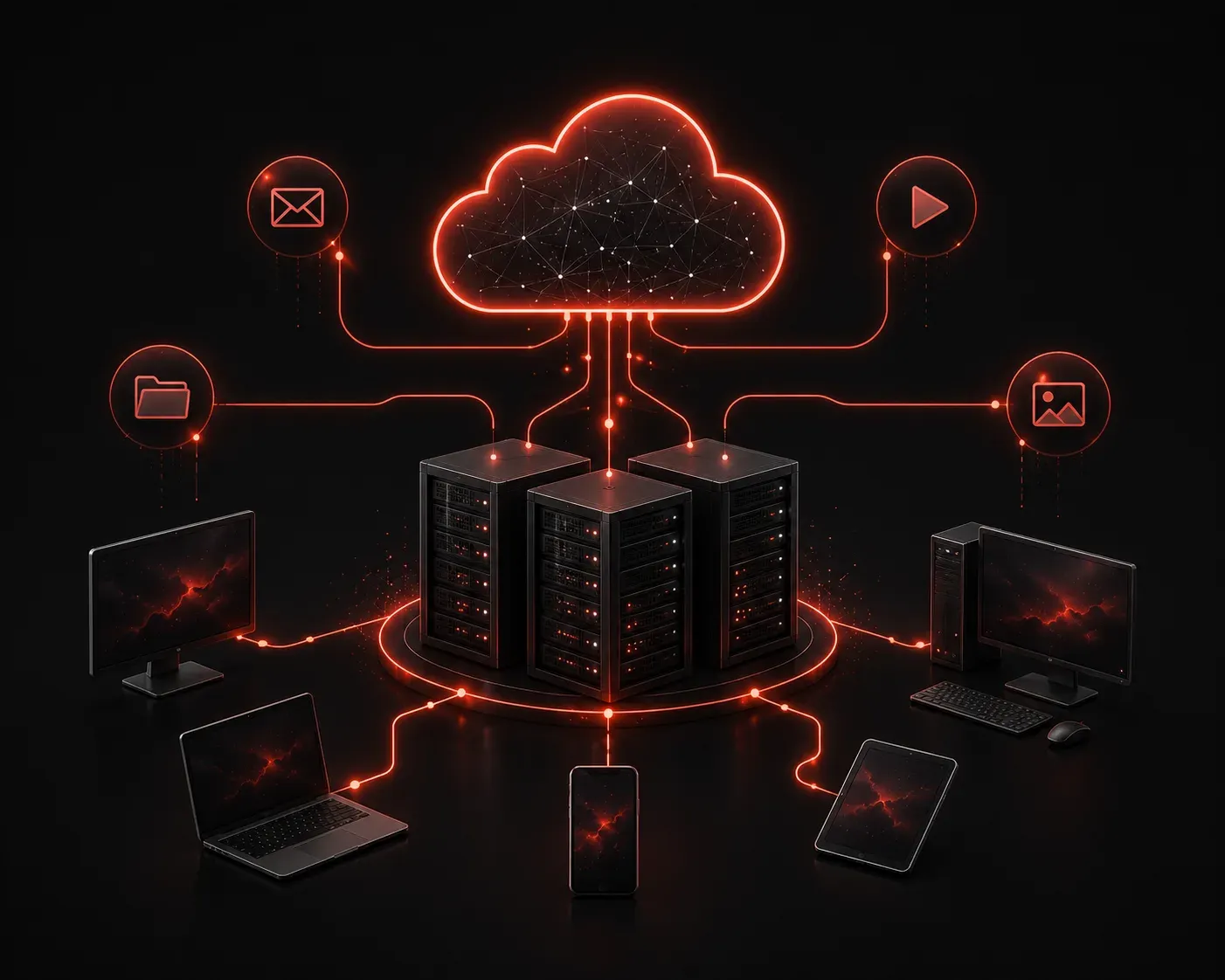
If you have ever used Gmail, watched Netflix, or stored files in Google Drive, you have already used a cloud application. You might not have thought of it that way, but that is exactly what those services are. Understanding what cloud applications are, and why they matter, is a foundational concept in modern networking and something the CCST Networking exam expects you to know.
What Is a Cloud Application?
A cloud application (or cloud app) is software that runs on remote servers hosted on the internet, rather than being installed directly on your local computer. Instead of downloading a program to your hard drive and running it locally, you access the application through a web browser or a lightweight client, and the heavy lifting happens somewhere else, on servers owned and managed by a cloud provider.
Think about the difference between the old way and the new way:
- Traditional software: You buy Microsoft Office on a disc, install it on your PC, and it runs entirely on your machine.
- Cloud application: You open a browser and go to docs.google.com. Google's servers do the processing. Your computer just displays the result.
That shift is the core idea behind cloud applications.
How Cloud Applications Work
When you use a cloud app, your device sends requests over the internet to a remote server. The server processes those requests, and the results are sent back to your screen. This happens so quickly that it feels instant, but there is a full round trip happening every time you click, type, or upload something.
This is why network connectivity matters so much for cloud applications. A slow or unreliable connection directly impacts how well a cloud app performs. Network engineers need to understand this dependency, because troubleshooting user complaints often starts with the network, not the application itself.
Common Examples of Cloud Applications
You likely use several cloud applications every day without thinking about it. Here are some recognizable examples:
- Email: Gmail and Outlook 365 store and process your email on remote servers.
- File storage: Google Drive, OneDrive, and Dropbox keep your files in the cloud, accessible from any device.
- Video streaming: Netflix and YouTube stream video from massive cloud infrastructures.
- Collaboration tools: Zoom, Microsoft Teams, and Slack connect users through cloud-hosted services.
- Productivity suites: Google Workspace and Microsoft 365 let you create documents, spreadsheets, and presentations entirely in a browser.
Why Cloud Applications Are Popular
Cloud applications have become the standard for good reason. They offer several advantages that traditional installed software simply cannot match:
- Accessibility: You can access your apps and data from any device with an internet connection.
- Automatic updates: The provider handles updates in the background. You always have the latest version without doing anything.
- Scalability: A business can add more users or storage without buying new hardware.
- Lower upfront cost: Most cloud services use a subscription model instead of a large one-time purchase.
- Collaboration: Multiple users can work on the same document or project at the same time, from different locations.
Cloud Applications and the Network
Here is the networking angle that ties this directly to your studies. Cloud applications depend entirely on the network. Without reliable internet access, a cloud app is useless. This creates important design considerations for network engineers:
- Bandwidth: Cloud services consume network bandwidth. More users streaming video or uploading files means more demand on the connection.
- Latency: Delay in the network affects cloud app responsiveness. Real-time apps like video conferencing are especially sensitive to latency.
- Security: Data traveling to and from cloud services crosses public internet infrastructure, making encryption and secure protocols critical.
Understanding these factors helps you see why cloud computing is not just a software concept. It has real implications for how networks are designed and managed.
What's Next
Now that you understand what cloud applications are and why they rely on the network, the next step is exploring the different cloud service models: Infrastructure as a Service (IaaS), Platform as a Service (PaaS), and Software as a Service (SaaS). Each model describes a different level of responsibility between the provider and the customer, and they come up regularly on the CCST Networking exam. We will break those down clearly in the next post.