
Common Mistakes in Test-Driven Development
This post covers the most common mistakes beginners make when learning test-driven development, including writing tests after the code, skipping the refactor step, and failing to mock external dependencies. It provides practical Python examples and troubleshooting tips relevant to network automatio

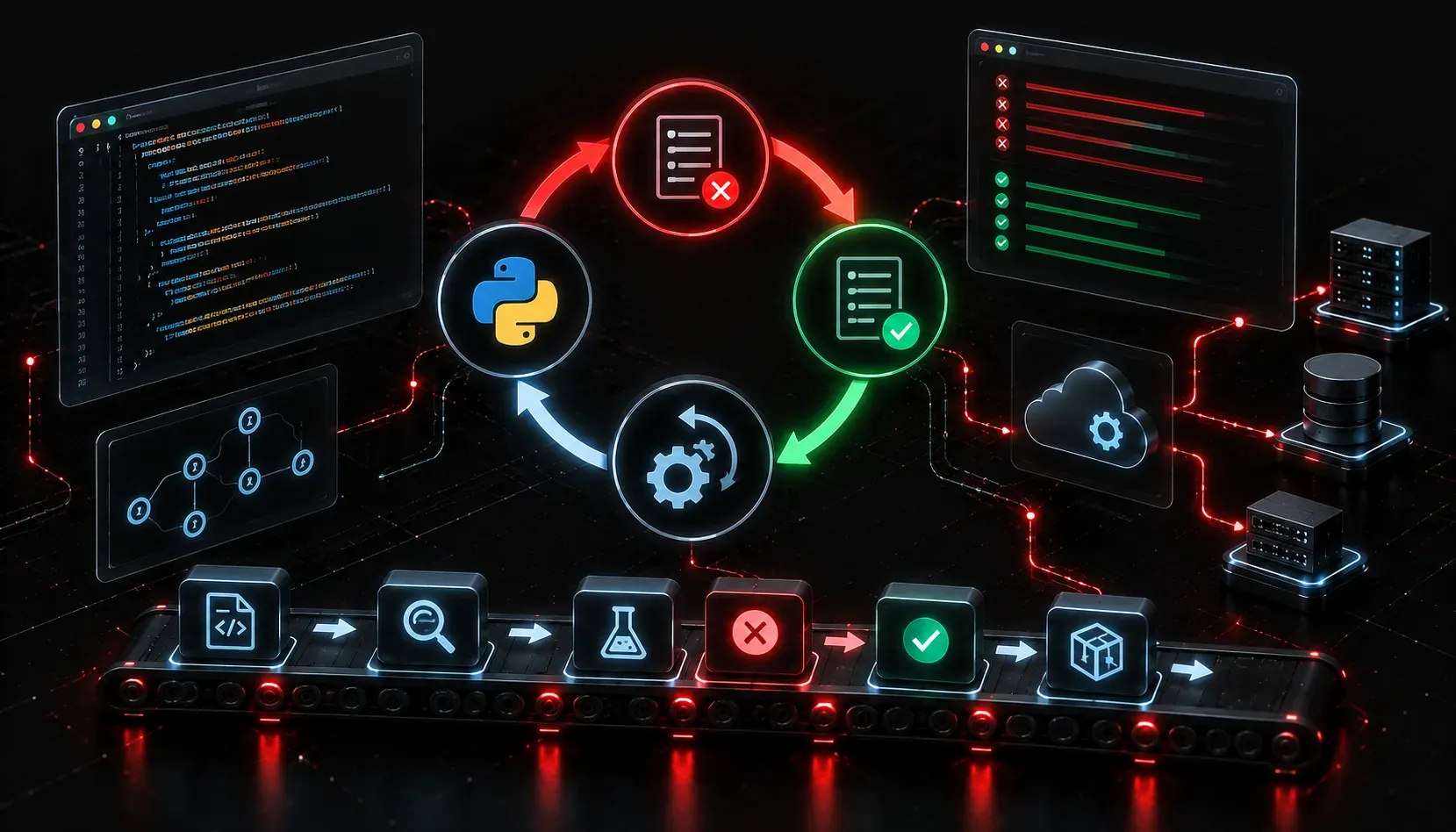
Test-driven development sounds simple on paper: write a test, watch it fail, write the code, make it pass. In practice, though, beginners consistently run into the same set of problems that stall their progress and lead them to abandon TDD altogether. If you are starting to incorporate TDD into your network automation workflows, recognizing these pitfalls early will save you a lot of frustration.
Mistake 1: Writing Tests After the Code
This is the most common beginner error. The entire point of TDD is that the test comes first. When you write code first, you tend to write tests that simply confirm what the code already does rather than tests that define what the code should do. Your tests become a rubber stamp, not a safety net.
The fix is straightforward: discipline yourself to write one failing test before you touch implementation code. If you are writing a Python function to validate an IP address, write this first:
def test_valid_ip_returns_true():
    assert validate_ip("192.168.1.1") == True

def test_invalid_ip_returns_false():
    assert validate_ip("999.999.999.999") == False
Run these tests, confirm they fail (because validate_ip doesn't exist yet), then write the function. That failure confirmation is not optional. It proves your test actually catches broken behavior.
Mistake 2: Testing Too Much at Once
Beginners often write large, sweeping tests that cover multiple behaviors in a single test case. When that test fails, you have no idea which part broke. TDD pitfalls like this undermine the fast feedback loop that makes the methodology valuable.
Keep each test focused on a single behavior. Instead of one test called test_device_connection that checks authentication, timeout handling, and command execution together, break it into three separate tests. Each should have one reason to fail.
Mistake 3: Skipping the Refactor Step
The TDD cycle is Red, Green, Refactor. Most beginners stop at Green. Once the test passes, they move on. Over time, this creates messy, duplicated code that becomes harder to maintain.
After your test goes green, ask yourself: is this code clear? Is there duplication? Could this function be simpler? Refactor with confidence, because your tests will catch regressions immediately. This is one of the biggest advantages of TDD that beginners leave on the table.
Mistake 4: Writing Tests That Don't Actually Test Anything
Look at this example:
def test_get_hostname():
    router = Router("192.168.1.1")
    hostname = router.get_hostname()
    assert hostname is not None
This test passes as long as the function returns anything at all, including an empty string or a garbage value. It gives you a false sense of coverage. Write assertions that verify the actual expected behavior:
def test_get_hostname_returns_correct_value():
    router = Router("192.168.1.1")
    hostname = router.get_hostname()
    assert hostname == "R1-CORE"
Mistake 5: Not Using Mocks for External Dependencies
In network automation, your code frequently talks to real devices, APIs, or databases. If your tests depend on a live router being available, they become slow, fragile, and unreliable. This is a classic TDD pitfall that makes engineers give up on automated testing entirely.
Use Python's unittest.mock library to simulate external connections. Your unit tests should run in milliseconds without any network access. Here is an example using Netmiko's ConnectHandler, a common tool in network automation scripts:
from unittest.mock import patch

def test_get_hostname_with_mock():
    with patch("mymodule.ConnectHandler") as mock_connect:
        mock_connect.return_value.send_command.return_value = "R1-CORE"
        router = Router("192.168.1.1")
        assert router.get_hostname() == "R1-CORE"
This pattern lets you test the logic of your automation script without requiring a physical or virtual device to be reachable on the network.
Troubleshooting Your TDD Process
If your tests pass immediately without ever failing first, you are not following TDD. If your test suite takes more than a few seconds to run, you likely have tests coupled to real infrastructure. If you find yourself frequently commenting out tests to make your build pass, your tests are too brittle and probably testing implementation details rather than behavior.
Use pytest -v to run your tests with verbose output so you can see exactly which tests pass and fail:
pytest -v test_network_utils.pyWhat's Next
Now that you know the common mistakes in test-driven development to avoid, the next step is understanding how to structure a full Python project for testability. The next post in this series covers organizing your code with proper modules and packages so your tests stay clean, discoverable, and maintainable as your automation projects grow.