
How to Configure CDP and LLDP on Cisco Devices
A comprehensive guide to configuring Cisco Discovery Protocol (CDP) and Link Layer Discovery Protocol (LLDP) on Cisco devices, covering global and interface-level configuration with practical examples and verification commands.

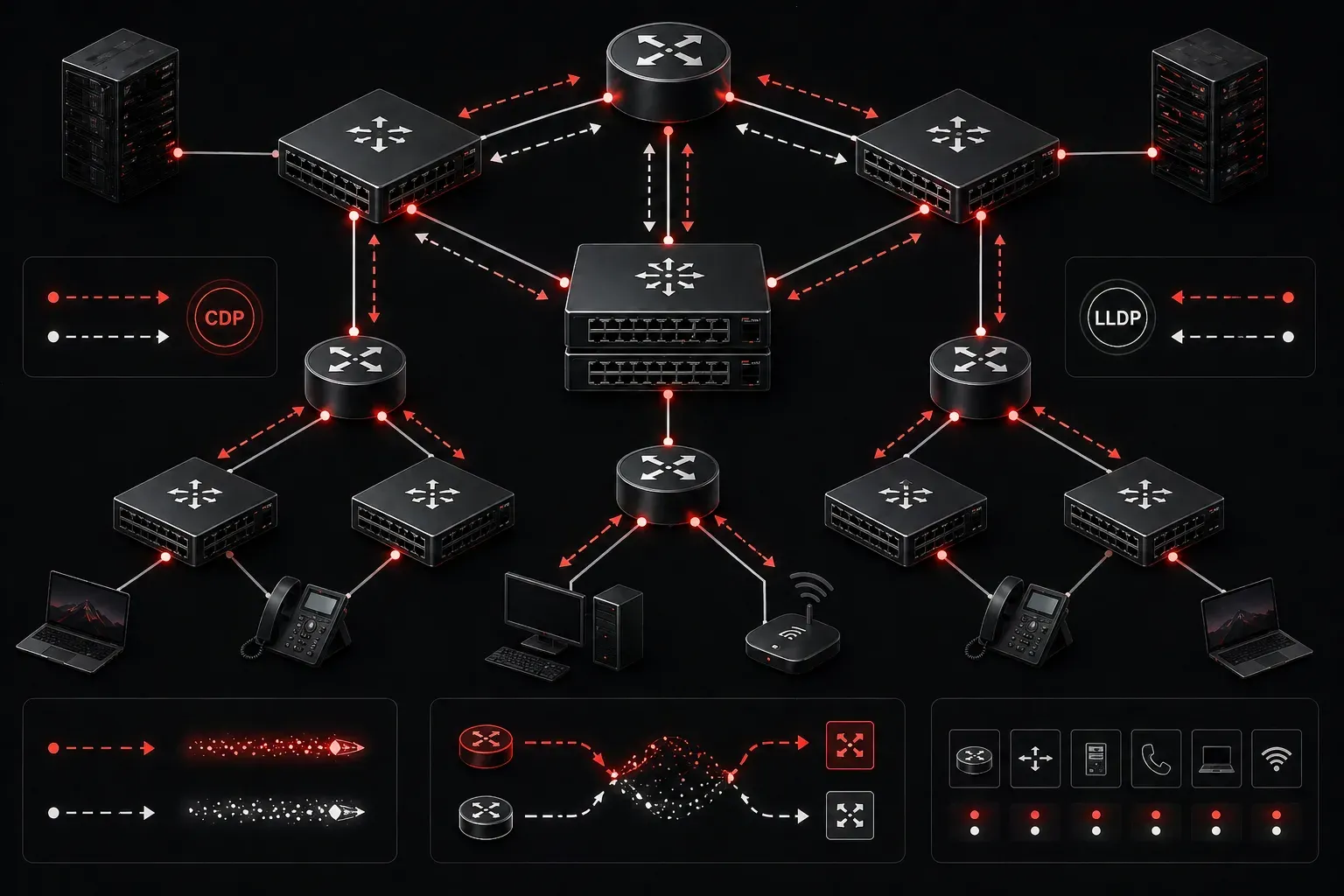
Discovery protocols are essential tools in network management, allowing devices to automatically identify and share information with their directly connected neighbors. For CCNA candidates, understanding how to configure CDP and LLDP is crucial for both the exam and real-world network operations.
Understanding Discovery Protocols
Cisco Discovery Protocol (CDP) is Cisco's proprietary neighbor discovery protocol that runs on all Cisco devices by default. Link Layer Discovery Protocol (LLDP) is the IEEE 802.1AB standard equivalent, providing similar functionality but with vendor-neutral compatibility.
Both protocols operate at Layer 2, sending periodic advertisements to directly connected devices. This information helps network administrators map topology, troubleshoot connectivity issues, and verify proper cabling.
Configuring CDP on Cisco Devices
CDP is typically enabled globally by default on Cisco devices, but you can control its behavior both globally and per interface.
Global CDP Configuration
To enable CDP globally on your device:
Router(config)# cdp run
Router(config)# cdp timer 60
Router(config)# cdp holdtime 180
The cdp timer command sets how often CDP advertisements are sent (default 60 seconds), while cdp holdtime determines how long a device waits before removing a neighbor from its table (default 180 seconds).
To disable CDP globally:
Router(config)# no cdp runInterface-Level CDP Configuration
You can control CDP on individual interfaces for security or performance reasons:
Router(config)# interface gigabitethernet 0/1
Router(config-if)# cdp enable
Router(config-if)# exit

Router(config)# interface gigabitethernet 0/2
Router(config-if)# no cdp enable
Configuring LLDP on Cisco Devices
Unlike CDP, LLDP is disabled by default on most Cisco devices and requires manual activation.
Global LLDP Configuration
To enable LLDP globally:
Switch(config)# lldp run
Switch(config)# lldp timer 30
Switch(config)# lldp holdtime 120
Switch(config)# lldp reinit 2
The lldp reinit command sets the delay before LLDP initialization on an interface after a link-down event.
Interface-Level LLDP Configuration
LLDP can be configured to transmit, receive, or both on each interface:
Switch(config)# interface gigabitethernet 0/1
Switch(config-if)# lldp transmit
Switch(config-if)# lldp receive
Switch(config-if)# exit

Switch(config)# interface gigabitethernet 0/2
Switch(config-if)# no lldp transmit
Switch(config-if)# no lldp receive
Verification Commands
After configuring discovery protocols, use these commands to verify operation:
For CDP:
Router# show cdp neighbors
Router# show cdp neighbors detail
Router# show cdp interface
Router# show cdp
For LLDP:
Switch# show lldp neighbors
Switch# show lldp neighbors detail
Switch# show lldp interface
Switch# show lldp
Best Practices for Network Setup
When implementing discovery protocols in your Cisco configuration:
- Security consideration: Disable discovery protocols on interfaces facing untrusted networks or the internet
- Performance optimization: Adjust timers based on network stability requirements
- Documentation: Use discovery protocol output to maintain accurate network topology diagrams
- Troubleshooting: Enable both CDP and LLDP in mixed-vendor environments for maximum compatibility
Common Configuration Example
Here's a practical example for a typical network setup:
! Enable both protocols globally
Switch(config)# cdp run
Switch(config)# lldp run

! Configure trunk interfaces with both protocols
Switch(config)# interface range gigabitethernet 0/1-24
Switch(config-if-range)# cdp enable
Switch(config-if-range)# lldp transmit
Switch(config-if-range)# lldp receive

! Disable on uplink to internet (security)
Switch(config)# interface gigabitethernet 0/25
Switch(config-if)# no cdp enable
Switch(config-if)# no lldp transmit
Switch(config-if)# no lldp receive
What's Next
Now that you understand how to configure CDP and LLDP, the next step is learning about VLAN configuration and trunking protocols. These technologies work together with discovery protocols to create efficient, well-documented network infrastructures that are easier to manage and troubleshoot.
Tools and resources for this topic
- CCNA Official Cert Guide (Wendell Odom) — The definitive CCNA study resource. Both volumes cover the 200-301 exam blueprint in full.
- Wendell Odom CCNA Vol 1 — Covers networking fundamentals, switching, and routing basics.
- Wendell Odom CCNA Vol 2 — Covers advanced routing, WAN, infrastructure services, and security.