
JSON Syntax: The Rules You Need to Know
A comprehensive guide to JSON syntax rules covering the six data types, critical formatting requirements, and common mistakes to avoid when working with JSON data.

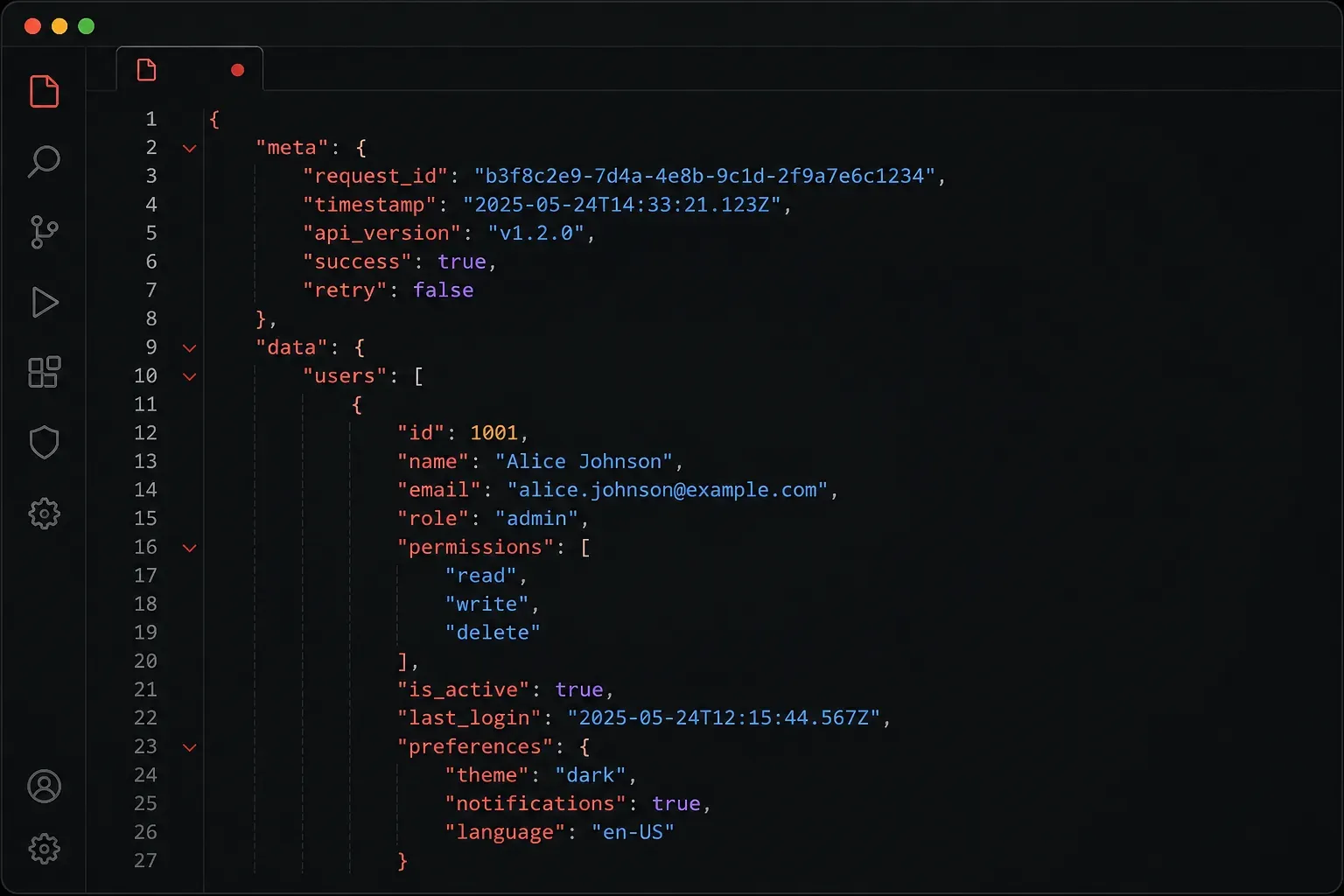
JSON (JavaScript Object Notation) has become the universal language for data exchange in modern programming. Whether you're building web applications, configuring network devices, or working with APIs, understanding JSON syntax is essential. Let's break down the rules that govern this lightweight data format.
What Makes JSON Different
JSON might look similar to Python dictionaries or JavaScript objects, but it has stricter rules. While programming languages are often forgiving with syntax variations, JSON demands precision. A single misplaced comma or unquoted key will break your entire data structure.
The good news? Once you learn these rules, JSON becomes predictable and reliable across every platform and programming language.
The Six Data Types
JSON supports exactly six data types, and that's it. This limitation is actually a strength; it keeps JSON simple and universally compatible.
Strings
Strings must be wrapped in double quotes. Single quotes will break your JSON:
{
  "name": "Alice",
  "status": "active"
}
Numbers
Numbers can be integers or floating-point, positive or negative:
{
  "age": 25,
  "temperature": -15.7,
  "score": 98.5
}
Booleans
Only true and false (lowercase) are valid:
{
  "is_active": true,
  "has_premium": false
}
Null
Represents empty or missing values using null (lowercase):
{
  "middle_name": null,
  "last_login": null
}
Arrays
Ordered lists of values enclosed in square brackets:
{
  "skills": ["Python", "JavaScript", "SQL"],
  "scores": [95, 87, 92]
}
Objects
Collections of key-value pairs enclosed in curly braces:
{
  "user": {
    "name": "Bob",
    "age": 30,
    "active": true
  }
}
Critical Syntax Rules
These rules are non-negotiable in JSON. Breaking any of them will cause parsing errors:
- All keys must be strings in double quotes:
"name"notname - Use double quotes only:
"value"not'value' - No trailing commas: The last item in an object or array cannot have a comma after it
- No comments allowed: JSON doesn't support
//or/* */comments - No undefined values: Use
nullinstead
Common Mistakes to Avoid
Here's a JSON snippet with several errors:
{
  name: "Alice",           // Missing quotes around key
  'age': 25,              // Single quotes instead of double
  active: true,           // Missing quotes around key
  skills: ["Python", "JS",], // Trailing comma
  // This is a comment     // Comments not allowed
}
The corrected version:
{
  "name": "Alice",
  "age": 25,
  "active": true,
  "skills": ["Python", "JS"]
}
Validation and Tools
Always validate your JSON before using it in production. Tools like jsonlint.com can catch syntax errors instantly. Most code editors also provide real-time JSON validation with syntax highlighting.
When working programmatically, use your language's built-in JSON parser. In Python, json.loads() will raise a clear error message if your JSON is invalid, helping you identify exactly where the problem lies.
What's Next
Now that you understand JSON's syntax rules, you're ready to start working with JSON data programmatically. In our next post, we'll explore how to read, write, and manipulate JSON using Python's built-in json module, including handling common parsing errors and working with nested data structures.