
Configuring LISP for Enterprise Networks
Step-by-step guide to configuring LISP in enterprise networks, covering Map Servers, ETR/ITR setup, and essential verification commands. Focuses on practical implementation and common configuration pitfalls.

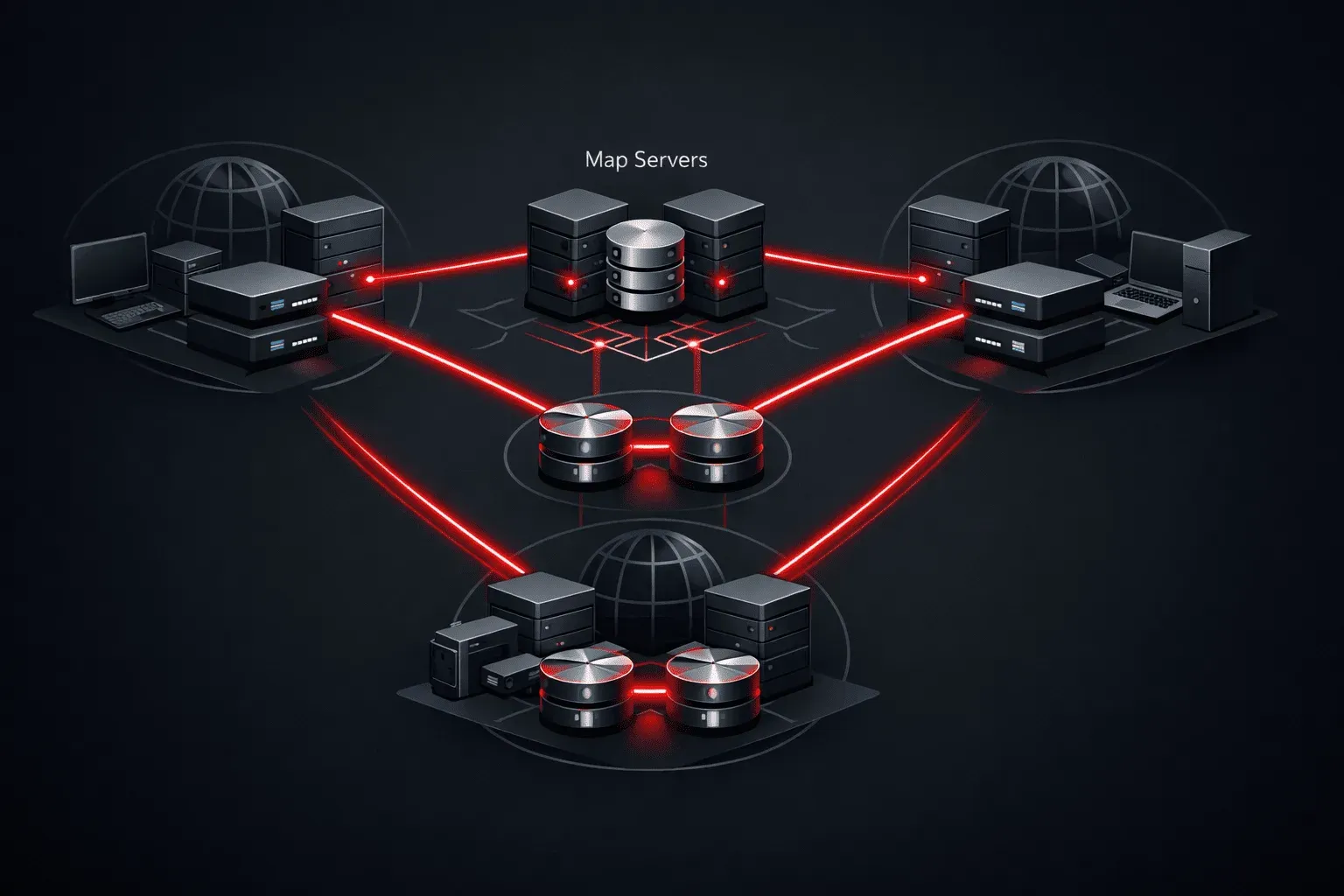
Locator/ID Separation Protocol (LISP) separates location from identity in IP addressing, enabling scalable enterprise network virtualization. This guide walks through configuring LISP in enterprise environments, focusing on the practical implementation steps that often trip up network engineers during deployment.
LISP Architecture Overview
Before diving into configuration, understand LISP's core components. The Endpoint Identifier (EID) represents the endpoint's identity, while the Routing Locator (RLOC) indicates its topological location. This separation enables mobility and multi-homing without routing table bloat.
In enterprise deployments, you'll typically configure:
- Ingress Tunnel Routers (ITRs) - encapsulate traffic from EID sites
- Egress Tunnel Routers (ETRs) - decapsulate traffic to EID sites
- Proxy ITRs (PITRs) - handle non-LISP to LISP traffic
- Proxy ETRs (PETRs) - handle LISP to non-LISP traffic
- Map Servers/Resolvers - provide EID-to-RLOC mappings
Initial LISP Setup
Start by enabling LISP globally on your routers. This fundamental step activates the LISP control plane:
Router(config)# router lisp
Router(config-router-lisp)# eid-table default instance-id 0
The instance-ID creates separate virtual routing contexts, essential for multi-tenancy in enterprise LISP deployments. Instance-ID 0 represents the default routing table.
Configuring EID Prefixes
Define your EID address space. In enterprise networks, this typically represents your internal subnets that require location independence:
Router(config-router-lisp)# eid-table default instance-id 0
Router(config-router-lisp-eid-table)# database-mapping 192.168.1.0/24 10.1.1.1 priority 1 weight 100
Router(config-router-lisp-eid-table)# database-mapping 192.168.2.0/24 10.1.1.1 priority 1 weight 100
The database-mapping command registers local EID prefixes with their corresponding RLOC. Priority and weight values enable load balancing and failover - lower priority values are preferred, while higher weight distributes load proportionally.
Map Server Configuration
Enterprise LISP implementations require Map Servers for scalable EID-to-RLOC resolution. Configure your Map Server with authentication keys to secure registration:
Router(config)# router lisp
Router(config-router-lisp)# site SITE-A
Router(config-router-lisp-site)# authentication-key cisco123
Router(config-router-lisp-site)# eid-prefix 192.168.0.0/16
Router(config-router-lisp-site)# exit
Router(config-router-lisp)# ipv4 map-server
Router(config-router-lisp)# ipv4 map-resolver
The authentication key prevents unauthorized EID registrations, critical for enterprise security. Each site should use unique keys in production deployments.
ETR Configuration
Configure your ETR to register with the Map Server and handle incoming LISP traffic:
Router(config)# router lisp
Router(config-router-lisp)# eid-table default instance-id 0
Router(config-router-lisp-eid-table)# database-mapping 192.168.1.0/24 10.1.1.1 priority 1 weight 100
Router(config-router-lisp-eid-table)# exit
Router(config-router-lisp)# ipv4 etr map-server 10.10.10.10 key cisco123
Router(config-router-lisp)# ipv4 etr
The ipv4 etr command enables ETR functionality, while the map-server configuration establishes secure registration with your Map Server.
ITR Configuration and Map Resolution
ITRs require Map Resolver configuration to query EID-to-RLOC mappings for destinations:
Router(config)# router lisp
Router(config-router-lisp)# eid-table default instance-id 0
Router(config-router-lisp-eid-table)# exit
Router(config-router-lisp)# ipv4 itr map-resolver 10.10.10.10
Router(config-router-lisp)# ipv4 itr
Configure route-map policies to define which traffic gets LISP encapsulation:
Router(config)# route-map LISP-ENCAP permit 10
Router(config-route-map)# match ip address 100
Router(config)# access-list 100 permit ip 192.168.1.0 0.0.0.255 192.168.2.0 0.0.0.255
Router(config)# router lisp
Router(config-router-lisp)# eid-table default instance-id 0
Router(config-router-lisp-eid-table)# route-import map-cache LISP-ENCAP
Advanced Configuration Options
Enterprise deployments often require proxy services for mixed LISP/non-LISP environments:
Router(config)# router lisp
Router(config-router-lisp)# ipv4 proxy-etr
Router(config-router-lisp)# ipv4 proxy-itr 192.168.0.0/16
Configure mobility detection to handle endpoint moves:
Router(config-router-lisp-eid-table)# mobility 192.168.1.0/24
Verification and Troubleshooting
Verify LISP operation with these essential show commands:
Router# show lisp instance-id 0 ipv4 database
Router# show lisp instance-id 0 ipv4 map-cache
Router# show lisp instance-id 0 ipv4 server registration-history
Common configuration pitfalls include mismatched authentication keys, incorrect instance-IDs, and routing issues between RLOC addresses. Always verify IP reachability between RLOCs before troubleshooting LISP-specific issues.
Monitor LISP control plane messages:
Router# debug lisp control-plane all
What's Next
With basic LISP configuration complete, the next step involves implementing LISP mobility and multihoming scenarios. These advanced features leverage LISP's separation architecture to provide seamless endpoint mobility and path optimization in complex enterprise topologies.