
What is the Default VLAN and Why Does it Matter?
The default VLAN (VLAN 1) is a pre-configured VLAN that exists on every Cisco switch, providing immediate connectivity and serving as the foundation for network management. Understanding its role and characteristics is essential for CCNA candidates working with VLANs.

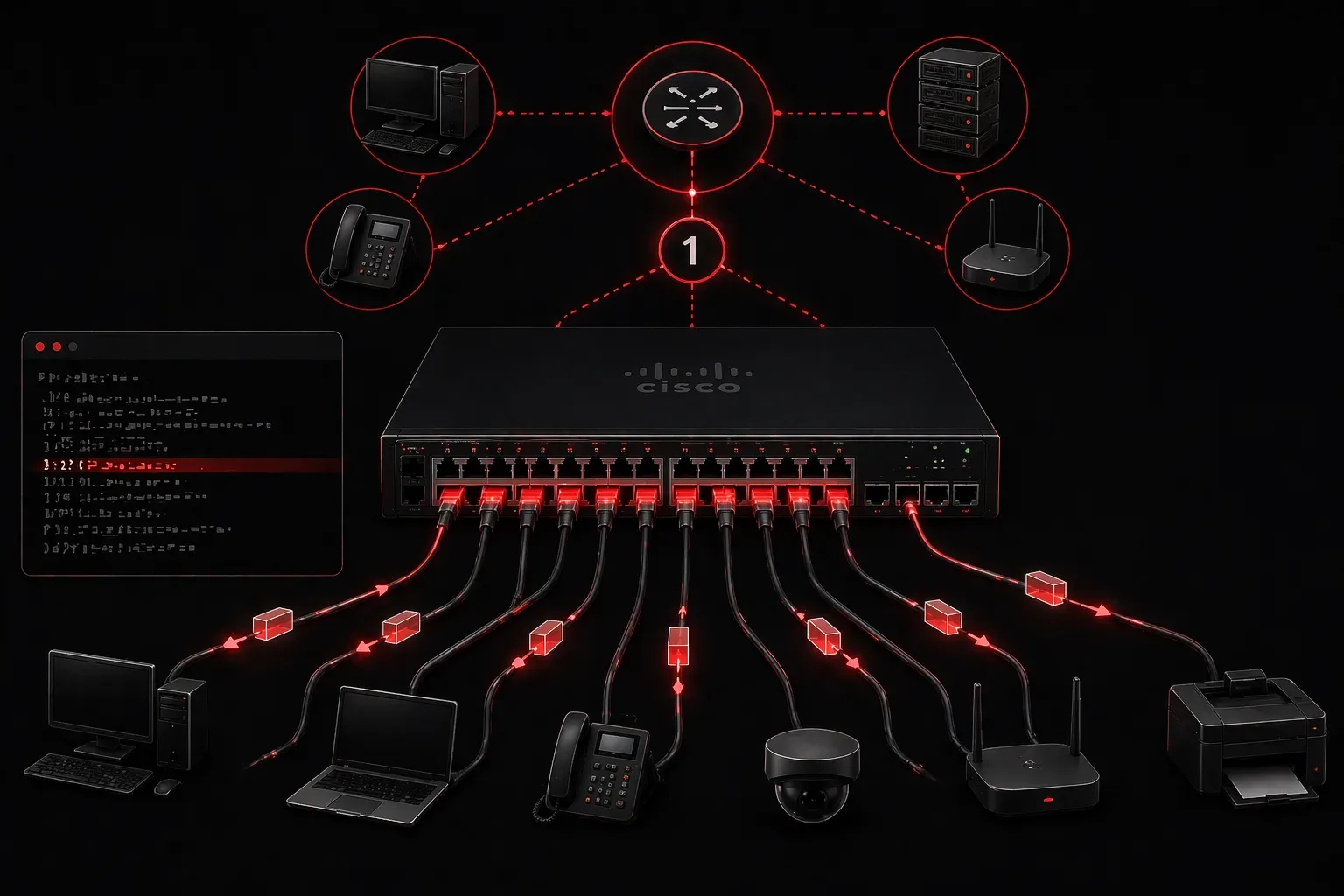
When you're getting started with VLANs, one concept that often causes confusion is the default VLAN. Every Cisco switch comes with this pre-configured VLAN, and understanding what it is and why it matters is crucial for your CCNA journey.
What is the Default VLAN?
The default VLAN is VLAN 1 - a special VLAN that exists on every Cisco switch right out of the box. When you power up a brand new switch, all ports automatically belong to VLAN 1. Think of it as the switch's "starter configuration" that ensures basic connectivity works immediately without any manual setup.
You can see this in action by checking the VLAN configuration on any switch:
Switch# show vlan brief

VLAN Name                             Status    Ports
---- -------------------------------- --------- -------------------------------
1    default                          active    Fa0/1, Fa0/2, Fa0/3, Fa0/4
                                                Fa0/5, Fa0/6, Fa0/7, Fa0/8
Notice how all ports are assigned to VLAN 1 by default, and it's literally named "default".
Why Does the Default VLAN Exist?
The default VLAN serves several important purposes that make network management easier, especially for beginners:
- Plug-and-play functionality: Devices can communicate immediately when connected to a new switch
- Administrative access: You can manage the switch through any port without additional configuration
- Fallback mechanism: If VLAN configurations get corrupted, ports revert to VLAN 1
- Protocol requirements: Some network protocols like CDP (Cisco Discovery Protocol) and VTP (VLAN Trunking Protocol) use VLAN 1 for communication
Special Characteristics of VLAN 1
VLAN 1 isn't just another VLAN - it has some unique properties you need to understand:
You Cannot Delete It
Try to delete VLAN 1 and you'll get an error:
Switch(config)# no vlan 1
% Default VLAN 1 may not be deleted.
It's Always Active on Trunks
Even if you try to remove VLAN 1 from a trunk link, it remains active. This is because management traffic and certain protocols need it for communication between switches.
Management VLAN
By default, the switch's management interface (the IP address you use to access the switch) is associated with VLAN 1. You can see this with:
Switch# show interface vlan1
Vlan1 is up, line protocol is up
  Hardware is EtherSVI, address is 001e.7a2c.ab40 (bia 001e.7a2c.ab40)
  Internet address is 192.168.1.10/24
Security Considerations
While the default VLAN provides convenience, it also presents security challenges. Since all ports start in VLAN 1, any device plugged into an unconfigured switch can potentially access management traffic. This is why many network administrators:
- Move the management interface to a different VLAN
- Assign user ports to VLANs other than VLAN 1
- Use VLAN 1 only for infrastructure and management purposes
Common Misconceptions
Many beginners think they should avoid VLAN 1 entirely, but this isn't practical or necessary. Instead, understand that VLAN 1 is a tool - use it appropriately for management and infrastructure, but don't leave end-user devices in it unnecessarily.
Another misconception is that the default VLAN is the same across all switch vendors. While the concept exists universally, VLAN 1 as the specific default is a Cisco convention.
What's Next
Now that you understand what the default VLAN is and why it matters, you're ready to learn how to create and configure your own VLANs. In the next post, we'll walk through the step-by-step process of creating VLANs and assigning ports to them, building on this foundational knowledge of VLAN 1.
Tools and resources for this topic
- CCNA Official Cert Guide (Wendell Odom) — The definitive CCNA study resource. Both volumes cover the 200-301 exam blueprint in full.
- Wendell Odom CCNA Vol 1 — Covers networking fundamentals, switching, and routing basics.
- Wendell Odom CCNA Vol 2 — Covers advanced routing, WAN, infrastructure services, and security.