
What Is Linux and Why Should You Learn It
Linux is an open-source operating system that powers most web servers, cloud platforms, and mobile devices. Learning Linux opens career opportunities and provides deep system understanding through its powerful command-line interface.

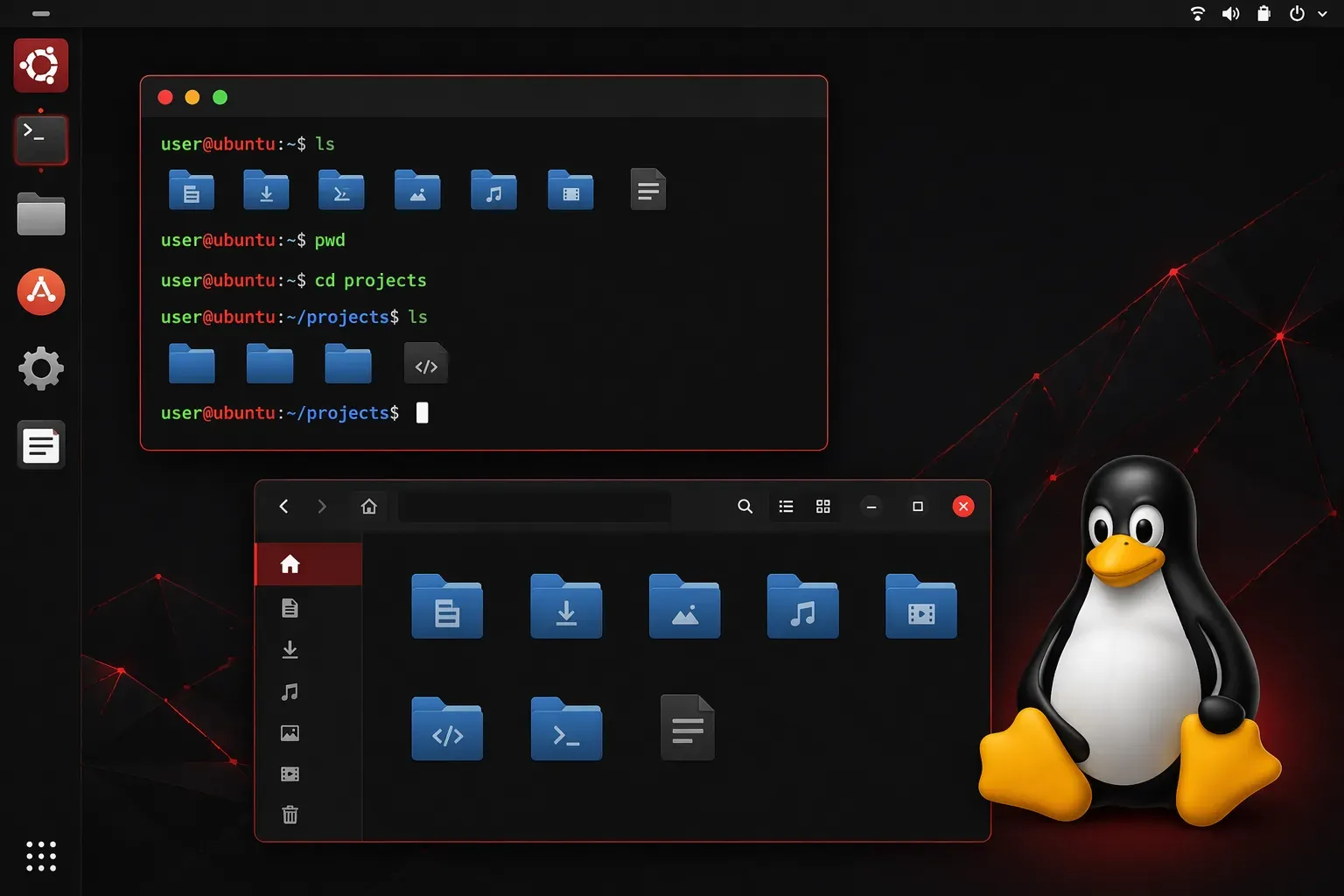
If you've ever wondered what all the fuss is about Linux, you're in the right place. Linux powers everything from your Android phone to the servers running your favorite websites, yet many people have never directly interacted with it. Let's demystify Linux and explore why learning it could be one of the best investments in your tech career.
What Exactly Is Linux?
Linux is an operating system, just like Windows or macOS, but with some key differences. At its core, Linux is the kernel — the essential software that acts as a bridge between your computer's hardware (processor, memory, storage) and the applications you run. The kernel manages system resources, handles hardware communication, and provides the foundation that everything else builds upon.
When people say "Linux," they usually mean a complete operating system built around this kernel, called a Linux distribution or "distro."
Think of it this way: if your computer is a car, the kernel is the engine, and the distribution is the complete vehicle with seats, steering wheel, and dashboard. Popular distributions include Ubuntu, Red Hat, and CentOS, each designed for different users and purposes.
What makes Linux special? It's open source, meaning anyone can view, modify, and distribute its source code. This has created a massive ecosystem of free, powerful software that runs much of the internet.
Where You'll Find Linux
Linux is everywhere, often hiding in plain sight:
- Web servers: Between 40-50% of web servers run Linux, depending on how you measure
- Cloud computing: Amazon Web Services, Google Cloud, and Microsoft Azure rely heavily on Linux
- Mobile devices: Android is built on the Linux kernel
- Embedded systems: Smart TVs, routers, and IoT devices
- Supercomputers: All of the world's top 500 supercomputers run Linux
Even if you've never intentionally used Linux, you've probably interacted with Linux-powered systems dozens of times today.
Why Learn Linux?
Career Opportunities
Linux skills are in high demand across tech roles. Whether you're interested in system administration, cybersecurity, cloud computing, or software development, Linux knowledge opens doors. Many job postings specifically mention Linux experience, and it's often a requirement for senior technical positions.
Understanding How Computers Really Work
Linux gives you direct access to your system's internals. Unlike other operating systems that hide complexity behind graphical interfaces, Linux encourages you to understand what's happening under the hood. This deeper understanding makes you a better troubleshooter and more effective technologist.
Powerful Command Line Tools
Linux's command line interface (CLI) might seem intimidating at first, but it's incredibly powerful. Tasks that require multiple clicks and menus in graphical interfaces can often be accomplished with a single command. For example, finding all files modified in the last 24 hours:
find /home -type f -mtime -1Free and Customizable
Most Linux distributions are completely free, and you can customize everything. Want a different desktop environment? Install it. Need specific software? The package manager makes installation simple. This flexibility lets you create a system that works exactly how you want.
Getting Started: Your First Steps
The best way to learn Linux is by using it. Here are some beginner-friendly approaches:
Try a Live USB
Download Ubuntu (one of the most user-friendly distributions) and create a bootable USB drive. You can run Linux directly from the USB without installing anything on your computer.
Virtual Machine
Install VirtualBox or VMware and run Linux as a virtual machine inside your current operating system. This lets you experiment safely without affecting your main system.
Dual Boot
For a more committed approach, install Linux alongside your current operating system. You'll choose which one to use each time you boot your computer.
Common Beginner Concerns
"Is Linux hard to learn?" Modern Linux distributions are surprisingly user-friendly. Ubuntu, for instance, has a graphical interface similar to Windows or macOS. The learning curve comes when you dive into the command line, but that's where the real power lies.
"Will my software work?" Many popular applications have Linux versions — Firefox, Chrome, LibreOffice, VLC Media Player, GIMP, and Visual Studio Code all run natively on Linux. For proprietary software that doesn't have Linux versions, alternatives often exist (like GIMP instead of Photoshop), though some specialized professional software may require Windows or macOS.
"What if I break something?" Linux systems are generally robust, and most mistakes are easily reversible. Plus, breaking things (safely) is often the best way to learn how they work.
What's Next
Now that you understand what Linux is and why it's worth learning, the next step is choosing your first distribution and getting it installed. In our next post, we'll walk through selecting the right Linux distribution for beginners and guide you through your first installation, whether that's on a virtual machine or a dedicated system.