
Fiber Ports and SFP Modules Explained for Beginners
An introduction to fiber ports and SFP modules for networking beginners, explaining how these components enable high-speed, long-distance fiber optic connections in professional networks. Covers SFP module types, installation basics, and the advantages of fiber over copper cabling.

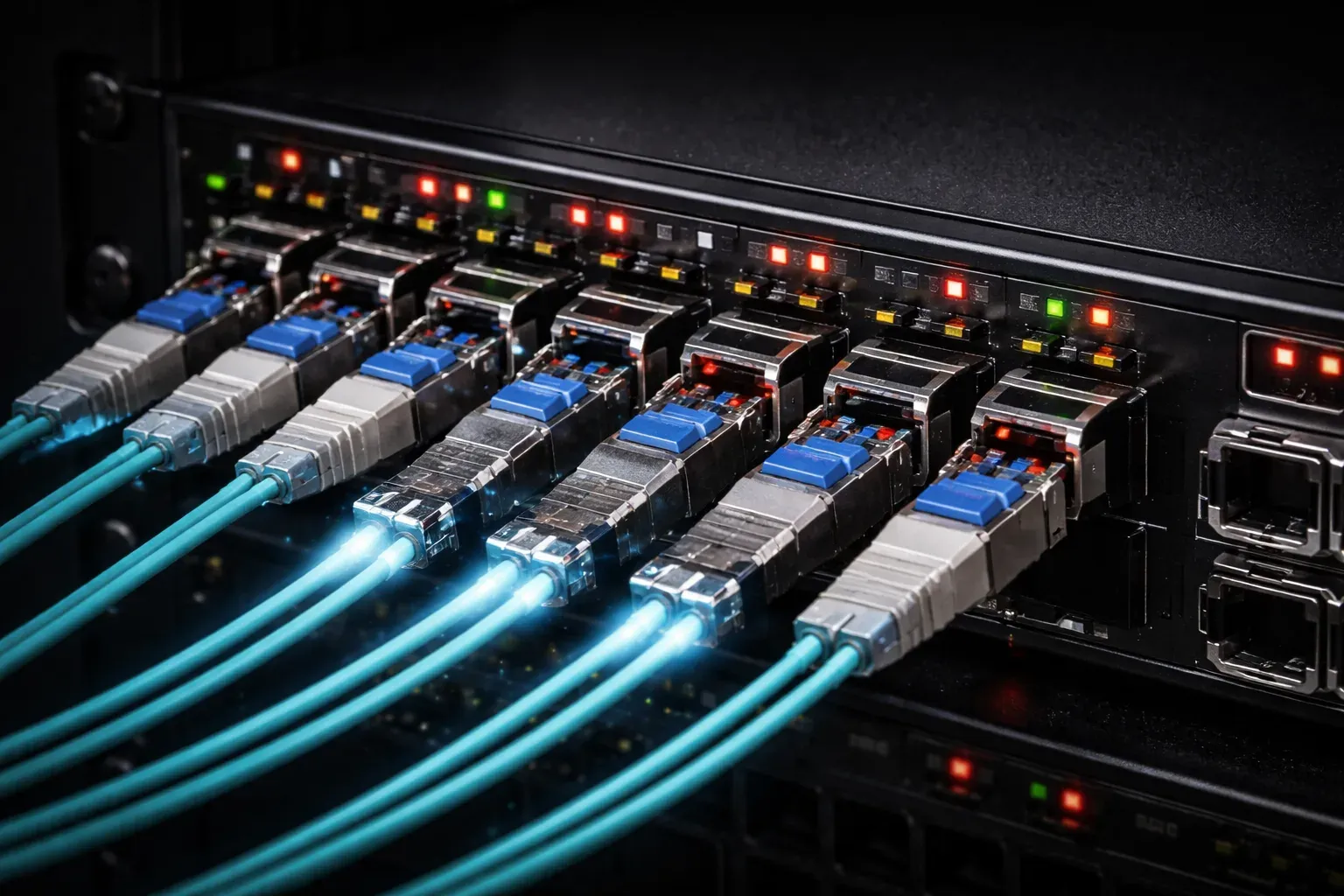
When you first encounter a network switch or router, you'll notice different types of ports for connecting cables. While most beginners start with familiar copper Ethernet ports, fiber ports and SFP modules represent a crucial step up in networking technology that you'll encounter in professional environments.
What Are Fiber Ports?
Fiber ports are specialized network interfaces designed to accept fiber optic cables instead of traditional copper Ethernet cables. Unlike copper cables that transmit electrical signals, fiber optic cables use light pulses to carry data. This fundamental difference makes fiber optic networking capable of much higher speeds and longer distances.
You'll typically see fiber ports on enterprise switches, routers, and other network infrastructure equipment. These ports look different from standard Ethernet ports – they're usually square or rectangular openings that accept fiber optic connectors.
Understanding SFP Modules
SFP stands for Small Form-factor Pluggable. An SFP module is a hot-swappable transceiver that converts electrical signals from your network device into optical signals for fiber cables, and vice versa. Think of it as a translator between your switch's electronic brain and the fiber optic highway.
Here's what makes SFP modules powerful:
- Hot-swappable: You can insert or remove them while the device is running
- Flexible: Different SFP modules support different fiber types and distances
- Standardized: SFP modules from different vendors typically work in various network devices
Common SFP Module Types
When working with SFP module use in real networks, you'll encounter several types:
- 1000BASE-SX: Short-range multimode fiber, typically up to 550 meters
- 1000BASE-LX: Long-range single-mode fiber, up to 10 kilometers
- 1000BASE-T: Copper SFP for standard Ethernet cables
- 10GBASE-SR: 10 Gigabit short-range fiber
How to Work with SFP Modules
Installing an SFP module is straightforward. Here's the basic process:
- Remove the dust cap from the SFP port on your network device
- Align the SFP module with the port
- Gently slide it in until you hear or feel it click
- Connect your fiber optic cable to the SFP module
To check if your SFP module is recognized, you can use basic show commands. For example, on a Cisco device:
Switch# show interfaces status

Port      Name               Status       Vlan       Duplex  Speed Type
Gi0/1                        connected    1          a-full a-1000 1000BaseSX
Gi0/2                        notconnect   1            auto   auto 1000BaseSX
This output shows that port Gi0/1 has a 1000BaseSX SFP module installed and connected.
Advantages of Fiber Optic Networking
Understanding why network device ports use fiber helps you appreciate its role in modern networks:
- Distance: Fiber can span much greater distances than copper – kilometers instead of 100 meters
- Speed: Higher bandwidth capabilities, from 1 Gbps to 100 Gbps and beyond
- Interference immunity: Light signals aren't affected by electromagnetic interference
- Security: Harder to tap into fiber cables without detection
Practical Considerations
When working with fiber ports and SFP modules, keep these points in mind:
- Always keep dust caps on unused fiber ports and connectors
- Match your SFP module to your fiber type (single-mode or multimode)
- Consider the distance requirements when selecting SFP modules
- Handle fiber connectors carefully – the glass cores can break
Fiber optic networking might seem complex at first, but once you understand that SFP modules act as the bridge between your electrical network devices and optical fiber cables, the concept becomes much clearer.
What's Next
Now that you understand fiber ports and SFP modules, the next logical step is learning about Power over Ethernet (PoE). PoE allows network devices to receive power through the same cable that carries data, eliminating the need for separate power supplies for devices like IP phones and wireless access points.