
Understanding Basic Security Techniques for Computing
This beginner's guide explains fundamental security techniques including authentication, authorization, encryption, access controls, and monitoring. Learn how these basic building blocks work together to protect computing resources through practical examples and implementation steps.

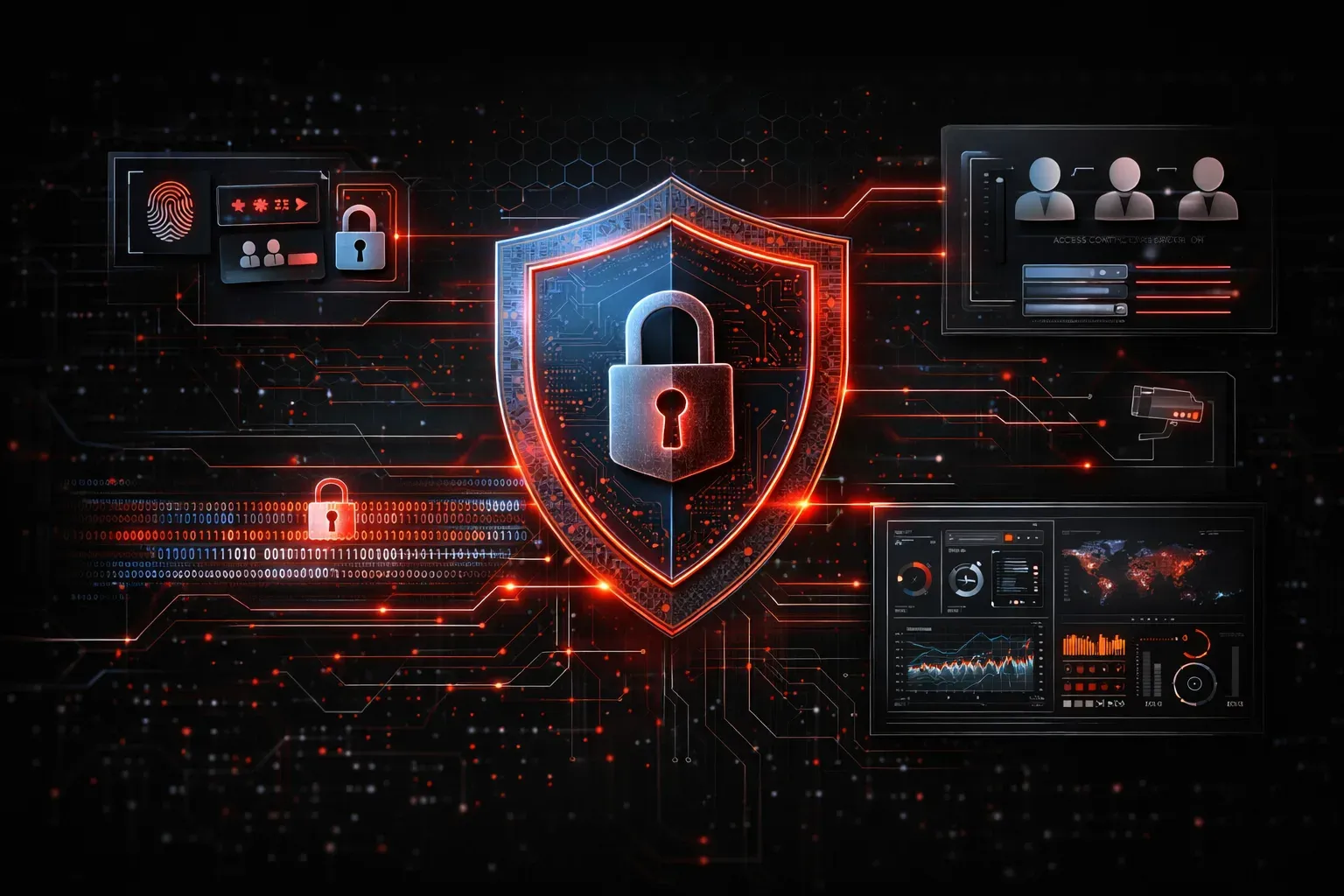
Computing security might seem overwhelming at first, but understanding basic security techniques is your first step toward protecting digital resources effectively. Whether you're securing a personal computer or managing enterprise systems, these fundamental concepts form the foundation of any solid security strategy.
What Are Basic Security Techniques?
Basic security techniques are fundamental methods used to protect computing resources from unauthorized access, data breaches, and various cyber threats. Think of these techniques as the essential building blocks that create layers of protection around your digital assets.
These techniques work together to create what security professionals call "defense in depth" – multiple layers of protection that make it increasingly difficult for attackers to compromise your systems.
Authentication: Verifying Identity
Authentication ensures that users are who they claim to be before granting access to resources. The most common authentication methods include:
- Something you know: Passwords, PINs, security questions
- Something you have: Smart cards, tokens, mobile devices
- Something you are: Fingerprints, facial recognition, iris scans
Multi-factor authentication (MFA) combines two or more of these methods, significantly strengthening security. For example, logging into your bank account might require both your password (something you know) and a code sent to your phone (something you have).
Authorization: Controlling Access
Once identity is verified, authorization determines what resources a user can access and what actions they can perform. This follows the principle of least privilege – users should only have the minimum access necessary to perform their job functions.
Common authorization models include:
- Role-based access control (RBAC): Access based on job roles
- Discretionary access control (DAC): Resource owners control access
- Mandatory access control (MAC): System-enforced access rules
Encryption: Protecting Data
Encryption transforms readable data into an unreadable format using mathematical algorithms and keys. This protects information whether it's stored on devices or transmitted across networks.
Two primary types of encryption include:
- Data at rest encryption: Protects stored files and databases
- Data in transit encryption: Secures data moving between systems
When you see HTTPS in your browser's address bar, that's encryption protecting your communication with the website using protocols like TLS (Transport Layer Security).
Access Controls: Managing Entry Points
Physical and logical access controls limit who can reach computing resources. Physical controls include locked server rooms, badge readers, and security cameras. Logical controls include firewalls, user accounts, and network segmentation.
Network firewalls examine incoming and outgoing traffic based on predetermined rules. For example, a firewall might block all traffic on port 23 (Telnet) while allowing traffic on port 443 (HTTPS).
Monitoring and Logging: Maintaining Visibility
Continuous monitoring and comprehensive logging help detect suspicious activities and provide audit trails for security incidents. Security Information and Event Management (SIEM) systems collect and analyze log data from multiple sources to identify potential threats.
Key monitoring activities include:
- Tracking failed login attempts
- Monitoring unusual network traffic patterns
- Recording file access and modifications
- Alerting on suspicious user behavior
Implementing Basic Security Techniques
Start with these practical steps to protect your computing resources:
- Enable multi-factor authentication on all critical accounts
- Use strong, unique passwords with a password manager
- Keep software and operating systems updated
- Configure firewalls to block unnecessary network traffic
- Enable logging on systems and review logs regularly
- Implement the principle of least privilege for user accounts
Remember that security is an ongoing process, not a one-time setup. Regular reviews and updates of these basic security techniques ensure they remain effective against evolving threats.
What's Next
Now that you understand these fundamental security techniques, the next step is learning how to implement specific access control models in real-world environments. We'll explore role-based access control (RBAC) implementation and how to design effective permission structures for different organizational needs.
Tools and resources for this topic
- CompTIA Security+ Study Guide — Full SY0-701 exam coverage including threats, vulnerabilities, and mitigation.