
Generative AI in IT: How to Leverage Its Capabilities
This post introduces Generative AI in IT, covering what makes AI generative, key use cases like code generation, documentation, and automation, and how it differs from agentic AI. It provides practical examples IT professionals can apply immediately, while clearly defining the boundaries of AI crea

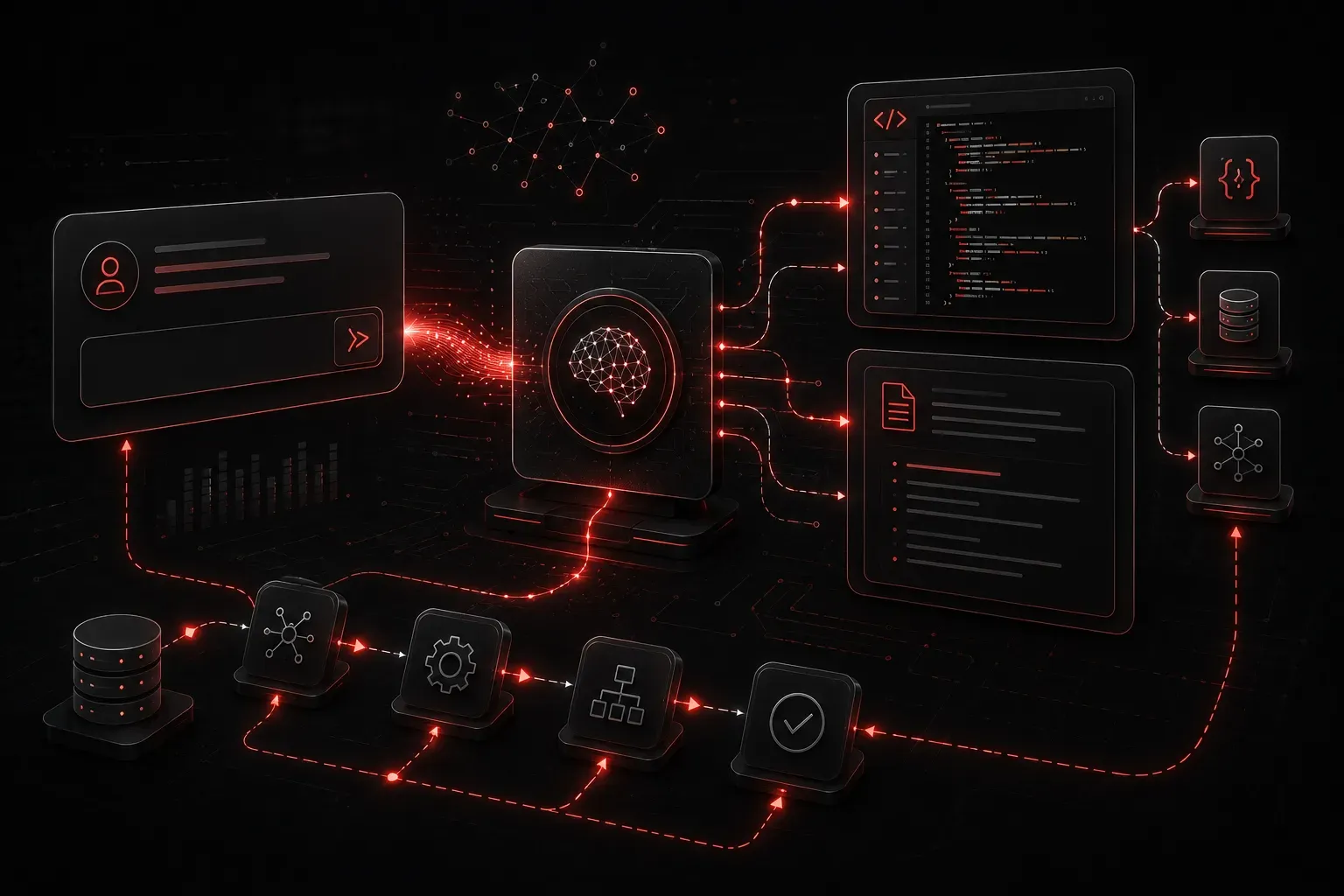
If you have ever asked ChatGPT to explain a concept, had GitHub Copilot suggest a function, or used an AI tool to draft a network design document, you have already experienced Generative AI in action. But what exactly makes it "generative," and how can IT professionals use it intentionally rather than accidentally?
This post breaks down what Generative AI is, why it matters in an IT context, and where it fits into your day-to-day workflows.
What Makes AI "Generative"?
Generative AI refers to a category of artificial intelligence models that can produce new content: text, code, images, audio, or structured data. Unlike traditional AI models that classify or predict (for example, "is this traffic anomalous?"), generative models create something that did not exist before.
Under the hood, most generative AI tools you will use today are built on Large Language Models (LLMs). These models are trained on massive datasets and learn statistical patterns in language well enough to generate coherent, context-aware responses. Tools like ChatGPT, Claude, Gemini, and GitHub Copilot are all examples of generative AI tools that IT professionals are using right now.
Where Generative AI Fits in IT Workflows
Generative AI is not a replacement for expertise. It is a force multiplier. Here are the primary use cases where it delivers real value for IT professionals:
Code Generation and Debugging
This is one of the highest-impact use cases. You can describe what you need in plain English and receive working code in return. For example, you might prompt an LLM with:
Write a Python script that reads a list of IP addresses from a CSV file
and pings each one, reporting which hosts are reachable.
The model will produce a working draft. It may not be production-ready, but it eliminates the blank-page problem and can dramatically accelerate your scripting workflow. You supply the domain knowledge; the AI handles the boilerplate.
Documentation and Technical Writing
Documentation is one of those tasks that everyone knows is important and almost nobody enjoys writing. Generative AI tools can draft runbooks, summarize configuration changes, convert raw CLI output into readable reports, and even create standard operating procedures from bullet points you provide.
Explaining Complex Concepts
Need to understand how BGP path selection works before your next troubleshooting call? Ask the model. Want to explain a firewall policy to a non-technical stakeholder? Ask the model to rewrite your technical notes in plain language. Generative AI is exceptionally good at translation between levels of technical depth.
Automation with AI: Drafting Scripts and Configs
Automation with AI goes beyond writing scripts. You can use generative AI tools to help you build Ansible playbooks, draft Terraform configurations, generate regex patterns, or prototype API calls. Consider this quick example of prompting for a network automation task:
Generate an Ansible task that uses the cisco.ios.ios_config module
to set the hostname on a Cisco IOS device to "CORE-SW-01".
The output will give you a starting point that you can test, refine, and drop into your playbook. The speed gain is significant, especially for tasks you do not perform every day.
Understanding the Limits: AI Creativity Has Boundaries
AI creativity is real, but it is bounded. Generative AI models do not reason the way humans do. They predict likely outputs based on training data. This means they can:
- Hallucinate: Confidently produce incorrect information, including fake command syntax or nonexistent configuration options.
- Miss context: Without enough background, the model may solve the wrong problem entirely.
- Produce outdated answers: Models have a knowledge cutoff date and may not know about recent software versions or security advisories.
Your job as an IT professional is to be the expert in the loop. Treat AI output as a first draft, not a final answer. Verify commands in a lab, review generated code for logic errors, and always apply your own technical judgment.
Generative AI vs. Agentic AI: A Quick Distinction
You will hear the term "agentic AI" as this series progresses. Here is the key difference to keep in mind: Generative AI responds to prompts. It produces output when you ask. Agentic AI takes action autonomously, often chaining multiple steps together without waiting for you to prompt each one. A future post in this series covers agentic AI in depth, but for now, think of Generative AI as your highly capable assistant that needs you to direct it at every step.
What's Next
Now that you understand what Generative AI is and how it maps to IT workflows, the next logical step is understanding where it ends and Agentic AI begins. In the next post, we will explore what makes AI "agentic," how autonomous agents chain tasks together, and which use cases are better suited to an agentic approach rather than a simple prompt-response model. The distinction matters more than you might think, especially as these tools become embedded in production workflows.