
Common Issues with Router Security Features and How to Solve Them
This post covers systematic troubleshooting of common router security issues including ACL placement and hit counter analysis, IPv6 filter problems caused by ICMPv6 blocking and link-local address gaps, and uRPF drops in asymmetric routing environments. Each area includes relevant CLI commands and

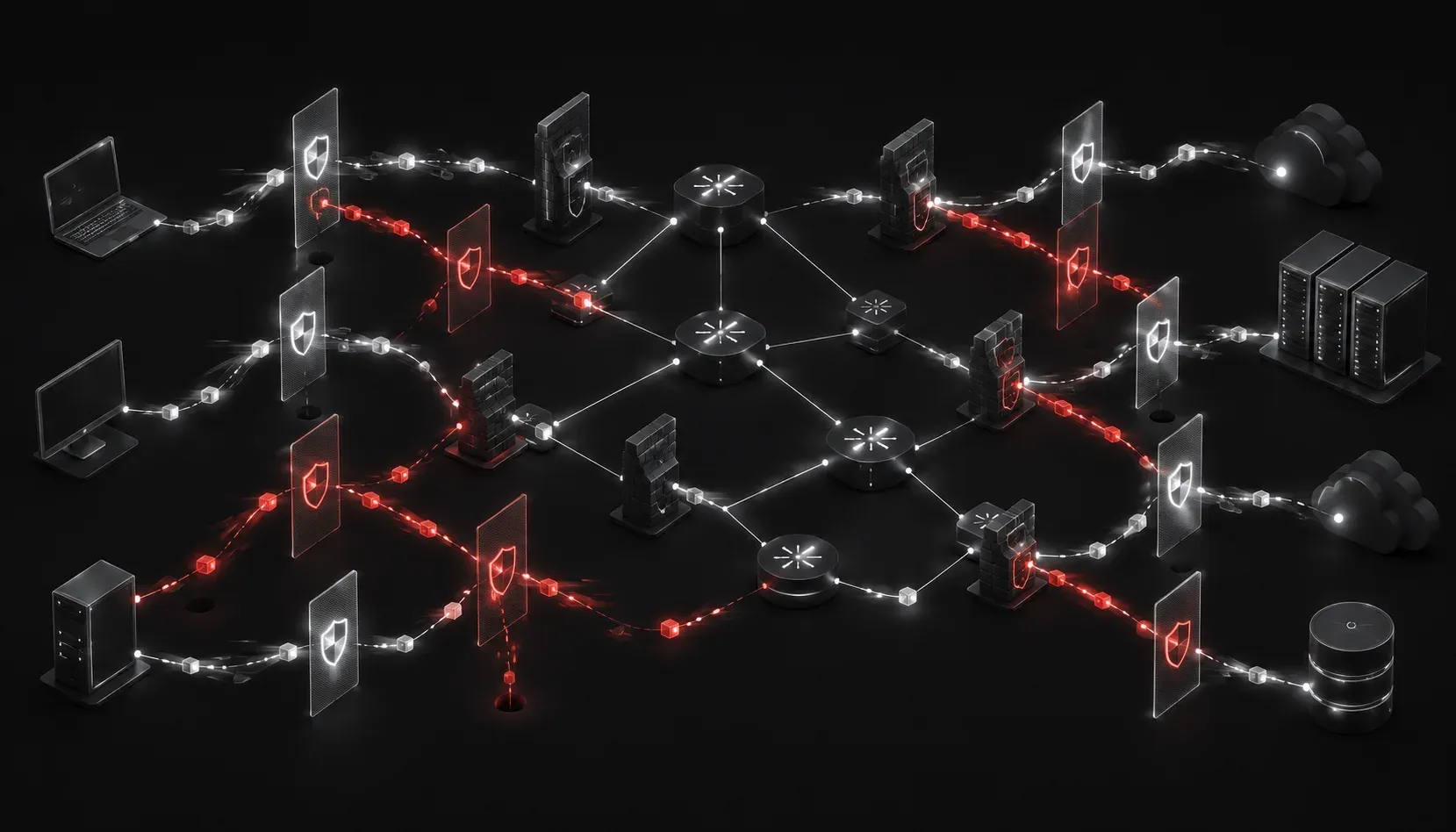
Router security features are frequently misconfigured, and the symptoms they produce are often misdiagnosed as routing or hardware problems. A dropped packet doesn't advertise whether it was killed by an ACL implicit deny, a uRPF check failure, or a malformed IPv6 filter. This post covers the most common failure patterns across ACLs, IPv6 filters, and uRPF, along with the commands you need to isolate and fix them quickly.
ACL Troubleshooting: Beyond the Basics
Most ACL troubleshooting starts at the wrong layer. Engineers check syntax first and direction second. The correct sequence is: interface, direction, then rule logic.
Verifying Placement and Direction
An ACL applied to the wrong interface or in the wrong direction is the most common router security issue in production environments. Use show ip interface to confirm exactly where the ACL is bound.
R1# show ip interface GigabitEthernet0/1
GigabitEthernet0/1 is up, line protocol is up
  Inbound  access list is ACL_INBOUND
  Outbound access list is not set
If you're blocking traffic entering from an untrusted segment, the ACL must be applied inbound on that interface. Applying it outbound on the same interface means the traffic has already traversed the router before the filter runs, which defeats the security intent and can cause asymmetric issues.
Using Hit Counters to Validate Rule Logic
Once placement is confirmed, hit counters tell you whether any rules are actually matching traffic.
R1# show ip access-lists ACL_INBOUND
Extended IP access list ACL_INBOUND
    10 permit tcp 10.10.0.0 0.0.255.255 any eq 443 (1284 matches)
    20 deny ip 192.168.100.0 0.0.0.255 any (0 matches)
    30 permit ip any any (847 matches)
A zero match count on a deny rule you expect to be firing is a clear signal that either the source subnet is wrong, the wildcard mask is inverted incorrectly, or the traffic isn't hitting that interface at all. Sequence numbers matter too. If a broad permit ip any any appears before a more specific deny, that deny will never match. ACLs are processed top-down with first-match logic.
The Implicit Deny and Logging
The implicit deny ip any any at the end of every ACL doesn't generate log entries by default because it has no log keyword. When you're losing traffic you can't account for, add a catch-all deny with logging at the bottom of your ACL temporarily.
R1(config)# ip access-list extended ACL_INBOUND
R1(config-ext-nacl)# 999 deny ip any any log
This surfaces traffic patterns hitting the implicit deny without requiring packet captures. Remove the explicit deny with log once your investigation is complete, since it adds CPU overhead at scale.
IPv6 Filter Problems
IPv6 access lists operate similarly to IPv4 but have several behaviors that generate IPv6 filter problems when engineers assume parity.
ICMPv6 and Neighbor Discovery
The most damaging IPv6 filter mistake is blocking ICMPv6 entirely. IPv6 relies on Neighbor Discovery Protocol (NDP), which uses ICMPv6 types 133-137. If your IPv6 ACL includes a blanket deny icmpv6 any any, you will break neighbor resolution, router discovery, and Duplicate Address Detection. Hosts on the segment will lose connectivity even if your routing table looks correct.
The fix is explicit permit statements for the required ICMPv6 types before any blanket deny.
R1(config)# ipv6 access-list IPV6_INBOUND
R1(config-ipv6-acl)# permit icmpv6 any any nd-na
R1(config-ipv6-acl)# permit icmpv6 any any nd-ns
R1(config-ipv6-acl)# permit icmpv6 any any router-advertisement
R1(config-ipv6-acl)# permit icmpv6 any any router-solicitation
R1(config-ipv6-acl)# deny ipv6 any any log
Link-Local Address Filtering
Another common IPv6 filter problem involves forgetting that routing protocols and NDP use link-local source addresses (FE80::/10). An ACL filtering on source address that doesn't explicitly permit link-local traffic will break OSPFv3, EIGRPv6, and NDP adjacencies. This is frequently seen after tightening security policies without accounting for control-plane traffic sourced from link-local addresses.
Verify with show ipv6 access-list and look for match counts on rules that should be permitting routing protocol traffic.
R1# show ipv6 access-list IPV6_INBOUND
IPv6 access list IPV6_INBOUND
    permit icmpv6 any any nd-na (14 matches) sequence 10
    permit icmpv6 any any nd-ns (22 matches) sequence 20
    permit ospf any any (0 matches) sequence 30
    deny ipv6 any any log (5 matches) sequence 40
Zero matches on the OSPFv3 permit rule while the deny is incrementing is a clear indicator that your OSPFv3 source address isn't matching the permit. Check whether your OSPFv3 permit is using FE80::/10 as the source prefix.
uRPF Issues
Unicast Reverse Path Forwarding is a strong anti-spoofing mechanism, but it's one of the most misunderstood features in the ENARSI scope. uRPF issues typically manifest as legitimate traffic being dropped silently, often in asymmetric routing environments.
Strict vs. Loose Mode
Strict mode checks that the source IP of an incoming packet is reachable via the interface the packet arrived on. In a symmetric routing environment, this works correctly. In an asymmetric environment, return traffic may enter on a different interface than the CEF best-path expects, causing uRPF to drop legitimate packets.
Loose mode only checks that the source address exists somewhere in the routing table, regardless of which interface the packet arrived on. This is more appropriate for environments with asymmetric paths or where you're running uRPF at internet edge with multiple upstream providers.
R1(config)# interface GigabitEthernet0/0
R1(config-if)# ip verify unicast source reachable-via rx    ! Strict mode
R1(config-if)# ip verify unicast source reachable-via any   ! Loose mode
Diagnosing uRPF Drops
uRPF drops are tracked in CEF statistics. Use the following command to see if uRPF is silently dropping packets.
R1# show cef interface GigabitEthernet0/0 | include RPF
  IP unicast RPF check is enabled
  Input features: uRPF

R1# show ip interface GigabitEthernet0/0 | include verify
  IP verify source reachable-via RX
For drop counters, check interface-level statistics or enable ip cef accounting per-prefix and review with show ip cef. If you suspect uRPF is causing drops but can't confirm it, temporarily remove the feature from the interface, test connectivity, and re-apply once confirmed.
The Default Route and uRPF
A subtle uRPF issue occurs when a default route (0.0.0.0/0) is present in the routing table. In loose mode, any source address passes the check because everything matches the default route. In strict mode with allow-default configured, traffic with a source reachable via the default route is permitted even if it arrived on the wrong interface. Be explicit about whether you want default-route matching enabled.
R1(config-if)# ip verify unicast source reachable-via rx allow-defaultOmit allow-default in strict mode if you want uRPF to enforce interface-specific source validation without the default route acting as a bypass.
Systematic Troubleshooting Approach
When dealing with any of these router security issues, work through a consistent methodology:
- Confirm the feature is enabled and where it's applied using
show ip interfaceorshow ipv6 interface. - Verify hit counters are incrementing on expected rules. Zero counters on a critical permit rule means traffic isn't reaching the filter at that point.
- Use
debug ip packetwith an ACL filter to avoid overwhelming the CPU with unrelated traffic. Always apply a specific ACL to the debug to scope it. - Check for asymmetric routing before enabling uRPF in strict mode. Run
show ip routeand trace both forward and return paths. - Review syslog for ACL log messages if logging is configured. These surface implicit deny hits and provide source/destination information.
What's Next
With router security features covered, the next area to tackle is control-plane protection. Control Plane Policing (CoPP) and Control Plane Protection (CPPr) build on the ACL and filtering concepts from this post but apply them specifically to traffic destined for the router's CPU. Understanding how to rate-limit and prioritize control-plane traffic is a critical skill for both the ENARSI exam and production hardening. That's the next topic in this series.
For deeper coverage of all infrastructure security topics in the ENARSI scope, the Cisco Press CCNP Enterprise Advanced Routing ENARSI 300-410 Official Cert Guide by Raymond Lacoste is the authoritative reference.
Tools and resources for this topic
- CCNP ENARSI 300-410 Official Cert Guide: The definitive ENARSI study resource by Raymond Lacoste. Covers advanced routing, services, and troubleshooting.