
How Do Networks Work? A Beginner's Guide
This beginner-friendly post explains how networks function, covering key networking components like routers, switches, NICs, and end devices. It walks through the data transmission process step by step using simple analogies. The post is aligned with CCST Networking exam domain 1.1: Standards and C

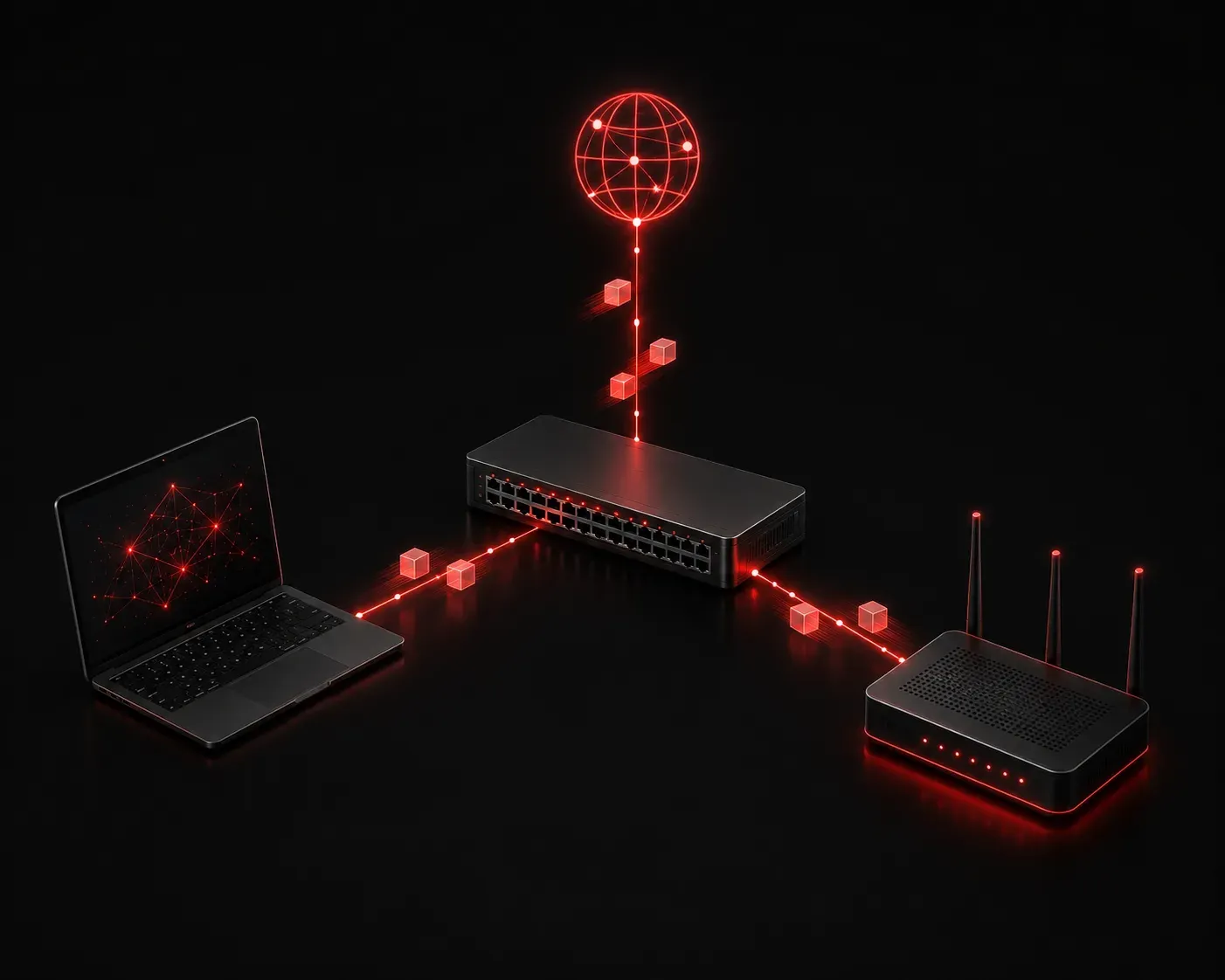
If you've ever sent an email, streamed a video, or loaded a webpage, you've used a network. But how does all that actually work? Understanding the fundamentals of how networks function is the first step in your journey toward Cisco certification and a career in IT. Let's break it down in plain language.
What Is a Network?
At its most basic level, a network is a collection of devices that can communicate with each other. Those devices might be computers, smartphones, printers, servers, or even smart home gadgets. The whole point of connecting them is to share resources and information.
Think of a network like a postal system. Each device has an address, messages get packaged up, routed through the right paths, and delivered to the correct destination. The network is the infrastructure that makes all of that possible.
Key Networking Components
To understand how data moves from one place to another, you need to know the players involved. Here are the core networking components you'll encounter:
- End Devices: these are the devices people actually use, such as laptops, phones, and printers. They are the source or destination of data.
- Network Interface Card (NIC): every end device has a NIC, either built-in or added on. It provides the physical connection point to the network and gives the device its hardware address (MAC address).
- Switches: a switch connects multiple devices within the same local network (called a LAN). It learns which device is connected to which port and forwards data only to the intended recipient, not every device on the network.
- Routers: a router connects different networks together. Your home router connects your local network to the internet. Routers read destination addresses and decide the best path for data to travel.
- Cables and Wireless: data travels through physical cables (like Ethernet) or through wireless signals (like Wi-Fi). Both are valid ways to connect devices to a network.
How Data Transmission Actually Works
When you send a message or request a webpage, your data doesn't travel as one large chunk. The network breaks it into smaller pieces called packets. Each packet contains a portion of your data along with addressing information, specifically where it came from and where it's going.
Here's a simplified step-by-step of what happens when you visit a website:
- You type a URL into your browser. Your device creates a request and breaks it into packets.
- The packets leave your device through its NIC and travel to your local switch.
- The switch forwards the packets toward your router.
- Your router sends the packets out over the internet, hopping through other routers until they reach the web server.
- The web server sends packets back with the webpage content, following the same routing process in reverse.
- Your device reassembles the packets in the correct order and your browser displays the page.
This entire process happens in milliseconds. The fact that it works reliably every time is a testament to how well-designed modern networking protocols are.
Routers and Switches: What's the Difference?
New learners often confuse routers and switches. Here's a simple way to remember the distinction:
- Switches work locally: they move data between devices on the same network using MAC addresses.
- Routers work between networks: they move data from one network to another using IP addresses.
A good analogy is a building's internal mail room versus the postal service. The mail room (switch) handles delivery within the building. The postal service (router) handles getting letters from one building to another city entirely.
Why This Matters for the CCST Exam
The CCST Networking exam tests your understanding of these foundational concepts under Domain 1: Standards and Concepts. You won't be configuring complex networks right away, but you will need to clearly explain what a network is, identify its key components, and understand how data transmission works at a basic level.
Getting comfortable with this vocabulary and these concepts now will make every topic that follows much easier to absorb.
What's Next?
Now that you understand the big picture of how networks work, it's time to zoom in on the rules that govern how devices communicate. In the next post, we'll cover network protocols and standards, explaining what they are, why they matter, and how organizations like IEEE and IETF help keep the internet running smoothly for everyone.