
How to Install Python on Linux
A comprehensive guide to installing Python on various Linux distributions using package managers, pyenv, and PPAs. Covers verification steps and virtual environment setup for beginners.

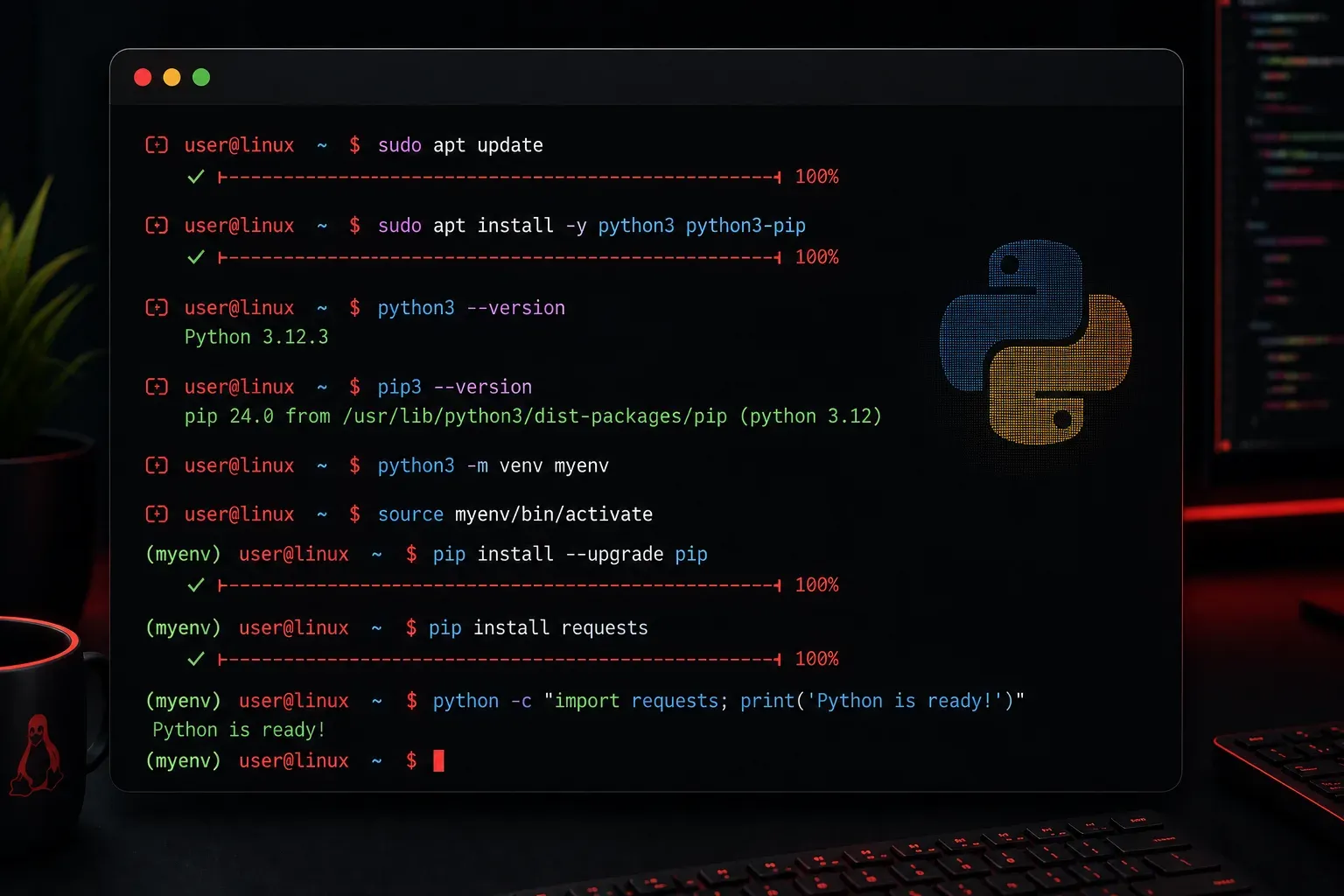
Installing Python on Linux is one of the first steps in your programming journey, and the good news is that most Linux distributions come with Python pre-installed. However, you might need a specific version or want to ensure you have the latest release. Let's walk through different methods to get Python running on your Linux system.
Check if Python is Already Installed
Before installing anything, let's see what's already on your system. Open your terminal and run these commands:
python3 --version
python --version
You'll likely see output like Python 3.9.2 or similar. Most modern Linux distributions include Python 3 by default. The python command might point to Python 2 (which was officially deprecated in January 2020 and is no longer maintained), might not exist at all, or might not be linked to any Python version depending on your distribution configuration.
Installing Python Using Package Managers
Ubuntu and Debian-based Systems
If you need to install or update Python, use the apt package manager:
sudo apt update
sudo apt install python3 python3-pip
This installs Python 3 and pip (Python's package installer). To install additional development tools:
sudo apt install python3-dev python3-venvRed Hat, CentOS, and Fedora Systems
For RPM-based distributions, update your package list first, then use dnf (or yum on older systems):
sudo dnf update
sudo dnf install python3 python3-pip
# or for older systems:
sudo yum update
sudo yum install python3 python3-pip
Arch Linux
Arch users can install Python with pacman:
sudo pacman -S python python-pipInstalling Specific Python Versions
Sometimes you need a specific Python version for compatibility. Here are a few approaches:
Using pyenv (Recommended for Development)
Pyenv lets you install and manage multiple Python versions easily. First, install the dependencies:
# Ubuntu/Debian
sudo apt install build-essential libssl-dev zlib1g-dev \
libbz2-dev libreadline-dev libsqlite3-dev wget curl llvm \
libncursesw5-dev xz-utils tk-dev libxml2-dev libxmlsec1-dev \
libffi-dev liblzma-dev
Then install pyenv using the official installation method. Clone the repository and set up the environment:
git clone https://github.com/pyenv/pyenv.git ~/.pyenvAdd pyenv to your shell by adding these lines to your ~/.bashrc or ~/.zshrc:
export PYENV_ROOT="$HOME/.pyenv"
export PATH="$PYENV_ROOT/bin:$PATH"
eval "$(pyenv init -)"
Restart your shell and install Python versions:
pyenv install 3.11.0
pyenv global 3.11.0
Using Deadsnakes PPA (Ubuntu)
For Ubuntu users, the Deadsnakes PPA provides newer Python versions:
sudo add-apt-repository ppa:deadsnakes/ppa
sudo apt update
sudo apt install python3.11 python3.11-venv python3.11-dev
Verifying Your Installation
After installation, verify everything works correctly:
python3 --version
pip3 --version
python3 -c "import sys; print(sys.executable)"
The last command shows you exactly which Python executable you're using, which is helpful when managing multiple versions.
Setting Up Your Development Environment
Once Python is installed, create a virtual environment for your projects:
python3 -m venv myproject
source myproject/bin/activate
python --version  # Should show your Python version
pip install requests  # Test installing a package
Virtual environments keep your project dependencies isolated and prevent conflicts between different projects.
Troubleshooting Common Issues
If you encounter permission errors when installing packages, never use sudo pip. Instead, use virtual environments or install packages for your user only with pip3 install --user package_name.
If the python command doesn't work but python3 does, you can create an alias by adding this to your ~/.bashrc:
alias python=python3What's Next
Now that you have Python installed, you're ready to start coding! In our next post, we'll cover "Python Variables and Data Types" where you'll learn how to store and manipulate different types of data in your Python programs.