
Security Monitoring vs. Security Alerting: What's the Difference?
This post explains the difference between security monitoring and security alerting for beginners studying for Security+. It covers how each concept works independently, how they complement each other in a threat detection strategy, and why both are essential in real-world security operations.

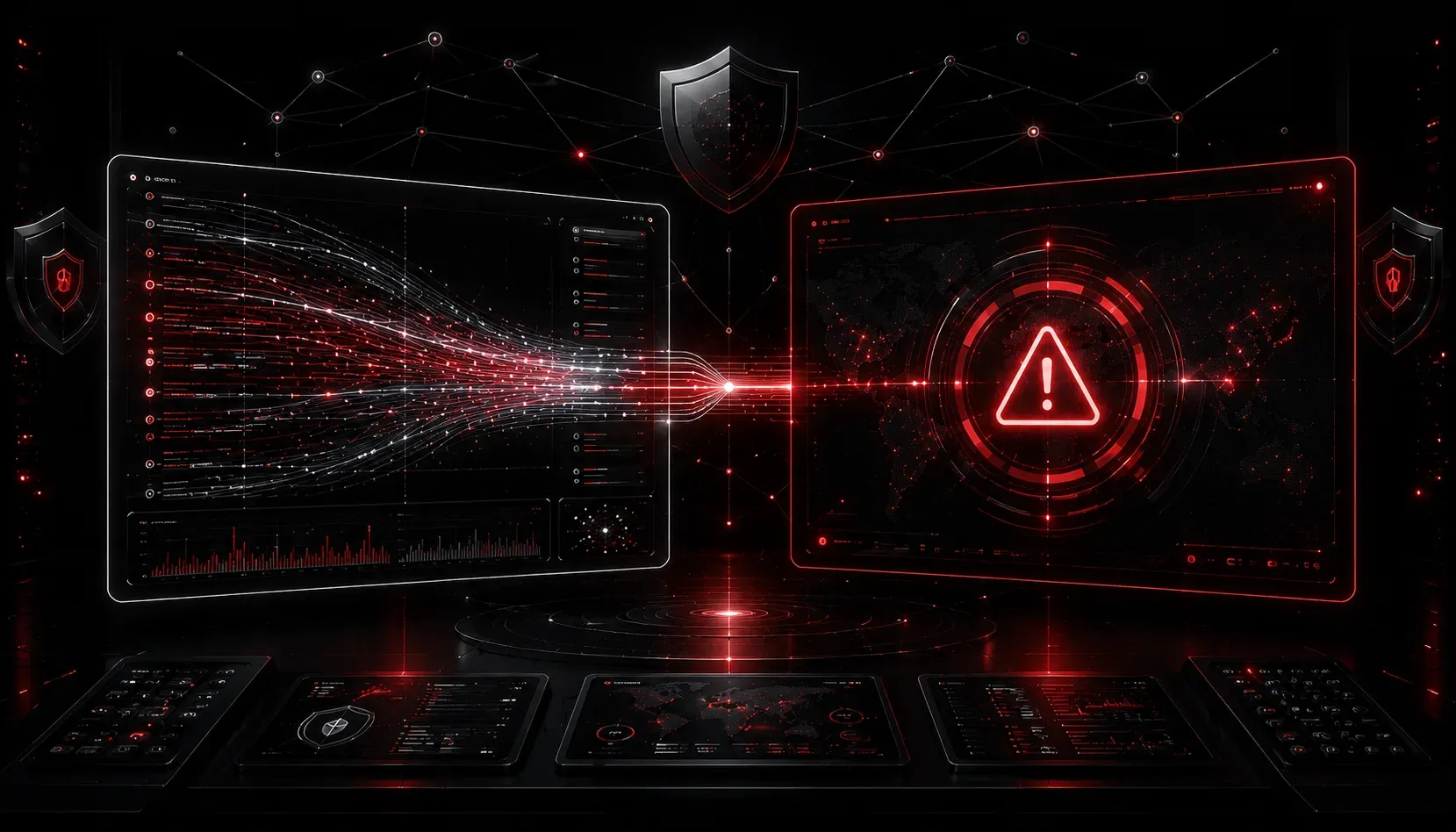
When you're starting out in cybersecurity, it's easy to use the terms "monitoring" and "alerting" interchangeably. They sound similar, they're closely related, and they're often mentioned in the same breath. But they're not the same thing, and understanding the difference is important for both the Security+ exam and real-world security operations.
Let's break it down clearly.
What Is Security Monitoring?
Security monitoring is the continuous process of collecting, observing, and analyzing data from across your environment. Think of it as the always-on surveillance system for your network. It watches traffic, logs events, tracks user behavior, and keeps a record of what's happening at any given moment.
Monitoring tools pull data from sources like:
- Firewalls and intrusion detection systems (
IDS) - Endpoint detection and response (
EDR) agents - System and application logs
- Network flow data (
NetFlow,sFlow) - Authentication logs from services like
Active Directory
A Security Information and Event Management (SIEM) platform is the most common tool used for centralized monitoring. It aggregates log data from many sources into one place, making it easier to spot patterns over time.
Monitoring is broad and passive by nature. It doesn't necessarily stop anything or notify anyone on its own. It just watches and records. The value comes from having a complete picture of your environment so that when something goes wrong, you have data to work with.
What Is Security Alerting?
Security alerting is what happens when monitoring detects something that matches a defined rule or threshold. It's the active notification layer that tells your security team something needs attention.
For example, your SIEM might be monitoring login attempts across your entire organization. If it detects 50 failed login attempts on a single account within 60 seconds, that matches a brute-force rule. At that point, the system doesn't just log the event quietly. It fires an alert to a security analyst, triggers a ticket in your incident management system, or even initiates an automated response.
Alerting is targeted and action-oriented. Good alerts are:
- Specific -- they describe exactly what triggered them
- Timely -- they fire quickly enough to be useful
- Actionable -- they give the analyst enough context to respond
- Tuned -- they're calibrated to minimize false positives
Alert fatigue is a real problem. If every minor event fires an alert, analysts get overwhelmed and start ignoring them, which is exactly when a real threat slips through. Good alerting requires ongoing tuning and refinement.
How They Work Together
Here's a simple way to think about the relationship: monitoring is what you see, alerting is what you act on.
Without monitoring, you have no visibility. You can't alert on something you're not watching. Without alerting, monitoring data just sits there. You'd have to manually review thousands of log lines every day to spot anything suspicious, which is not realistic at scale.
Together, they form a core part of any threat detection strategy. The workflow looks something like this:
- Systems generate logs and events continuously
- Monitoring tools collect and normalize that data
- Correlation rules and detection logic evaluate the data
- When a rule is matched, an alert is generated
- A security analyst investigates and responds
This is the foundation of what CompTIA calls continuous monitoring, a concept tested directly in the Security+ exam under domain 4.4, Security Operations. You'll need to understand that monitoring and alerting are complementary controls, not competing ones.
A Quick Analogy
Think of a hospital's patient monitoring system. The equipment continuously tracks heart rate, blood pressure, and oxygen levels. That's monitoring. When a patient's heart rate drops below a safe threshold, an alarm sounds at the nurse's station. That's alerting. The monitoring never stops, but the alert only fires when something actionable is detected. Neither one works well without the other.
What's Next
Now that you understand the difference between monitoring and alerting, the natural next step is exploring the tools that make both possible. In an upcoming post, we'll dive deeper into SIEM platforms -- what they do, how they correlate events, and why they're a cornerstone of modern security operations. If you want to go deeper on these concepts right now, the CompTIA Security+ Study Guide by Mike Chapple and David Seidl covers monitoring and alerting thoroughly in the context of security operations.