
NetworkManager vs Netplan: Which to Use on Linux?
NetworkManager and Netplan are both popular Linux network configuration tools, but they serve different use cases. This post compares the two tools, explains how each works, and helps beginners decide which to use based on their environment.

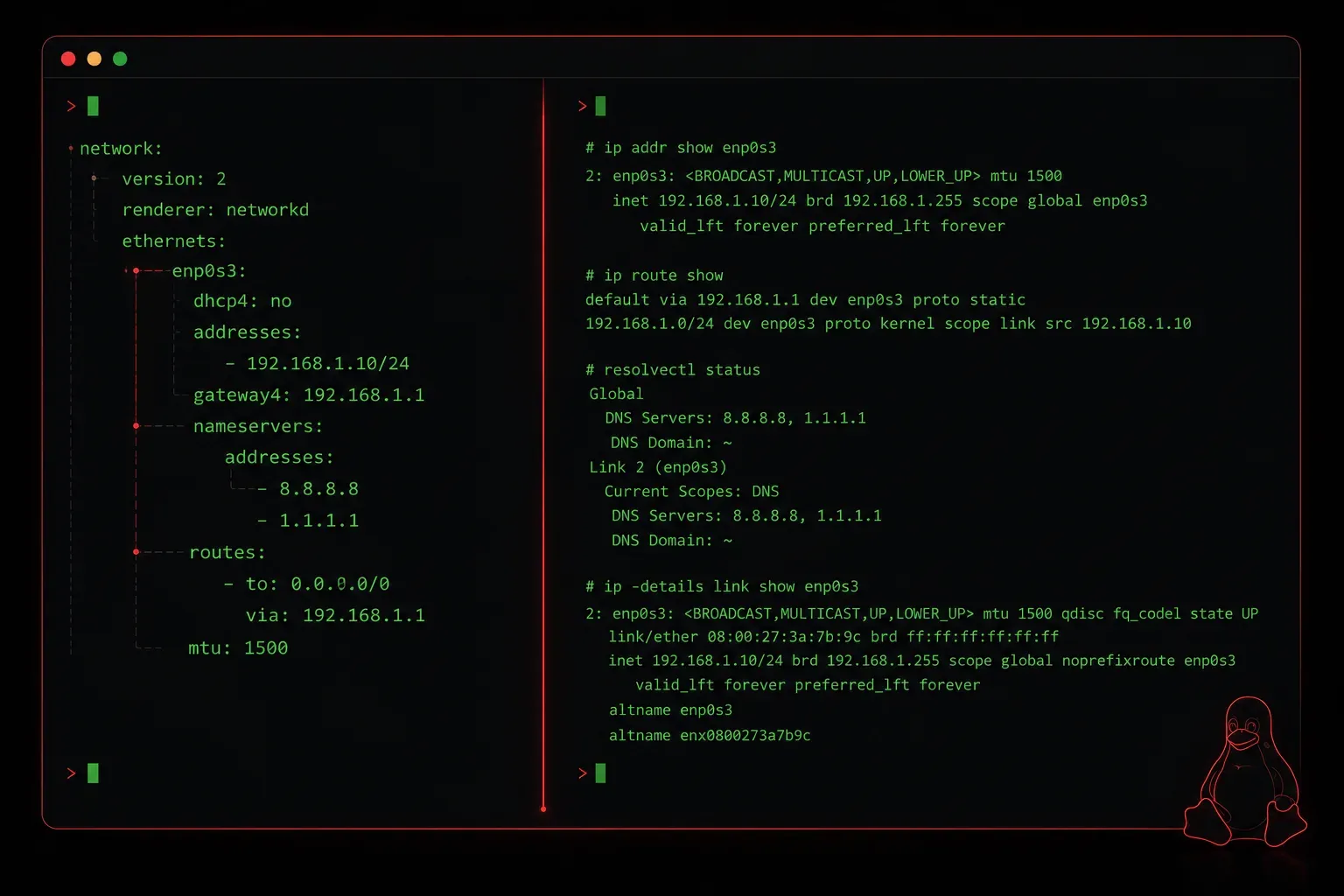
When you start managing network configurations on Linux, you will quickly run into two names: NetworkManager and Netplan. Both are network configuration tools, but they serve slightly different purposes and are more at home in different environments. Understanding when to use each one is a key skill for the Linux+ exam and for real-world Linux administration.
What Is NetworkManager?
NetworkManager is a daemon-based network management tool designed to make networking dynamic and automatic. It was originally built with desktop Linux users in mind, where network connections change frequently: think switching between Wi-Fi networks, plugging in Ethernet, or connecting to a VPN.
NetworkManager handles all of this seamlessly in the background. It detects changes and adjusts your network configuration without you needing to restart services manually. You can interact with it through a GUI on the desktop, or from the terminal using the nmcli command-line tool.
To check your current connection status with NetworkManager, try:
nmcli device statusYou might see output like this:
DEVICE   TYPE      STATE      CONNECTION
eth0     ethernet  connected  Wired connection 1
lo       loopback  unmanaged  --
You can also show detailed connection info:
nmcli connection showNetworkManager stores its configuration files in /etc/NetworkManager/system-connections/, and each connection profile is saved as a file you can inspect or edit directly.
What Is Netplan?
Netplan is a newer abstraction layer for network configuration developed by Canonical, the company behind Ubuntu. Instead of managing the network directly, Netplan reads a YAML configuration file you write, then generates the actual configuration for a backend renderer. That renderer is usually either NetworkManager or systemd-networkd.
Think of Netplan as the translator. You write human-readable YAML, and Netplan handles the rest. This makes it particularly appealing for server environments where configurations are static, consistent, and often managed at scale through automation tools like Ansible.
Netplan was developed by Canonical and is most closely associated with Ubuntu, where it has been the default since Ubuntu Server 18.04. However, it is not exclusive to Ubuntu; it can be used on other Linux distributions that choose to support it, though adoption outside the Ubuntu ecosystem remains limited.
Netplan configuration files live in /etc/netplan/. A basic static IP configuration looks like this:
network:
  version: 2
  renderer: networkd
  ethernets:
    eth0:
      addresses:
        - 192.168.1.100/24
      routes:
        - to: default
          via: 192.168.1.1
      nameservers:
        addresses: [8.8.8.8, 8.8.4.4]
After editing the file, you apply it with:
sudo netplan applyIf you want to test the configuration before committing it, use:
sudo netplan tryThis gives you a 120-second window to confirm the changes, and rolls back automatically if you do not respond. Very handy when working on a remote server.
Key Differences at a Glance
- NetworkManager is dynamic, daemon-driven, and great for desktops or laptops where connections change often.
- Netplan is declarative and YAML-based, ideal for servers where you want predictable, repeatable configurations.
- Netplan is not a replacement for NetworkManager. It can actually use NetworkManager as its backend renderer.
- NetworkManager includes the
nmclitool for terminal-based management. Netplan relies onnetplancommands and your text editor. - Ubuntu Server 18.04 and later default to Netplan, and it is available on other distributions that support it. Most desktop distributions default to NetworkManager, though some distributions and versions may use different network management tools.
Which Should You Use?
The honest answer is: it depends on the environment. For a desktop or laptop, NetworkManager is almost always the right choice. Its dynamic management, GUI integration, and support for VPNs and wireless networks make it purpose-built for that use case.
For a Linux server, Netplan (with systemd-networkd as the renderer) is cleaner and more consistent. You write the config once, apply it, and it stays put. This also plays well with infrastructure-as-code workflows.
For the Linux+ exam, you need to be comfortable with both. Know how to use nmcli to manage connections, and know how to write and apply a basic Netplan YAML file.
Recommended Reading
For deeper coverage of Linux network management and exam preparation, check out the CompTIA Linux+ Study Guide by Richard Blum. It covers both tools in the context of what the exam expects you to know.
What's Next?
Now that you understand the tools used to manage network configurations, the next step is getting hands-on with static and dynamic IP addressing on Linux. We will look at how to configure a static IP address using both NetworkManager and Netplan, and explain when DHCP is the better choice for your setup.
Tools and resources for this topic
- CompTIA Linux+ Study Guide: Comprehensive Linux+ exam preparation covering system administration, security, and scripting.