
How to Identify Private vs Public IP Addresses
This post explains how to identify private vs public IP addresses by covering the three RFC 1918 private ranges, walking through practical IP address examples, and highlighting key public IP features. It is aimed at CCST Networking learners who need a clear, memorable framework for this foundationa

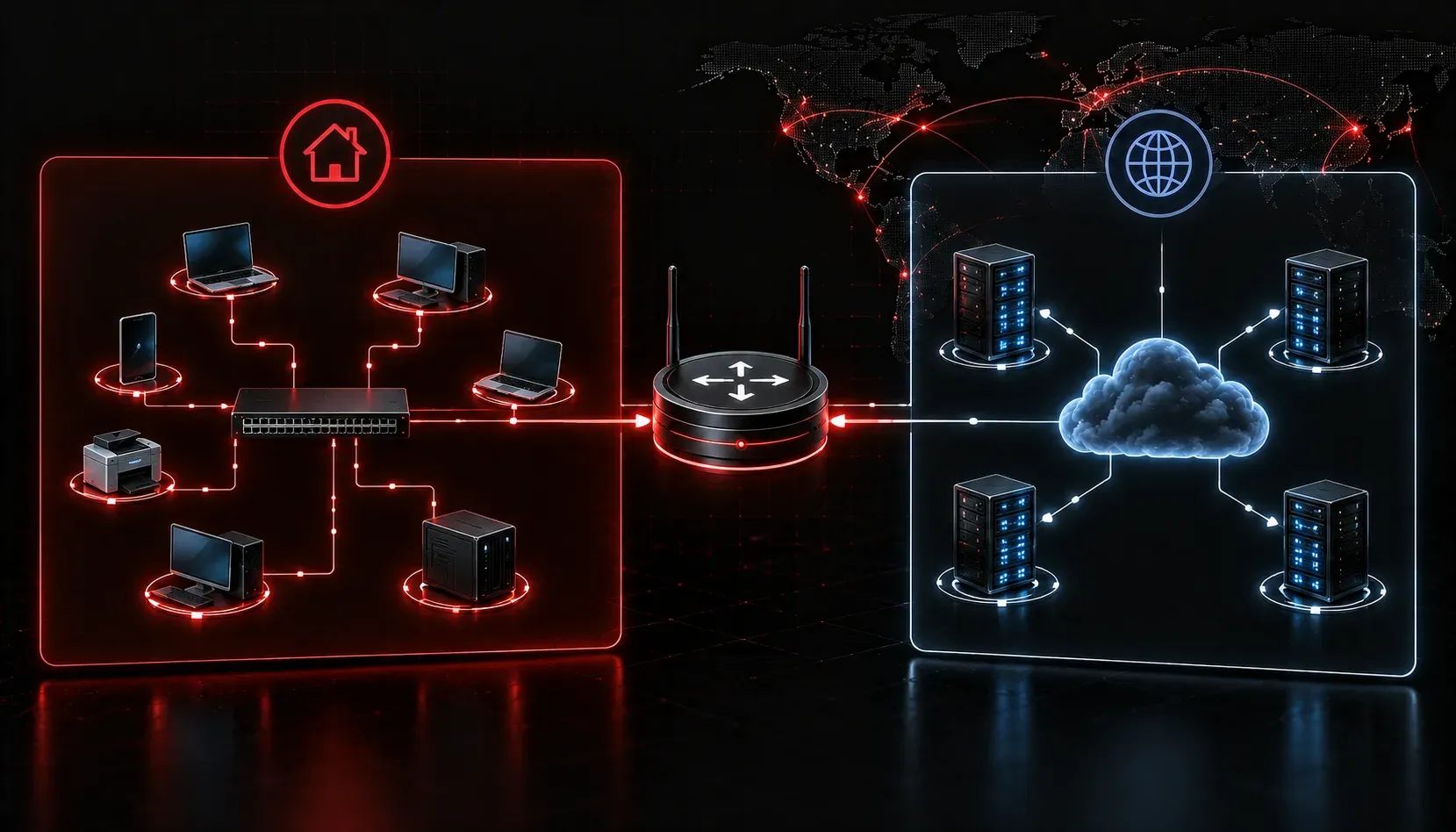
One of the most fundamental skills in networking is being able to look at an IP address and immediately know whether it is private or public. This knowledge matters in real-world troubleshooting, network design, and yes, on your CCST Networking exam.
Let's break it down clearly so you can identify private vs public IP addresses with confidence.
Why the Distinction Matters
Private IP addresses are used inside networks like your home, school, or office. They are not routable on the internet, meaning a router on the public internet will not forward traffic destined for a private address. Public IP addresses, on the other hand, are globally unique and routable across the internet.
This separation exists because the world ran low on IPv4 addresses years ago. Private ranges allow thousands of internal devices to share a single public IP using a technology called Network Address Translation (NAT). You will cover NAT in more depth later, but understanding private vs public addressing is the foundation.
The Three Private IP Ranges You Must Know
The Internet Assigned Numbers Authority (IANA) has reserved three specific ranges for private use. These are defined in RFC 1918. Memorize these:
- Class A private range:
10.0.0.0to10.255.255.255(prefix:/8) - Class B private range:
172.16.0.0to172.31.255.255(prefix:/12) - Class C private range:
192.168.0.0to192.168.255.255(prefix:/16)
If an IP address falls within any of these ranges, it is private. If it falls outside these ranges (and is not otherwise reserved), it is public.
How to Identify Private vs Public IP in Practice
Here is a simple method. When you see an IP address, check the first octet first, then verify against the table above.
IP Address Examples
Let's walk through several examples:
10.0.5.22        --> Starts with 10 --> PRIVATE
172.20.100.1     --> Starts with 172, second octet is 20 (between 16-31) --> PRIVATE
172.35.10.5      --> Starts with 172, second octet is 35 (NOT between 16-31) --> PUBLIC
192.168.1.100    --> Starts with 192.168 --> PRIVATE
192.169.1.1      --> Starts with 192.169 (NOT 192.168) --> PUBLIC
8.8.8.8          --> Does not match any private range --> PUBLIC
203.0.113.5      --> Does not match any private range --> PUBLIC
The trickiest one to watch is the 172.x.x.x range. Not all addresses starting with 172 are private. Only those where the second octet falls between 16 and 31 qualify as private.
Public IP Features to Recognize
Beyond just memorizing ranges, here are a few public IP features that help reinforce your understanding:
- Globally unique: No two devices on the internet share the same public IP at the same time.
- Assigned by ISPs: Your internet service provider assigns public IPs, which are ultimately managed by IANA and regional registries.
- Internet-routable: Packets with public destination addresses can travel freely across the internet.
- Visible externally: When you visit a website, the server sees your public IP, not your private one.
A Quick Reference Table
Range                          Type     Class
10.0.0.0 - 10.255.255.255      Private  A
172.16.0.0 - 172.31.255.255    Private  B
192.168.0.0 - 192.168.255.255  Private  C
Everything else (valid IPv4)   Public   N/A
Print this table out or write it on a sticky note. It is one of the most referenced facts in all of networking.
One More Reserved Range Worth Knowing
There is also the 127.0.0.0/8 range, which is reserved for loopback addresses. The most common is 127.0.0.1, used to test network functionality on the local device itself. This is neither private (RFC 1918) nor public. It is a separate special-purpose range, but you will likely see it in exam questions.
What's Next
Now that you can confidently identify private and public IP addresses, the next step is understanding how those addresses are structured. In the next post, we will look at the difference between IPv4 and IPv6 addressing formats, including what makes each one unique and why the industry has been transitioning between them. This builds directly on what you just learned here.