
Introduction to Link Layer Discovery Protocol (LLDP)
Link Layer Discovery Protocol (LLDP) is an IEEE standard that enables network devices to share basic information with their immediate neighbors. This post covers LLDP basics, how it works, and its advantages over proprietary protocols like CDP in mixed-vendor environments.

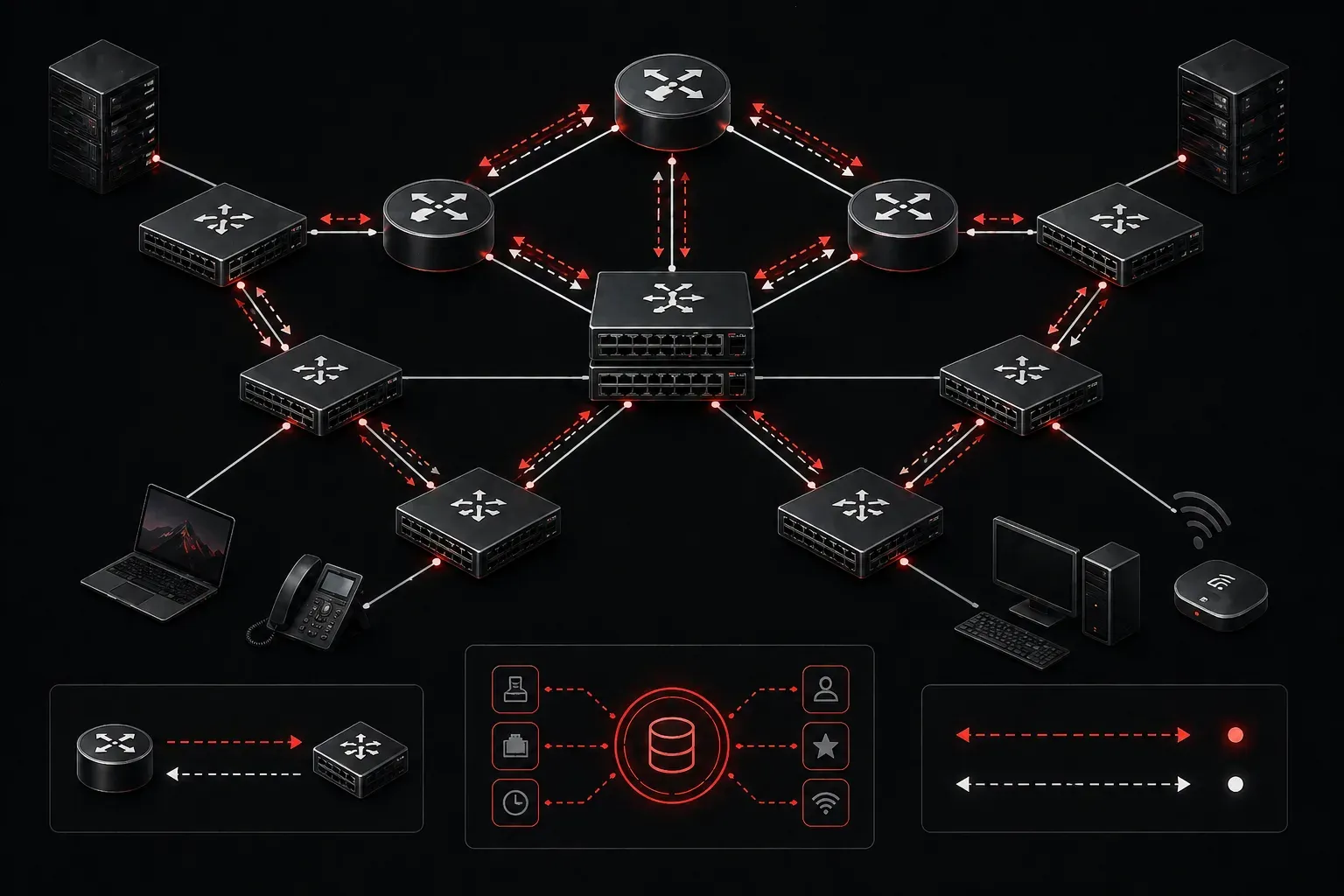
When managing a network, one of the most fundamental challenges is knowing which devices are connected where. Link Layer Discovery Protocol (LLDP) solves this problem by providing a standardized way for network devices to advertise information about themselves to their directly connected neighbors.
What is Link Layer Discovery Protocol?
LLDP is an IEEE 802.1AB standard protocol that enables network devices to share basic information with their immediate neighbors. Think of it as a "hello, my name is" tag that devices automatically exchange. Unlike proprietary protocols, LLDP works across different vendors' equipment, making it invaluable in mixed-vendor environments.
The protocol operates at Layer 2 of the OSI model, meaning LLDP frames are sent directly between adjacent devices without being routed through the network. This makes it perfect for discovering the physical topology of your network infrastructure.
How LLDP Works
LLDP operates through a simple exchange mechanism:
- Advertisement: Each LLDP-enabled device periodically sends advertisements containing its information
- Reception: Neighboring devices receive and store this information in their LLDP neighbor tables
- Aging: Information expires after a specified time if not refreshed
By default, LLDP advertisements are sent every 30 seconds, with a hold time of 120 seconds. This means if a device stops sending advertisements, its information will be removed from neighbor tables after 2 minutes.
Information Shared by LLDP
LLDP advertisements contain several Type-Length-Value (TLV) elements that provide useful network information:
- Chassis ID: Unique identifier for the device
- Port ID: Identifier for the specific interface
- Time to Live: How long the information should be retained
- System Name: Device hostname
- System Description: Hardware and software details
- System Capabilities: Device type (router, switch, phone, etc.)
- Management Address: IP address for device management
LLDP vs CDP: Understanding the Difference
If you're familiar with Cisco Discovery Protocol (CDP), you might wonder how LLDP differs. Here are the key distinctions:
- Standards: LLDP is an open IEEE standard, while CDP is Cisco proprietary
- Vendor Support: LLDP works with any vendor's equipment, CDP only with Cisco devices
- Default State: On Cisco devices, CDP is enabled by default, LLDP is typically disabled
- Information Shared: Both share similar information, but CDP includes some Cisco-specific details
In modern networks with mixed vendors, LLDP provides better interoperability, making it the preferred choice for device discovery.
Basic LLDP Configuration on Cisco Devices
Enabling LLDP on Cisco devices is straightforward:
Router(config)# lldp run
Router(config)# interface gigabitethernet0/1
Router(config-if)# lldp transmit
Router(config-if)# lldp receive
To view LLDP neighbor information:
Router# show lldp neighbors
Router# show lldp neighbors detail
The detailed output provides comprehensive information about each neighbor, including system capabilities, management addresses, and port descriptions.
LLDP in Network Troubleshooting
LLDP becomes invaluable during network troubleshooting and documentation. Network administrators can quickly map physical connections, verify cabling, and identify device types without physically tracing cables. This capability is especially useful in large data centers or when working with inherited network infrastructure.
For CCNA candidates, understanding LLDP basics demonstrates knowledge of modern network protocols and standards-based approaches to network management. The protocol's simplicity and effectiveness make it a fundamental tool in any network engineer's toolkit.
What's Next
Now that you understand LLDP fundamentals, the next step is exploring practical LLDP configuration scenarios and troubleshooting techniques. We'll also dive deeper into interpreting LLDP neighbor tables and using this information for network documentation and topology mapping.
Tools and resources for this topic
- CCNA Official Cert Guide (Wendell Odom) — The definitive CCNA study resource. Both volumes cover the 200-301 exam blueprint in full.
- Wendell Odom CCNA Vol 1 — Covers networking fundamentals, switching, and routing basics.
- Wendell Odom CCNA Vol 2 — Covers advanced routing, WAN, infrastructure services, and security.