
Understanding IP Phones and Their Network Function
IP phones convert voice to digital packets and transmit calls over network infrastructure using VoIP technology. They function as network endpoints requiring IP addresses, PoE power, and QoS prioritization for optimal call quality.

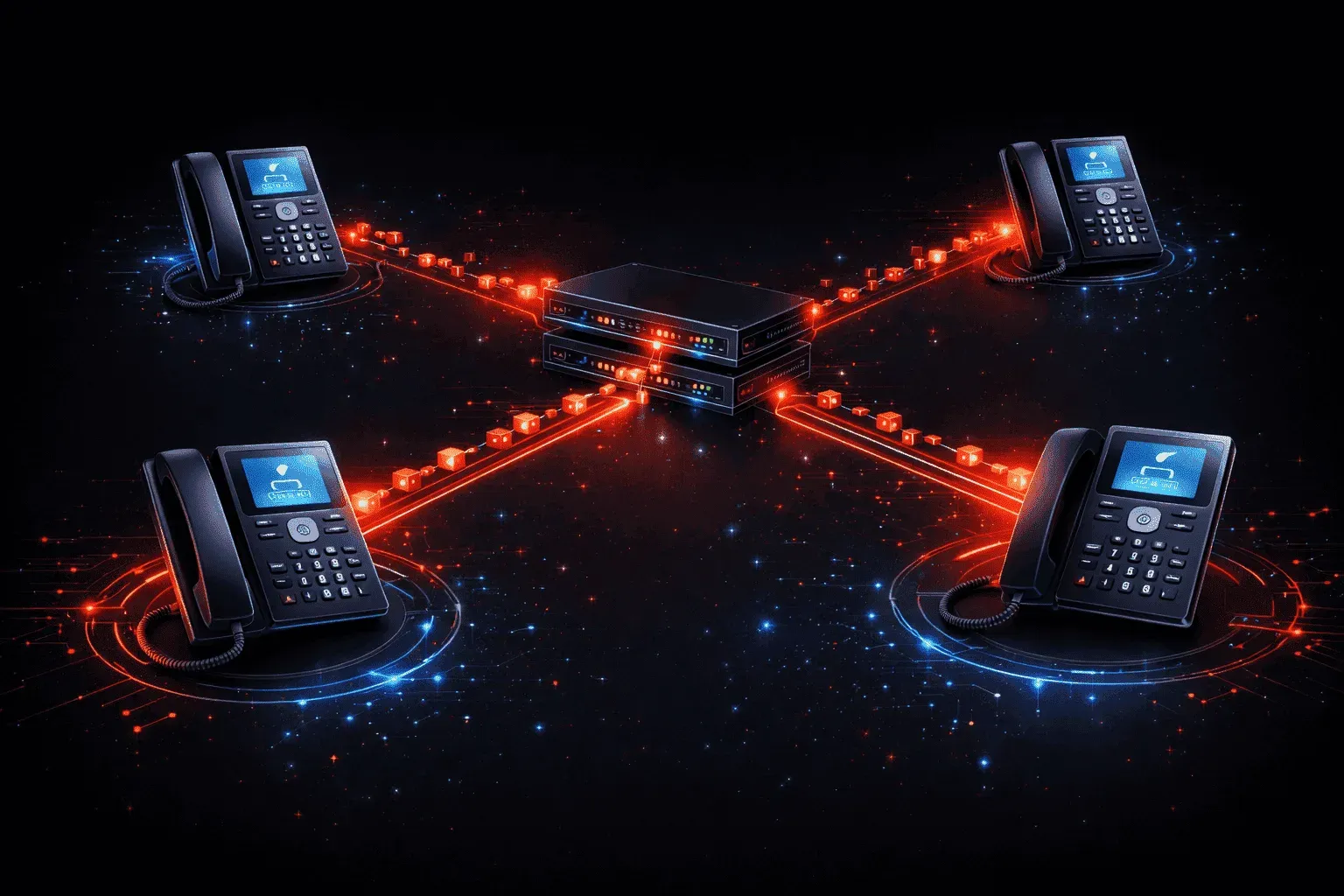
IP phones, also known as Voice over Internet Protocol (VoIP) phones, represent a fundamental shift from traditional analog phone systems to digital network communication. Unlike conventional phones that use dedicated copper wire circuits, IP phones transmit voice data as digital packets over your existing network infrastructure.
How IP Phones Work
An IP phone converts your voice into digital data packets and sends them across the network using Internet Protocol (IP). When you speak into an IP phone, here's what happens:
- Voice Conversion: The phone's analog-to-digital converter samples your voice thousands of times per second
- Packet Creation: Voice data gets packaged into IP packets with destination addressing
- Network Transmission: Packets travel through switches, routers, and potentially the internet to reach the destination
- Reconstruction: The receiving phone reassembles packets and converts them back to audio
This entire process happens in real-time, typically with less than 150 milliseconds of delay for high-quality calls.
Network Requirements for IP Phones
IP phones function as network endpoints, similar to computers or tablets. They require several network components to operate effectively:
Power Source
Most IP phones use Power over Ethernet (PoE), receiving both data and power through a single network cable. This eliminates the need for separate power adapters at each desk location.
Network Connectivity
IP phones typically connect via Ethernet cables to network switches. Many models include a built-in switch port, allowing you to daisy-chain a computer through the phone to save switch ports.
DHCP and IP Configuration
Like any network device, IP phones need IP addresses. Most automatically obtain network settings through DHCP, including:
- IP address and subnet mask
- Default gateway for routing
- DNS server addresses
- Call server or PBX system location
Quality of Service Considerations
Voice traffic requires consistent, low-latency network performance. Network administrators typically implement Quality of Service (QoS) policies to prioritize voice packets over regular data traffic. This ensures clear call quality even when the network experiences congestion from file transfers or video streaming.
Common QoS Markings
IP phones often mark their voice packets with DSCP (Differentiated Services Code Point) values like EF (Expedited Forwarding) to signal network equipment that these packets need priority handling.
Advantages Over Traditional Phone Systems
IP phones offer significant benefits for modern businesses:
- Cost Efficiency: Eliminates the need for separate voice wiring and phone system hardware
- Scalability: Easy to add new phones by connecting them to the existing network infrastructure
- Feature Rich: Support advanced features like caller ID, call forwarding, and integration with business applications
- Remote Work: Employees can use IP phones from any location with internet connectivity
- Unified Communications: Integration with email, instant messaging, and video conferencing platforms
Network Security Considerations
Since IP phones operate on the data network, they require the same level of security as computers. Best practices include:
- Placing phones on separate VLANs from data traffic
- Implementing strong authentication for phone registration
- Encrypting voice traffic when possible
- Regular firmware updates to address security vulnerabilities
What's Next
Now that you understand how IP phones function as network endpoints, our next topic will explore printers and their network roles. We'll examine how network printers operate, their configuration requirements, and security considerations in modern office environments.