
JavaScript Switch Statements
JavaScript switch statements provide a clean way to execute different code blocks based on a variable's value. This guide covers syntax, break statements, fall-through behavior, and practical examples comparing switch statements to if-else chains.

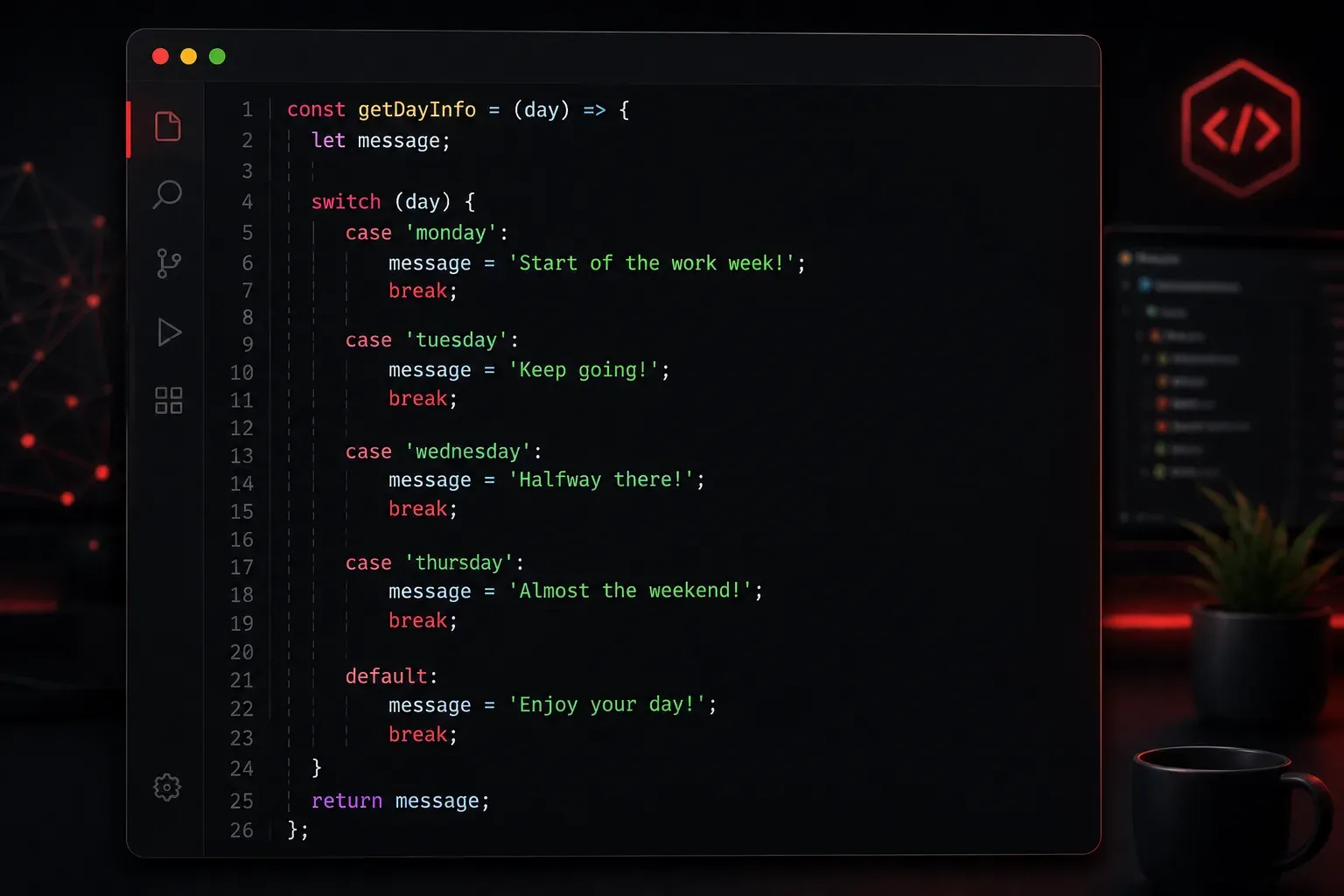
When you need to execute different blocks of code based on the value of a variable, you have several options in JavaScript. While you could use multiple if-else statements, the switch statement provides a cleaner, more readable approach when comparing a single variable against multiple possible values.
What is a Switch Statement?
A switch statement evaluates an expression and executes code blocks based on matching case values. Think of it like a multi-way branch in your code - instead of writing a long chain of if-else if-else statements, you can organize your conditions more clearly.
Here's the basic syntax:
switch (expression) {
    case value1:
        // code to execute if expression === value1
        break;
    case value2:
        // code to execute if expression === value2
        break;
    default:
        // code to execute if no cases match
}
A Practical Example
Let's say you're building a simple grade calculator that converts letter grades to descriptions:
function getGradeDescription(grade) {
    switch (grade) {
        case 'A':
            return "Excellent work!";
        case 'B':
            return "Good job!";
        case 'C':
            return "Average performance";
        case 'D':
            return "Below average";
        case 'F':
            return "Failing grade";
        default:
            return "Invalid grade";
    }
}

console.log(getGradeDescription('A')); // "Excellent work!"
console.log(getGradeDescription('X')); // "Invalid grade"
Understanding Break Statements
The break statement is crucial in switch statements. Without it, JavaScript will continue executing the next case (called "fall-through"). Sometimes this is intentional, but usually it's not what you want:
// Without break - probably not what you want
switch (day) {
    case 'Monday':
        console.log("Start of work week");
    case 'Tuesday':
        console.log("Tuesday blues");
    case 'Wednesday':
        console.log("Hump day");
        break;
}
If day is "Monday", this will print all three messages because there's no break after the first two cases.
When Fall-Through is Useful
Sometimes you want multiple cases to execute the same code. You can group them together:
function getSeasonMessage(month) {
    switch (month) {
        case 'December':
        case 'January':
        case 'February':
            return "It's winter time!";
        case 'March':
        case 'April':
        case 'May':
            return "Spring is here!";
        case 'June':
        case 'July':
        case 'August':
            return "Summer vibes!";
        case 'September':
        case 'October':
        case 'November':
            return "Fall season!";
        default:
            return "Invalid month";
    }
}
Switch vs If-Else
Here's the same logic written with if-else statements for comparison:
// Using if-else
function getGradeDescription(grade) {
    if (grade === 'A') {
        return "Excellent work!";
    } else if (grade === 'B') {
        return "Good job!";
    } else if (grade === 'C') {
        return "Average performance";
    } else if (grade === 'D') {
        return "Below average";
    } else if (grade === 'F') {
        return "Failing grade";
    } else {
        return "Invalid grade";
    }
}
While both approaches work, the switch statement is often more readable when you have many conditions to check against a single variable.
Important Considerations
Switch statements use strict equality (===) for comparisons, so switch(1) with case '1' won't match because the number 1 and string '1' are different types.
The default case is optional but recommended - it handles any values that don't match your specific cases, similar to a final else in an if-else chain.
What's Next
Now that you understand switch statements, you're ready to explore JavaScript loops. In the next post, we'll cover for loops and how they help you repeat code efficiently when working with arrays and other iterable data structures.