
JavaScript While Loops
Learn JavaScript while loops from the ground up. This beginner guide covers syntax, practical examples, common pitfalls like infinite loops, and best practices for writing effective loop code.

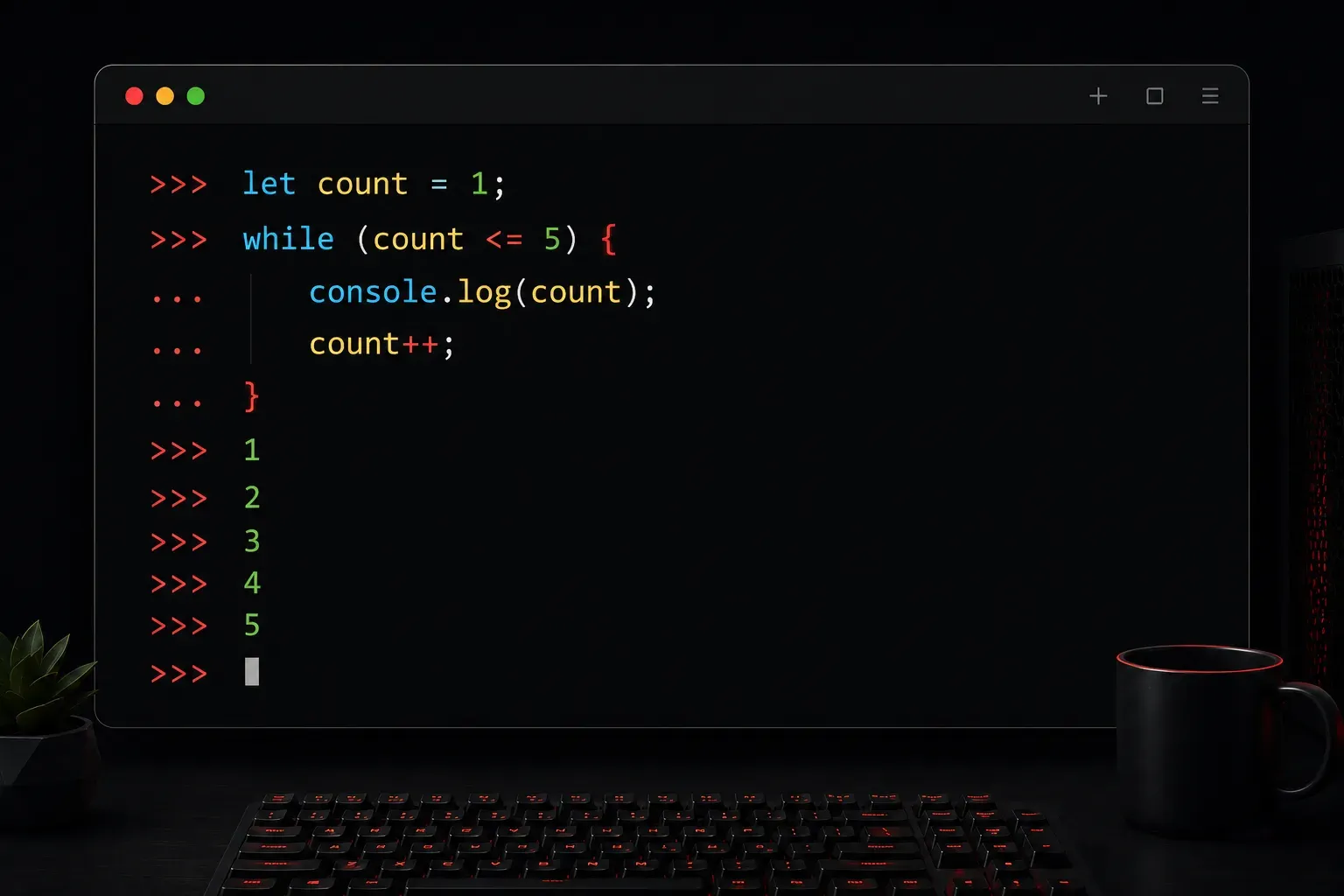
While loops are one of the fundamental building blocks of programming in JavaScript. They allow you to execute a block of code repeatedly as long as a specific condition remains true. Think of a while loop as saying "keep doing this task until this condition is no longer met."
Basic While Loop Syntax
The structure of a while loop in JavaScript is straightforward:
while (condition) {
    // Code to execute repeatedly
}
The loop will continue executing the code block as long as the condition evaluates to true. Once the condition becomes false, the loop stops and the program continues with the next line of code after the loop.
Simple While Loop Example
Let's start with a basic example that counts from 1 to 5:
let count = 1;

while (count <= 5) {
    console.log("Count is: " + count);
    count++;
}
This loop will output:
Count is: 1
Count is: 2
Count is: 3
Count is: 4
Count is: 5
Notice how we increment count with count++ inside the loop. This is crucial because it eventually makes the condition count <= 5 become false, allowing the loop to end.
The Importance of Loop Control
One of the most critical aspects of while loops is ensuring they eventually terminate. Without proper control, you can create an infinite loop that will crash your browser or application:
// DON'T DO THIS - Infinite loop!
let count = 1;
while (count <= 5) {
    console.log("This will run forever!");
    // Missing count++ means condition never changes
}
Always ensure your loop has a way to modify the condition variable inside the loop body. Here's how to prevent infinite loops:
- Initialize your loop variable properly before the loop starts
- Update the condition variable inside the loop body
- Ensure the update moves toward making the condition false
- Test your condition logic to verify the loop will eventually terminate
Practical While Loop Examples
While loops are particularly useful when you don't know in advance how many iterations you'll need. Here's an example that generates random numbers until it finds one greater than 0.8:
let randomNum = 0;

while (randomNum <= 0.8) {
    randomNum = Math.random();
    console.log("Generated: " + randomNum.toFixed(2));
}

console.log("Found a number greater than 0.8: " + randomNum.toFixed(2));
Another common use case is processing user input or reading data until a certain condition is met:
let userInput = "";
let validInput = false;

while (!validInput) {
    userInput = prompt("Enter 'yes' or 'no':");

    if (userInput === "yes" || userInput === "no") {
        validInput = true;
        console.log("Valid input received: " + userInput);
    } else {
        console.log("Invalid input. Please try again.");
    }
}
While vs Do-While Loops
JavaScript also offers a do-while loop, which is similar to a while loop but with one key difference: it guarantees the code block runs at least once because the condition is checked after the loop body executes.
While loop syntax:
while (condition) {
    // Code executes only if condition is true
}
Do-while loop syntax:
do {
    // Code executes at least once
} while (condition);
Here's a practical comparison:
let count = 6;

// Regular while loop - won't run because condition is false from start
while (count <= 5) {
    console.log("This won't print because count is 6");
}

// Do-while loop - runs once even though condition is false
do {
    console.log("This prints once: " + count);
    count++;
} while (count <= 5);

// Output: "This prints once: 6"
Use a do-while loop when you need the code to execute at least once, such as showing a menu to a user or prompting for input before checking if it's valid.
Best Practices for While Loops
Always initialize your loop variable: Make sure the variable used in your condition is properly initialized before the loop starts.
Modify the condition variable: Ensure your loop body contains code that will eventually make the condition false.
Keep it simple: Complex conditions can make loops harder to debug. Consider breaking complex logic into smaller, manageable pieces.
Use descriptive variable names: Instead of i or x, use names like count, attempts, or userChoice that clearly indicate the variable's purpose.
Add safety mechanisms: For loops that depend on external conditions (like user input or random values), consider adding a maximum iteration counter to prevent potential infinite loops.
What's Next
Now that you understand while loops, you're ready to explore for loops, which are perfect when you know exactly how many iterations you need. For loops offer more structured control and are commonly used for working with arrays and other data structures.