
Latency vs Bandwidth: Why “Fast Internet” Feels Slow
Learn the crucial difference between latency and bandwidth, and why high-speed internet can still feel slow. Includes practical examples from gaming, video calls, and file downloads, plus simple tests to measure both metrics.

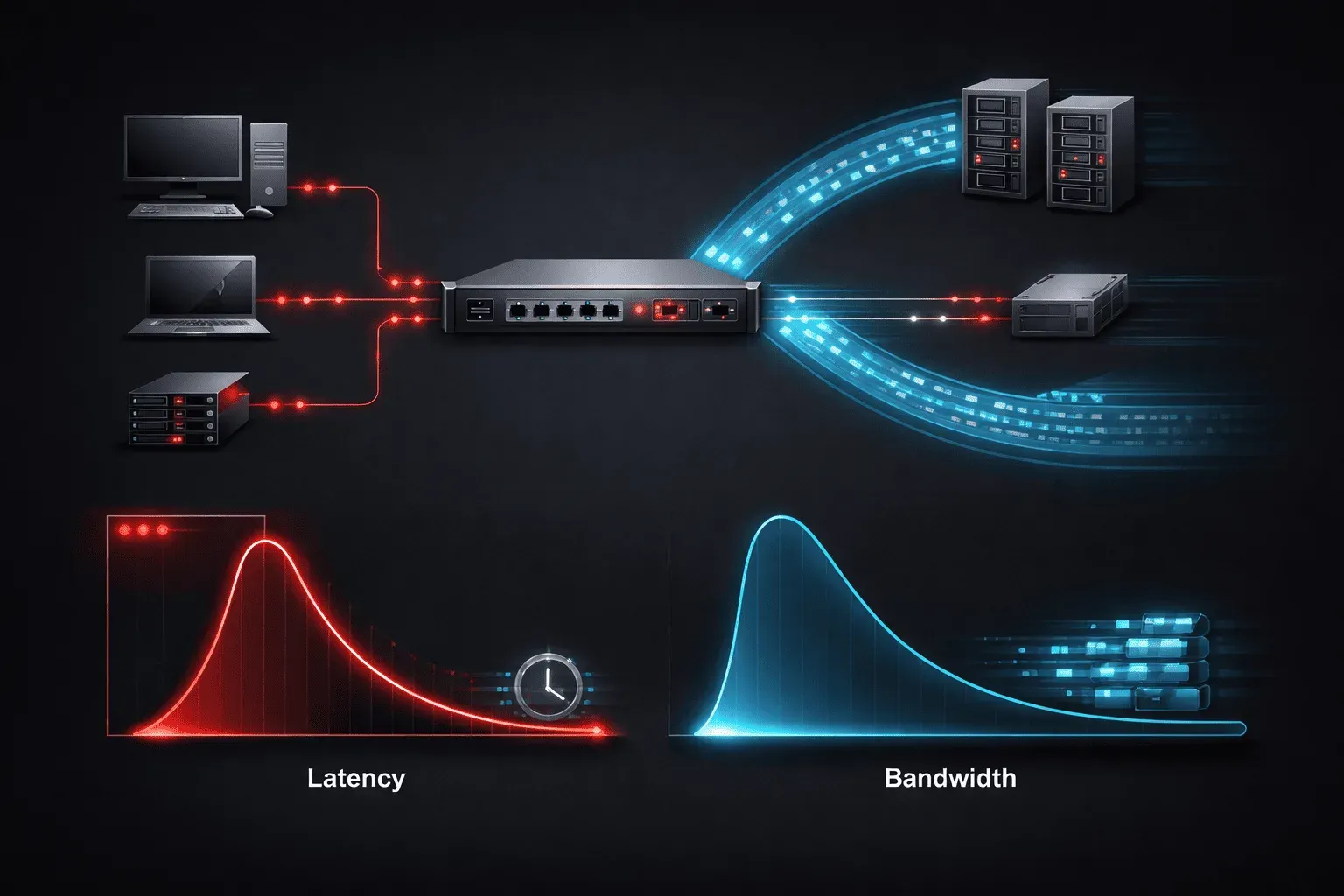
You've probably experienced this frustration: your internet speed test shows blazing fast speeds, but your video calls still stutter, games lag, and web pages feel sluggish to load. The culprit? Understanding the difference between latency and bandwidth is crucial for diagnosing network performance issues.
The Highway Analogy
Think of your internet connection like a highway system. Bandwidth is the number of lanes; more lanes mean more cars (data) can travel at once. Latency is the speed limit and distance to your destination; it determines how long each individual car takes to arrive.
A 16-lane highway (high bandwidth) with a 25 mph speed limit and traffic lights every block (high latency) will move lots of cars eventually, but each trip takes forever. Conversely, a 2-lane highway (low bandwidth) with an 80 mph speed limit and no stops (low latency) gets individual cars there quickly, but can't handle much traffic volume.
Real-World Impact on Your Applications
Gaming: Where Latency Rules
Online gaming needs quick reactions. When you press a button, that command needs to reach the game server and return a response as fast as possible. A ping of 20ms feels responsive, while 150ms creates noticeable lag. Bandwidth matters less, most games use surprisingly little data, often under 1 Mbps.
Video Calls: The Balancing Act
Video conferencing needs both low latency for natural conversation flow and sufficient bandwidth for clear video. High latency makes conversations awkward with constant interruptions and overlapping speech. Insufficient bandwidth causes pixelated video and audio dropouts.
File Downloads: Bandwidth's Time to Shine
Downloading large files showcases pure throughput. Once the connection establishes (where latency matters briefly), bandwidth determines how long your download takes. A 1GB file on a 100 Mbps connection takes roughly 80 seconds, regardless of whether your ping is 10ms or 100ms.
Testing Your Connection: A Simple Demo
Let's run two quick tests to see both metrics in action:
Test 1: Measuring Latency with Ping
Open your command prompt or terminal and type:
ping google.comYou'll see output like:
PING google.com (172.217.12.142): 56 data bytes
64 bytes from 172.217.12.142: icmp_seq=0 time=23.1 ms
64 bytes from 172.217.12.142: icmp_seq=1 time=22.8 ms
64 bytes from 172.217.12.142: icmp_seq=2 time=23.4 ms
The "time" value is your latency. Under 50ms is excellent for most applications, while over 100ms becomes noticeable in interactive applications.
Test 2: Measuring Bandwidth
Visit fast.com or speedtest.net to measure your throughput. This test downloads and uploads data to measure how much your connection can handle simultaneously.
Why Both Matter
Modern internet applications need both adequate bandwidth and low latency. Video streaming requires enough throughput for consistent data flow and low enough latency to start playback quickly. Web browsing needs sufficient bandwidth for images and media, plus low latency so pages feel snappy.
When troubleshooting "slow" internet, check both metrics. High latency makes everything feel sluggish even with great bandwidth. Low bandwidth creates buffering and loading issues even with excellent latency.
What's Next
Now that you understand latency vs bandwidth, we'll explore common causes of high latency in your network path and practical techniques for identifying bottlenecks using traceroute and other diagnostic tools.