
Methods vs Functions in Network Automation
Learn the key differences between methods and functions in Python network automation. Functions are standalone code blocks while methods belong to objects, each serving different purposes in automation scripts.

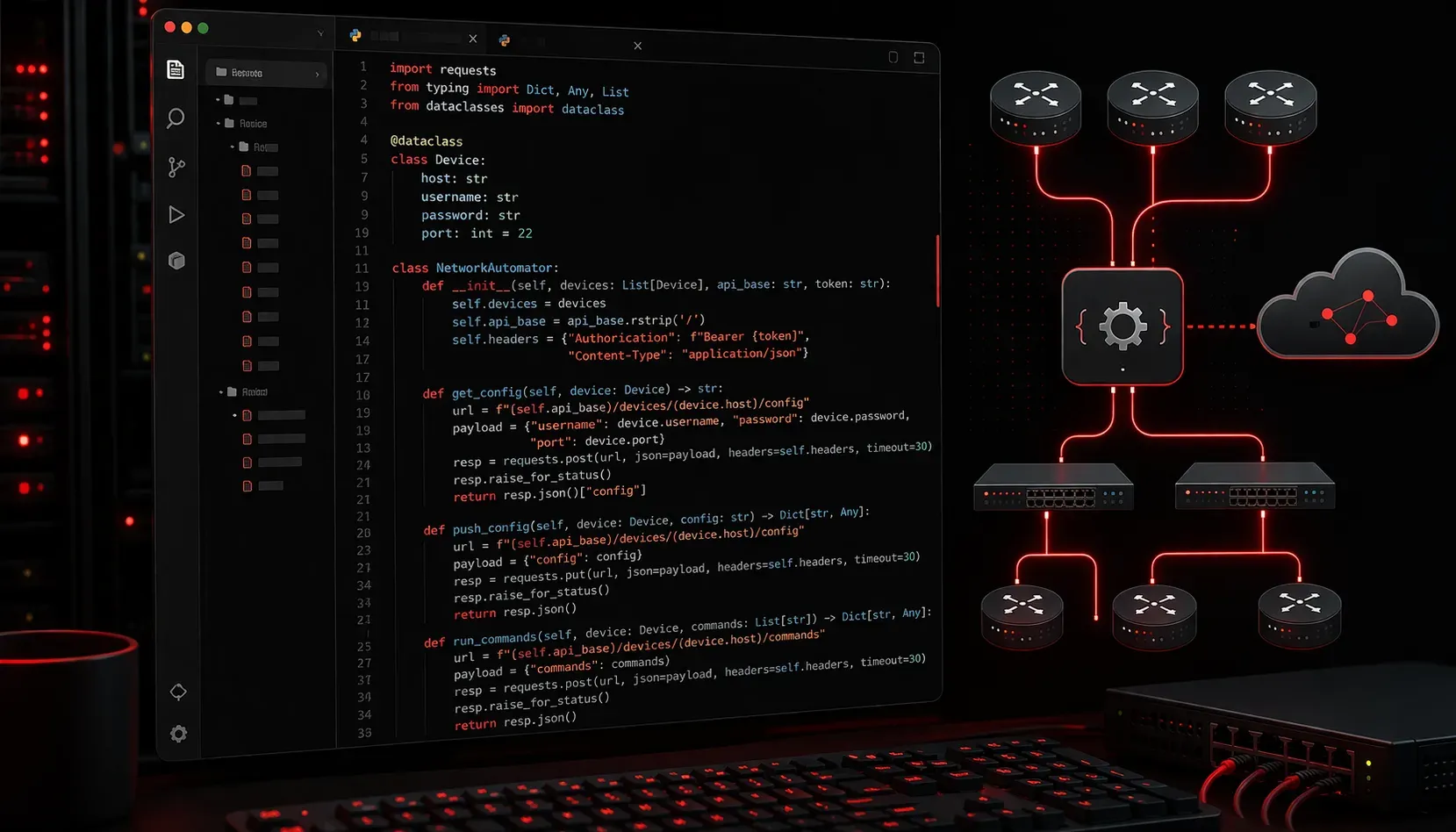
When diving into network automation with Python, you'll quickly encounter two fundamental building blocks: functions and methods. While they might seem similar at first glance, understanding their differences is crucial for writing clean, maintainable automation scripts that follow coding best practices.
What Are Functions?
Functions are standalone blocks of code that perform specific tasks. In network automation, you might create a function to parse configuration files or validate IP addresses. Here's a simple example:
def validate_ip_address(ip):
    """Validate if string is a valid IP address"""
    parts = ip.split('.')
    if len(parts) != 4:
        return False
    for part in parts:
        if not part.isdigit() or int(part) > 255:
            return False
    return True

# Usage
result = validate_ip_address("192.168.1.1")
print(result)  # True
Functions are called directly by their name and can exist independently. They're perfect for utility tasks that don't require maintaining state between calls.
What Are Methods?
Methods are functions that belong to objects or classes. In network automation coding, you'll frequently work with methods when using libraries like Netmiko or NAPALM. Methods operate on the data contained within their parent object:
from netmiko import ConnectHandler

# Create a device object
device = {
    'device_type': 'cisco_ios',
    'host': '192.168.1.1',
    'username': 'admin',
    'password': 'cisco123'
}

# Connect to device
connection = ConnectHandler(**device)

# send_command is a METHOD of the ConnectHandler object
output = connection.send_command("show version")
print(output)

# disconnect is also a METHOD
connection.disconnect()
Notice how send_command() and disconnect() are called on the connection object using dot notation. These methods have access to the connection's internal state and data.
Key Differences in Practice
The main distinction lies in how they access data and maintain context:
- Functions work with data passed as parameters
- Methods work with data stored in their parent object
- Functions are called directly:
function_name() - Methods are called on objects:
object.method_name()
Choosing Between Methods and Functions
For effective code organization in network automation projects, consider these guidelines:
Use functions when:
- Creating utility tools (IP validation, configuration parsing)
- Building reusable components that don't need persistent state
- Processing data that's passed in as parameters
def backup_config(hostname, config_text):
    """Save device configuration to file"""
    filename = f"{hostname}_backup.txt"
    with open(filename, 'w') as file:
        file.write(config_text)
    return filename
Use methods when:
- Working with device connections that maintain state
- Creating classes to represent network devices or configurations
- Building complex automation workflows that need persistent data
class NetworkDevice:
    def __init__(self, hostname, ip_address):
        self.hostname = hostname
        self.ip_address = ip_address
        self.connection = None

    def connect(self):
        """Method to establish connection"""
        # Connection logic here
        pass

    def get_config(self):
        """Method to retrieve configuration"""
        # Uses self.connection established by connect()
        pass
Best Practices for Network Automation
When structuring your automation scripts, combine both approaches strategically. Use functions for standalone utilities and methods when you need to maintain connection state or device information across multiple operations. This approach creates more readable and maintainable code.
Remember that many popular network automation libraries like Netmiko, NAPALM, and Nornir rely heavily on methods, so understanding this concept will make you more effective when working with these tools.
What's Next
Now that you understand the fundamental differences between methods and functions, the next step is learning about classes and objects in Python. This will deepen your understanding of how methods work and help you create more sophisticated network automation solutions.