
Networking Services and Their Functions
An introduction to essential networking services including DNS for domain name resolution, DHCP for automatic network configuration, and NAT for address translation and internet sharing.

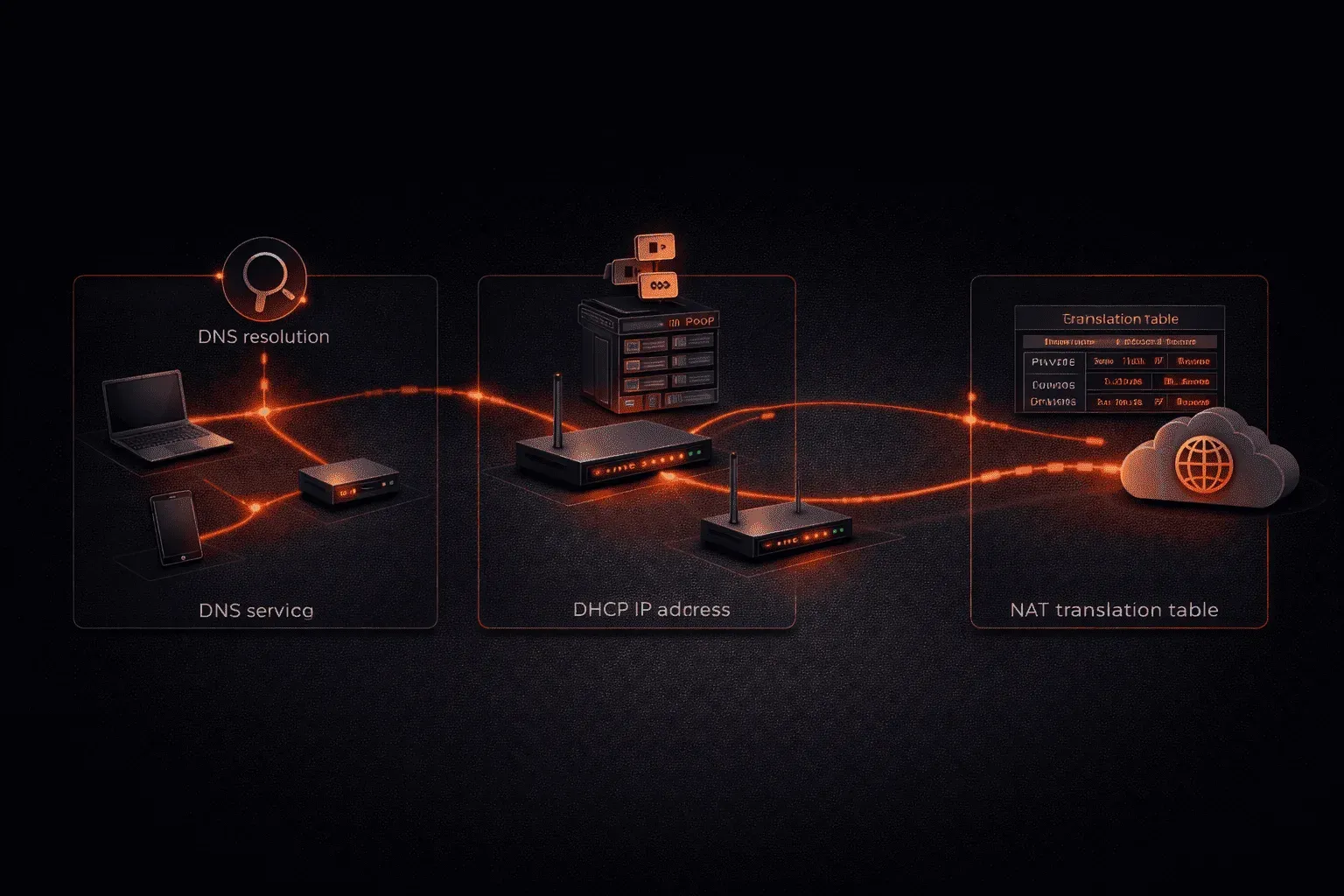
When networks move beyond simple device-to-device connections, they need specialized services to function efficiently. Think of networking services as the invisible workforce that keeps your network running smoothly, handling everything from translating web addresses to automatically assigning IP addresses. Let's explore the three most critical networking services you'll encounter.
Domain Name System (DNS): The Internet's Phone Book
DNS serves as the translator between human-readable domain names and machine-readable IP addresses. When you type www.google.com into your browser, DNS finds the corresponding IP address (like 172.217.164.110) so your computer knows where to send the request.
The DNS process works through a hierarchical system:
- DNS Client: Your device that needs to resolve a domain name
- DNS Resolver: Usually your ISP's server that handles the lookup process
- Root Servers: The top-level servers that know where to find .com, .org, etc.
- Authoritative Servers: The final servers that hold the actual IP address records
You can test DNS resolution using the nslookup command:
nslookup google.com
Server: 8.8.8.8
Address: 8.8.8.8#53

Name: google.com
Address: 172.217.164.110
Without DNS, you'd need to memorize IP addresses for every website—imagine trying to remember 172.217.164.110 instead of just typing google.com!
Dynamic Host Configuration Protocol (DHCP): Automatic Network Configuration
DHCP automatically assigns IP addresses and network configuration to devices joining your network. Instead of manually configuring every device, DHCP handles the distribution of:
- IP addresses from a designated pool (scope)
- Subnet mask information
- Default gateway addresses
- DNS server addresses
- Lease duration (how long a device can use the assigned IP)
The DHCP process follows a four-step handshake known as DORA:
- Discover: Client broadcasts a request for network configuration
- Offer: DHCP server responds with available IP address and settings
- Request: Client formally requests the offered configuration
- Acknowledge: Server confirms and activates the lease
You can view your current DHCP-assigned settings with ipconfig /all on Windows or ip addr show on Linux. Look for "DHCP Enabled: Yes" to confirm your device received automatic configuration.
Network Address Translation (NAT): Managing Private Networks
NAT allows multiple devices on a private network to share a single public IP address when accessing the internet. This solves two major problems: IPv4 address scarcity and network security.
Here's how NAT works in practice:
- Your home devices use private IP addresses (like
192.168.1.100) - When accessing the internet, your router translates these to its public IP address
- The router maintains a translation table to track which internal device initiated each connection
- Return traffic gets translated back to the correct internal device
Common NAT types include:
- Static NAT: One-to-one mapping between private and public addresses
- Dynamic NAT: Many-to-many mapping using a pool of public addresses
- PAT (Port Address Translation): Many-to-one mapping using different port numbers
Most home routers use PAT, which is why hundreds of devices can share your single internet connection. You can see NAT in action by comparing your internal IP address (ipconfig) with your public IP (check whatismyip.com).
Why These Services Matter
These networking services work together to create the seamless internet experience we expect today. DNS eliminates the need to memorize IP addresses, DHCP simplifies network administration, and NAT maximizes our limited IPv4 address space while adding security through obscurity.
Understanding these services helps you troubleshoot common network issues, like when DNS fails, and websites won't load, or when DHCP problems prevent devices from getting network access.
What's Next
Now that you understand core networking services, we'll explore network topologies and how these services are deployed in different network designs. You'll learn how DNS, DHCP, and NAT function in various network architectures from small offices to enterprise environments.
Network+ study resources
- CompTIA Network+ Study Guide — Full N10-009 exam coverage across all five domains. Essential exam preparation.