
Optimizing Context-Window for Better AI Output
Learn practical strategies for managing AI context windows to improve output quality while controlling costs and reducing latency. Covers prioritization techniques, progressive context building, and cost optimization methods for better workflow automation.

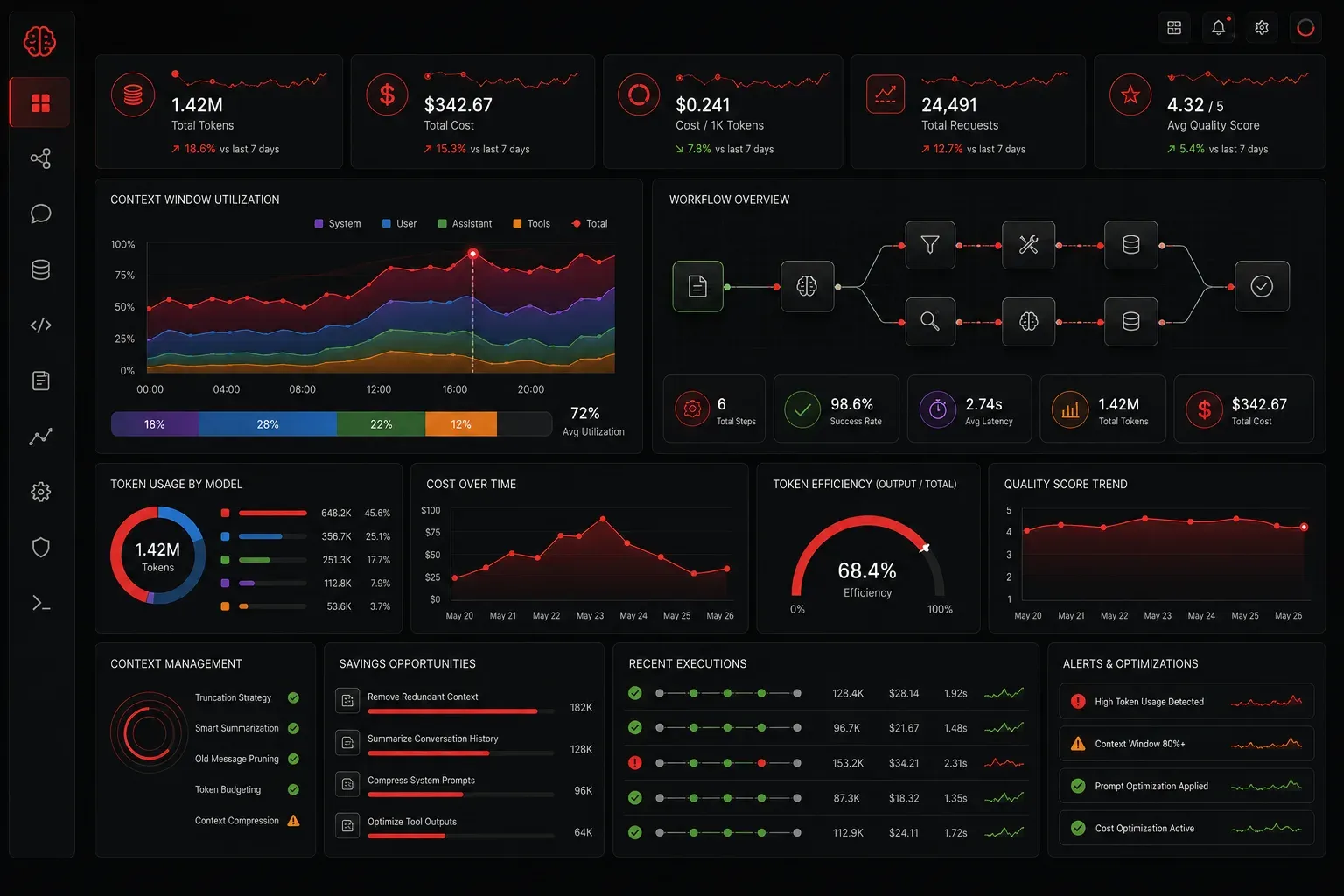
The context window is your AI model's working memory: the amount of text it can process and remember during a single conversation or task. Think of it like RAM for language models. Just as you wouldn't run memory-intensive applications on a computer with insufficient RAM, you need to manage your AI's context window strategically to get the best results.
Understanding how to optimize your context window directly impacts three critical factors: the quality of your AI output, your operational costs, and response latency. Let's explore practical strategies that will transform how you work with AI models.
Understanding Context Window Limits
Different AI models have varying context window sizes. GPT-4 standard handles up to 8,192 tokens (roughly 6,000 words), while GPT-4 Turbo extends to 128,000 tokens. Claude 3.5 Sonnet processes up to 200,000 tokens, though exact specifications may vary by deployment. But bigger isn't always better for your specific use case.
Here's why context window size matters:
- Cost scaling: Most AI services charge based on tokens processed. A conversation using 50,000 tokens costs significantly more than one using 5,000 tokens
- Latency impact: Larger context windows require more processing time, leading to slower responses
- Quality degradation: Models can lose focus when processing extremely long contexts, especially information buried in the middle
Strategic Context Management Techniques
Information Prioritization
Place your most critical information at the beginning and end of your context. AI models typically pay closer attention to content in these positions — a phenomenon known as "attention bias." This occurs because transformer architectures process sequential information with varying attention weights, creating stronger connections to initial and final tokens in the sequence.
For network automation tasks in enterprise environments, structure your prompts like this:
PRIORITY INSTRUCTION: [Your main task - e.g., "Configure OSPF routing for multi-area network"]
CONTEXT: [Essential background - current network topology, requirements]
DATA: [Relevant configuration snippets, IP schemes]
CONSTRAINTS: [Security policies, compliance requirements]
EXPECTED OUTPUT: [Configuration format, validation steps]
Progressive Context Building
Instead of dumping all information at once, build context progressively. Start with core concepts and add details as needed. This approach helps maintain focus while controlling costs.
For example, when analyzing network performance data:
- Begin with the analysis objective (identify bottlenecks, optimize throughput)
- Provide a data summary (peak utilization periods, affected interfaces)
- Add specific metrics only when the AI requests them (bandwidth graphs, error rates)
- Refine the analysis iteratively based on findings
Context Chunking for Large Documents
When working with extensive technical documentation or configuration files, break them into logical chunks rather than processing everything simultaneously. Use a summarization approach:
1. Process document sections individually (by network layer, device type)
2. Generate summaries for each section
3. Combine summaries for final analysis
4. Deep-dive into specific sections as needed
Cost Control Strategies
Effective cost control starts with understanding your token consumption patterns. Monitor these metrics:
- Average tokens per conversation: Track this across different use cases
- Token efficiency ratio: Calculate as (successful task completions / total tokens consumed) × 100. Measure this by tracking completed automation tasks against token usage over a defined period
- Conversation length optimization: Identify when conversations exceed useful productivity thresholds
Implement context reset strategies when conversations exceed useful productivity thresholds. Rather than continuing with bloated context, summarize key points and start fresh.
Measuring Output Quality Impact
Monitor how context window management affects your AI output quality by tracking:
- Response relevance to your specific questions
- Consistency across similar prompts
- Accuracy of information synthesis
- Time to achieve desired outcomes
Create standardized test prompts to benchmark performance across different context window sizes and management strategies. For AI practitioners working with Cisco environments, develop test scenarios around common tasks like VLAN configuration, routing protocol setup, and security policy implementation.
Practical Implementation
Start implementing these strategies gradually:
- Audit your current usage: Review recent AI conversations to identify context bloat
- Establish baselines: Measure current cost, latency, and quality metrics
- Test different approaches: Try various context management techniques on similar tasks
- Automate where possible: Build templates and workflows that implement these strategies automatically
What's Next
Mastering context window management sets the foundation for advanced AI workflow optimization. In our next post, we'll explore prompt engineering techniques that work synergistically with these context strategies to maximize both efficiency and output quality. You'll learn how to craft prompts that leverage optimal context windows for specific automation tasks.