
Common Tools for Vulnerability Management
An introduction to essential vulnerability management tools including Nessus, OpenVAS, and specialized scanners. Covers how these security software solutions help identify and prioritize security risks for beginners.

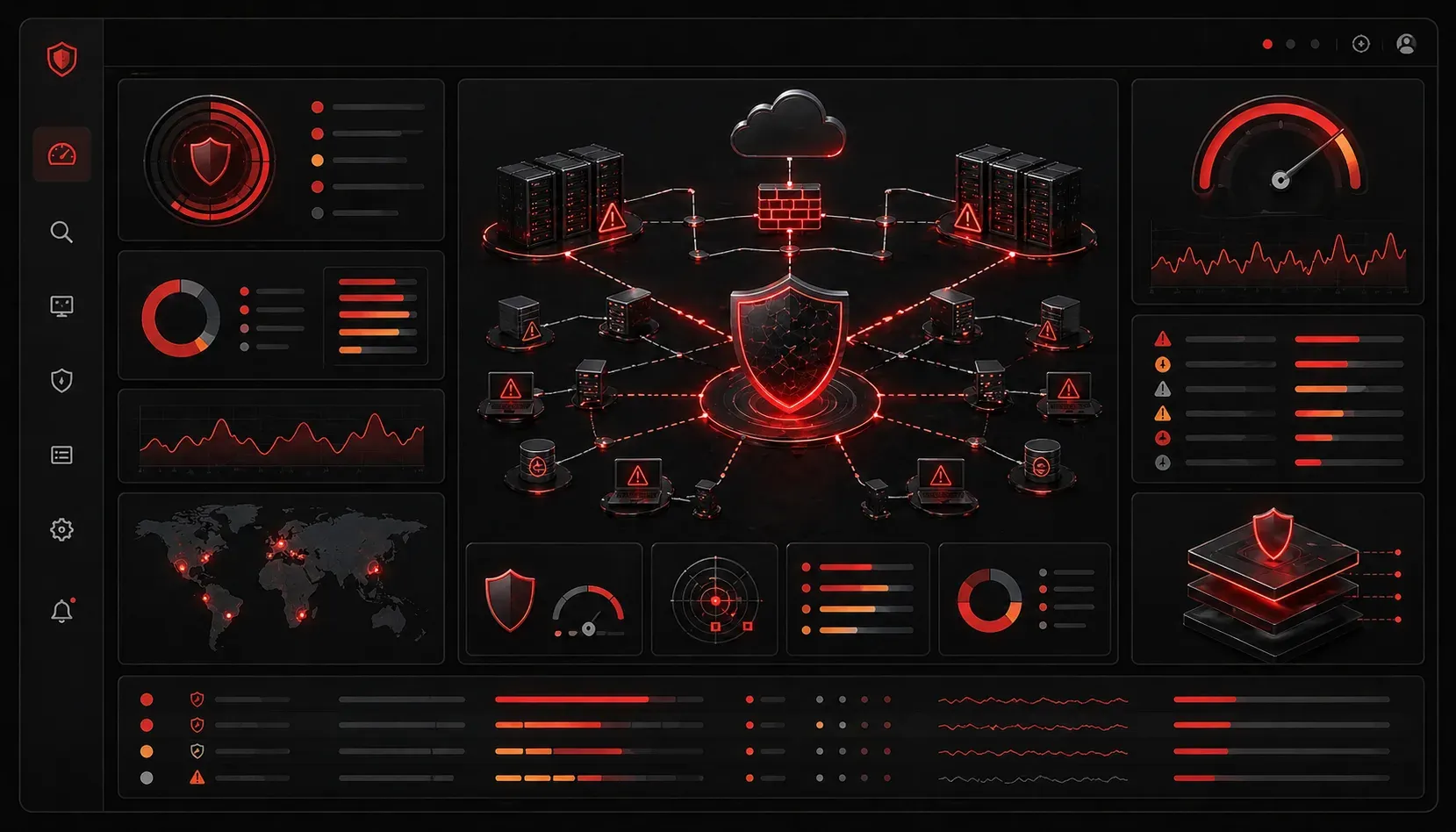
When you're starting in cybersecurity, understanding vulnerability management tools is crucial for protecting networks and systems. These tools form the backbone of proactive security, helping identify weaknesses before attackers can exploit them.
What Are Vulnerability Management Tools?
Vulnerability management tools are specialized security software designed to discover, assess, and help remediate security weaknesses in your IT infrastructure. Think of them as diagnostic tools for your network's health; they scan systems, identify potential entry points for attackers, and provide actionable reports for fixing issues.
These tools work by comparing system configurations, installed software, and network services against known vulnerability databases like the Common Vulnerabilities and Exposures (CVE) database.
Essential Vulnerability Scanners
Nessus
Nessus is one of the most widely-used vulnerability scanners in the industry. It excels at identifying vulnerabilities across networks, web applications, and operating systems. For beginners, Nessus offers an intuitive interface and comprehensive reporting that clearly explains found vulnerabilities and their potential impact.
A typical Nessus scan returns results categorized by severity: Critical, High, Medium, and Low. This prioritization helps you focus on the most dangerous vulnerabilities first.
OpenVAS
OpenVAS provides a free, open-source alternative to commercial scanners. While it requires more technical setup, it's an excellent learning tool for understanding how vulnerability scanning works under the hood. The platform includes over 50,000 vulnerability tests and receives regular updates.
Qualys VMDR
Qualys offers cloud-based vulnerability management that's particularly strong for organizations managing assets across multiple locations. Its asset inventory capabilities help maintain visibility into all systems that need protection.
Specialized Security Software Categories
Web Application Scanners
Tools like OWASP ZAP and Burp Suite focus specifically on web application vulnerabilities. These cyber tools identify issues like SQL injection, cross-site scripting (XSS), and authentication bypasses that traditional network scanners might miss.
Database Security Tools
Database-specific scanners like IBM Guardium and Imperva focus on database configurations, access controls, and data protection vulnerabilities. Since databases often contain an organization's most sensitive information, these tools are critical for comprehensive risk management.
Making Sense of Scanner Output
When you run your first vulnerability scan, the results can seem overwhelming. Here's how to approach them systematically:
- Start with Critical vulnerabilities - These represent immediate threats that need urgent attention
- Review High-severity issues - These should be addressed within days or weeks
- Plan for Medium and Low priorities - Include these in regular maintenance cycles
Most tools provide remediation guidance, including links to vendor patches, configuration changes, or mitigation strategies when patches aren't available.
Integration with Risk Management
Modern vulnerability management tools don't work in isolation. They integrate with Security Information and Event Management (SIEM) systems, ticketing platforms, and patch management solutions. This integration ensures that identified vulnerabilities flow seamlessly into your organization's broader risk management processes.
For example, when Nessus identifies a critical vulnerability on a web server, it can automatically create a ticket in your IT service management system, assign it to the appropriate team, and track remediation progress.
Choosing the Right Tools
As a beginner, start with free tools like OpenVAS or OWASP ZAP to understand the fundamentals. Many commercial tools offer free trials or community editions that provide hands-on experience without upfront costs.
Consider your environment's complexity, the types of systems you need to scan, and your budget when selecting vulnerability management tools. The best tool is one that fits your current needs and can grow with your skills and responsibilities.
What's Next
Now that you understand the common vulnerability management tools, the next step is learning how to implement a comprehensive vulnerability assessment process. This includes planning scan schedules, managing false positives, and establishing remediation workflows that turn scan results into actionable security improvements.
Tools and resources for this topic
- CompTIA Security+ Study Guide — Full SY0-701 exam coverage including threats, vulnerabilities, and mitigation.