
Common Mistakes When Learning the OSI Model
This troubleshooting guide identifies and corrects the most common mistakes beginners make when learning the OSI model, from memorization pitfalls to encapsulation confusion. It provides practical fixes and real-world connections to build solid networking foundations.

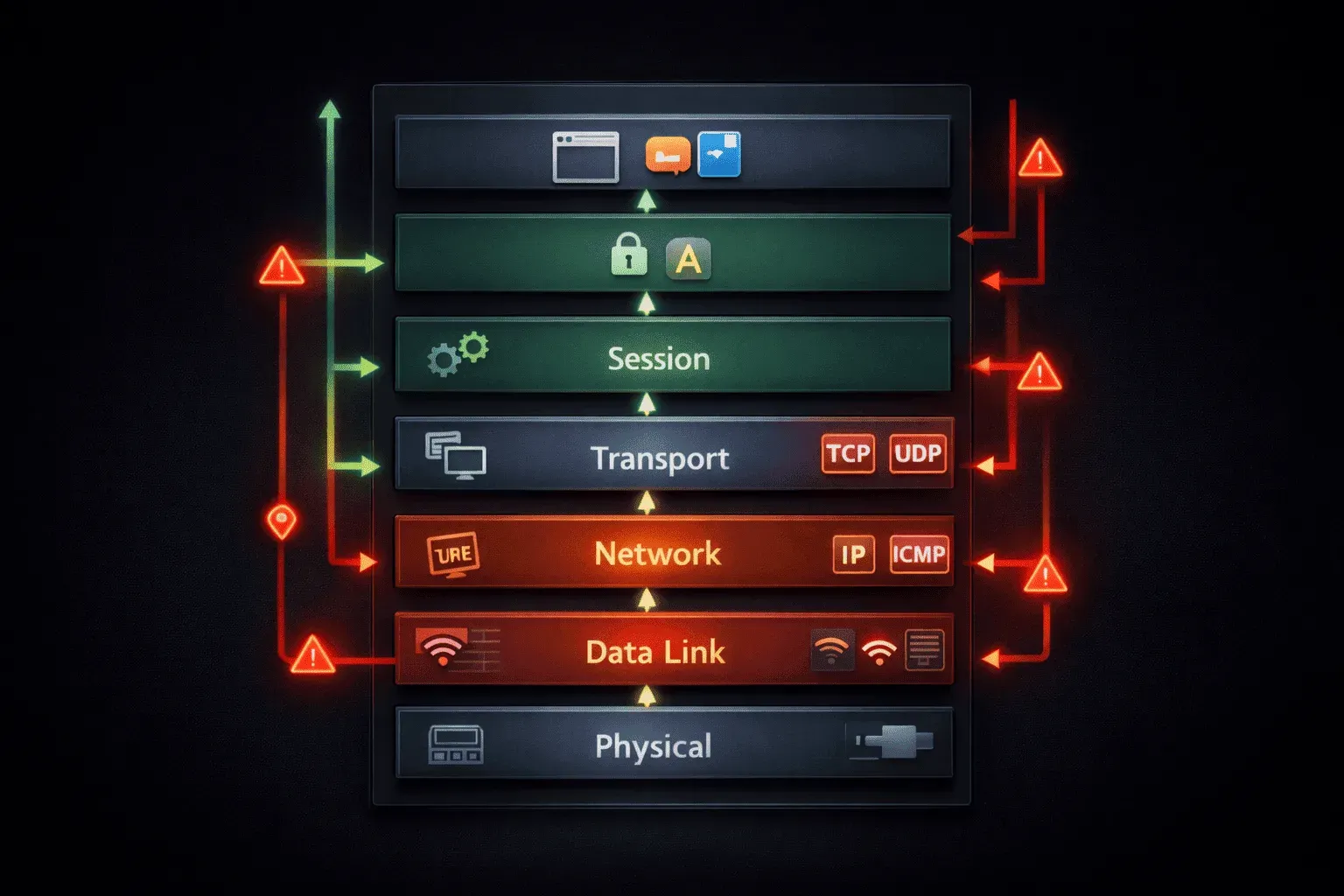
The OSI model is one of the first major concepts you'll encounter when learning networking, and it's also where many students stumble. After helping countless students with Network+ preparation, I've noticed the same OSI model mistakes appearing again and again. Let's tackle these common pitfalls head-on so you can build a solid foundation.
Mistake #1: Memorizing Without Understanding
The biggest trap students fall into is treating the OSI model like a grocery list to memorize. Yes, you've probably heard "Please Do Not Throw Sausage Pizza Away" or similar mnemonics for the seven layers. But memorizing layer names without understanding their purpose leads to confusion during exams.
The Fix: Focus on what each layer actually does. Layer 3 (Network) handles IP addresses and routing between networks. Layer 2 (Data Link) manages MAC addresses and switching within a local network. Layer 1 (Physical) deals with actual cables and electrical signals.
Mistake #2: Confusing Encapsulation Direction
One of the most frequent OSI learning errors involves mixing up the direction of data encapsulation. Students often think data moves up the stack when being transmitted.
The Reality: When you send data, it moves DOWN the OSI stack (7→1) getting wrapped in headers at each layer. When receiving data, it moves UP the stack (1→7) with headers being stripped off. Think of it like wrapping a gift - you add layers going down, unwrap layers going up.
Mistake #3: Overthinking Protocol Placement
Students frequently get tangled up trying to place every protocol in exactly one layer. This OSI confusion happens because some protocols span multiple layers or don't fit the model perfectly.
For example, wondering "Is TCP Layer 3 or Layer 4?" The answer is Layer 4 (Transport), but don't stress if a protocol seems to touch multiple layers. The OSI model is a reference framework, not a rigid rulebook that all protocols must follow exactly.
Mistake #4: Ignoring Real-World Application
Many students study the OSI model in isolation without connecting it to actual networking tasks. This creates one of the most damaging common networking mistakes. Theoretical knowledge that doesn't translate to practical troubleshooting.
Connect the Dots: When your internet is down, you're actually troubleshooting the OSI model:
- Check cables (Layer 1)
- Verify switch connectivity (Layer 2)
- Test IP connectivity with
ping(Layer 3) - Check if specific applications work (Layer 7)
Mistake #5: Mixing Up Similar Layer Functions
Layers 2 and 3 cause the most confusion because both deal with addressing. Students often mix up when to use MAC addresses versus IP addresses.
Simple Rule: Layer 2 (MAC addresses) handles communication within the same network segment. Layer 3 (IP addresses) handles communication between different networks. If data needs to cross a router, that's Layer 3 territory.
Mistake #6: Forgetting the "Why" Behind Each Layer
Students memorize that Layer 4 provides "reliable transport" but don't understand why that matters. This surface-level learning leads to struggles with more advanced concepts later.
Think Purpose: Layer 4 exists because Layer 3 (IP) doesn't guarantee data arrives safely. TCP at Layer 4 adds sequence numbers, acknowledgments, and retransmission to ensure reliable delivery. Each layer solves specific problems that the layers below it cannot handle.
Building Confidence
The key to overcoming these OSI model mistakes is practice with real scenarios. Instead of just studying definitions, work through examples: "When I type www.google.com, what happens at each layer?" This approach transforms abstract concepts into concrete understanding.
Remember, even experienced network engineers sometimes debate the placement of protocol layers. The goal isn't perfection; it's understanding how data flows through networks and being able to troubleshoot problems systematically.
What's Next
Now that we've cleared up these common misconceptions, you're ready to dive deeper into specific OSI layer functions. In our next post, we'll explore Layer 2 switching in detail, including how MAC address tables work and why VLANs are so important in modern networks.
Network+ study resources
- CompTIA Network+ Study Guide — Full N10-009 exam coverage across all five domains. Essential exam preparation.