
Troubleshooting TCP and UDP: Common Issues
Learn essential techniques for troubleshooting TCP and UDP connectivity issues. Covers common symptoms, diagnostic commands like telnet and netstat, and systematic approaches to resolve protocol-specific problems.

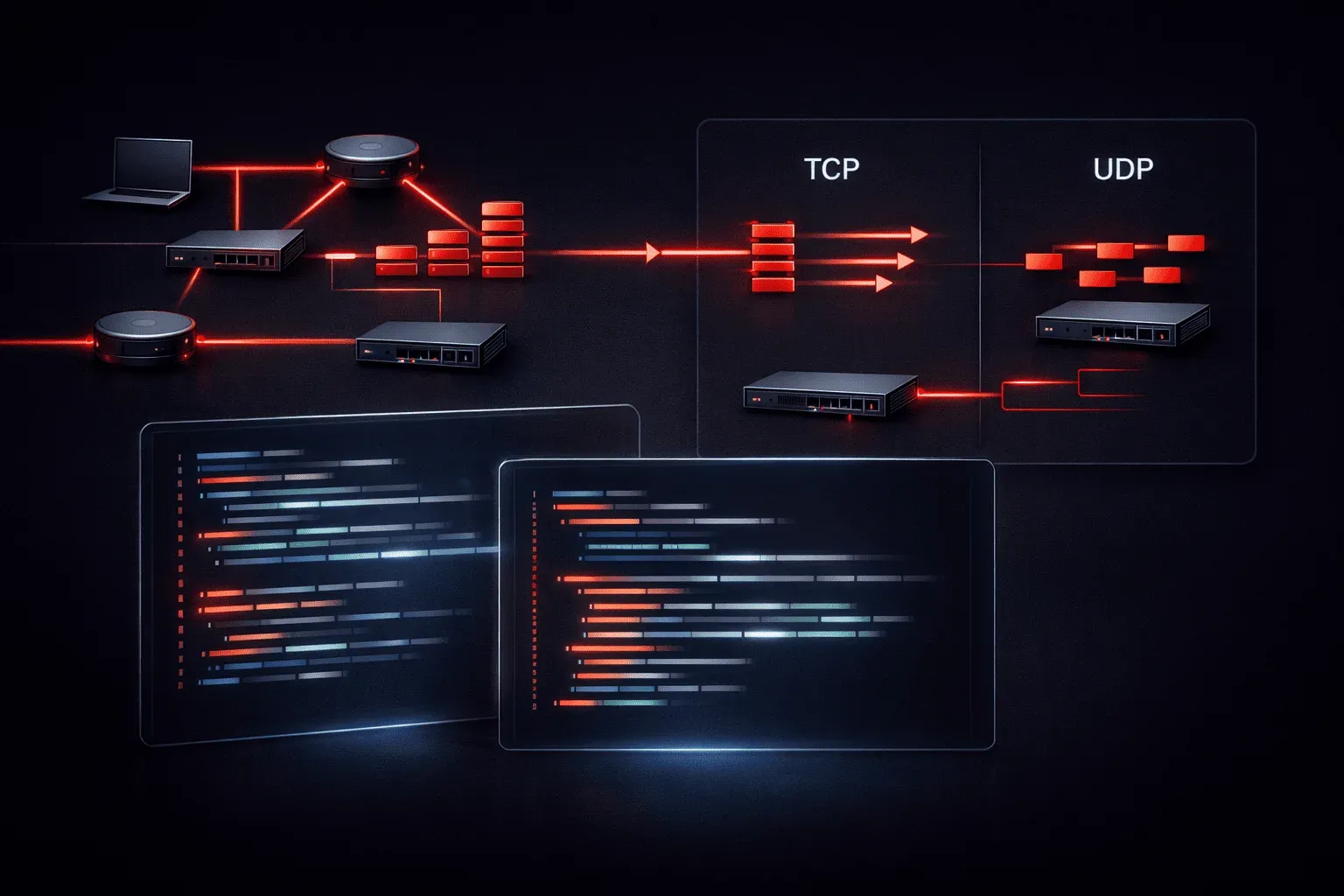
When you're starting your networking journey, understanding how to troubleshoot TCP and UDP connectivity issues is essential. These two protocols handle the majority of network traffic, and knowing how to identify and resolve common problems will make you a more effective network administrator.
Understanding the Symptoms
TCP and UDP problems often manifest differently due to their fundamental differences. TCP is connection-oriented and reliable, while UDP is connectionless and best-effort. This means connectivity issues present unique symptoms for each protocol.
For TCP connections, you might see:
- Connection timeouts or refused connections
- Slow data transfer or intermittent drops
- Applications hanging during data exchange
- Partial data transmission
UDP issues typically appear as:
- Missing or delayed data packets
- Applications not responding to requests
- Inconsistent service availability
- Silent failures with no error messages
Essential Troubleshooting Commands
Your primary tools for TCP UDP troubleshooting are built into most operating systems. Start with these fundamental commands:
Testing Connectivity
Use telnet to test TCP connections:
telnet 192.168.1.1 80
telnet google.com 443
A successful connection shows you've reached the service. If it fails, you'll see connection refused or timeout errors.
For UDP testing, nmap provides valuable insights:
nmap -sU -p 53 8.8.8.8
nmap -sU -p 161 192.168.1.1
Examining Active Connections
The netstat command reveals current protocol activity:
netstat -an | grep :80
netstat -u -l
This shows which ports are listening and which connections are established, helping you identify protocol errors and service availability.
Common TCP Troubleshooting Scenarios
TCP's three-way handshake can fail at multiple points. If you see "Connection refused" errors, the target service isn't running or accessible. "Connection timeout" suggests network connectivity issues or firewall blocking.
Check firewall rules first:
iptables -L -n
# Windows
netsh advfirewall show allprofiles
For performance issues, examine TCP window sizes and retransmissions using packet capture tools like tcpdump:
tcpdump -i eth0 host 192.168.1.100 and port 80UDP Troubleshooting Challenges
UDP's connectionless nature makes network troubleshooting more challenging. Since there's no connection establishment, you won't get immediate feedback about failures.
Common UDP issues include:
- Packet loss due to network congestion
- Firewall drops with no notification
- Service not binding to the expected port
- Application-level timeouts
Test UDP services by checking if the port is open locally:
ss -ulnp | grep :53
netstat -ulnp | grep :161
Systematic Troubleshooting Approach
When facing connectivity issues, follow this systematic approach:
- Verify service availability - Is the service running and listening?
- Check local firewall - Are packets being blocked locally?
- Test network connectivity - Can you reach the target host?
- Examine intermediate devices - Are routers or firewalls dropping packets?
- Analyze packet flow - Use packet capture to see what's actually happening
For each step, document your findings. This methodical approach helps you isolate whether issues stem from the application layer, transport layer, or network infrastructure.
Prevention and Monitoring
Proactive monitoring prevents many TCP and UDP issues. Set up basic monitoring for critical services:
# Simple TCP service check
nc -zv webserver.local 80

# UDP service verification
dig @dns-server.local example.com
Regular monitoring helps you identify patterns and potential issues before they impact users.
What's Next
Now that you understand basic TCP and UDP troubleshooting, the next step is learning about network layer issues with IP addressing and routing problems. We'll explore how to troubleshoot connectivity issues that occur before traffic even reaches the transport layer protocols.
CCNA study resources
- CCNA Official Cert Guide Library (Wendell Odom) — Both volumes covering the full 200-301 exam blueprint. The definitive CCNA study resource.
- Wendell Odom CCNA Vol 1 — Networking fundamentals, switching, VLANs, STP, and IPv4 routing.
- Wendell Odom CCNA Vol 2 — Advanced routing, WAN, security, automation, and network management.