
How Printers Connect and Function in a Network
This post explains how printers function as network endpoints, covering direct network connections, shared printers, common printing protocols, and how print jobs travel from a device to the printer. It is written for CCST Networking candidates learning about endpoint types.

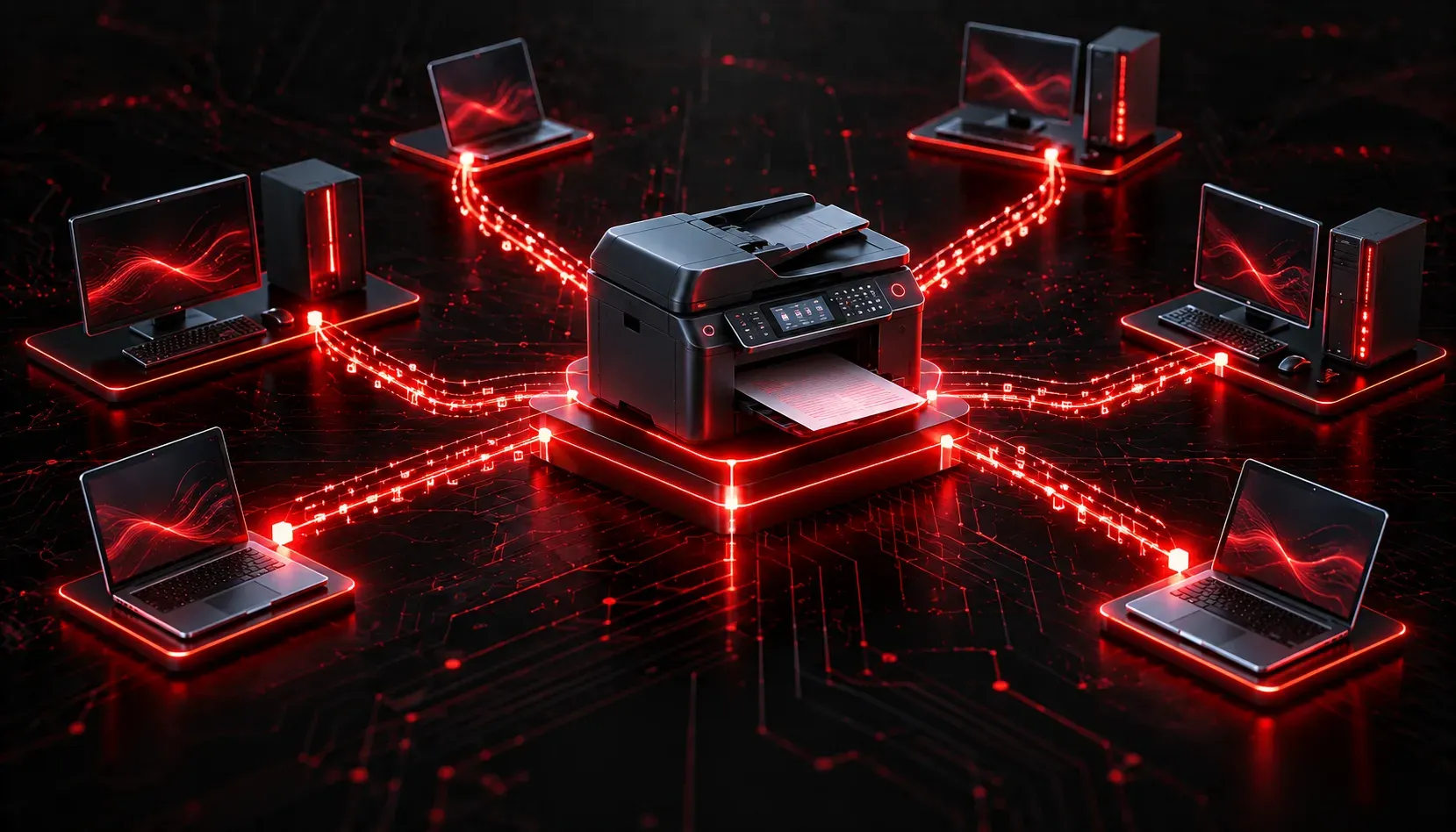
Printers might seem like simple devices, but once you plug them into a network, they become active participants in how data flows across your infrastructure. Understanding the printer's network function is an important part of the CCST Networking exam, and it is also a practical skill you will use from day one in any IT role.
How Printers Fit Into a Network
In a networked environment, printers are considered endpoints, just like computers and mobile devices. An endpoint is any device that sits at the edge of a network and either sends or receives data. Printers receive data (your print job) from other endpoints and translate it into a physical output.
When a printer is connected to a network, it typically gets its own IP address. This allows any authorized device on the same network to send print jobs directly to the printer, without needing to go through someone else's computer.
Types of Network Printer Connectivity
There are two common ways a printer connects to a network:
Directly Connected (Network Printers)
A network printer connects directly to the network using either a wired Ethernet connection or Wi-Fi. It has its own network interface card (NIC) and its own IP address. This is the most common setup in business environments because it is reliable and does not depend on any single computer being powered on.
For example, a printer with an IP address of 192.168.1.50 can be reached by any device on the 192.168.1.0/24 subnet. You could verify connectivity from a Windows machine using:
ping 192.168.1.50A successful ping tells you the printer is reachable at the network layer before you even try to print.
Shared Printers
Shared printers connect to a single computer (usually via USB) and are then shared out over the network through the operating system. Other computers send their print jobs to the host computer, which forwards them to the printer.
This setup is common in small offices or home networks. The downside is that the host computer must remain powered on for anyone else to print. Shared printers work fine for small environments but do not scale well in larger networks.
How Network Printing Works
When you click "Print" in an application, a few things happen behind the scenes:
- Your operating system uses a print driver to convert the document into a format the printer understands, typically a page description language like
PostScriptorPCL. - The print job is sent to a print queue, which manages the order of jobs waiting to be printed.
- The print job is transmitted to the printer over the network using a printing protocol. The most common is Internet Printing Protocol (IPP), which uses TCP port
631. You may also encounter LPD/LPR on older systems (TCP port515) or raw printing over TCP port9100. - The printer receives the job, processes it, and produces the physical output.
Printer Protocols at a Glance
- IPP (Internet Printing Protocol): the modern standard for network printing, runs over TCP port
631 - LPD/LPR (Line Printer Daemon/Remote): an older UNIX-based printing protocol on TCP port
515 - Raw / JetDirect: a simple method used by HP printers that sends raw print data over TCP port
9100 - SMB (Server Message Block): used for Windows shared printers across a local network
A Quick Note on Print Servers
In larger environments, a print server is used to manage multiple printers centrally. The print server accepts jobs from clients, queues them, and sends them to the correct printer. This reduces the load on individual workstations and gives administrators a central place to manage printer access and permissions. Print servers can be dedicated hardware devices or software running on a server operating system.
Why This Matters for the CCST Exam
The CCST Networking exam expects you to recognize printers as network endpoints and understand their basic printer connectivity methods. You should know that network printers use IP addresses, that printing relies on specific protocols and ports, and that shared printers depend on a host machine to function. These are not deep dives, but solid foundational knowledge that supports everything you learn about endpoints and network services.
What's Next
Now that you understand how printers connect and communicate on a network, the next step is exploring another key endpoint type: servers. In the next post, we will look at how servers function in a network, the roles they play, and why they are central to how almost every network operates.