
Reading and Writing JSON Files in Python
Python's built-in json module makes reading and writing JSON files simple and intuitive. This post covers the four core functions, json.load(), json.loads(), json.dump(), and json.dumps(), with practical examples including a real-world read-modify-write pattern.

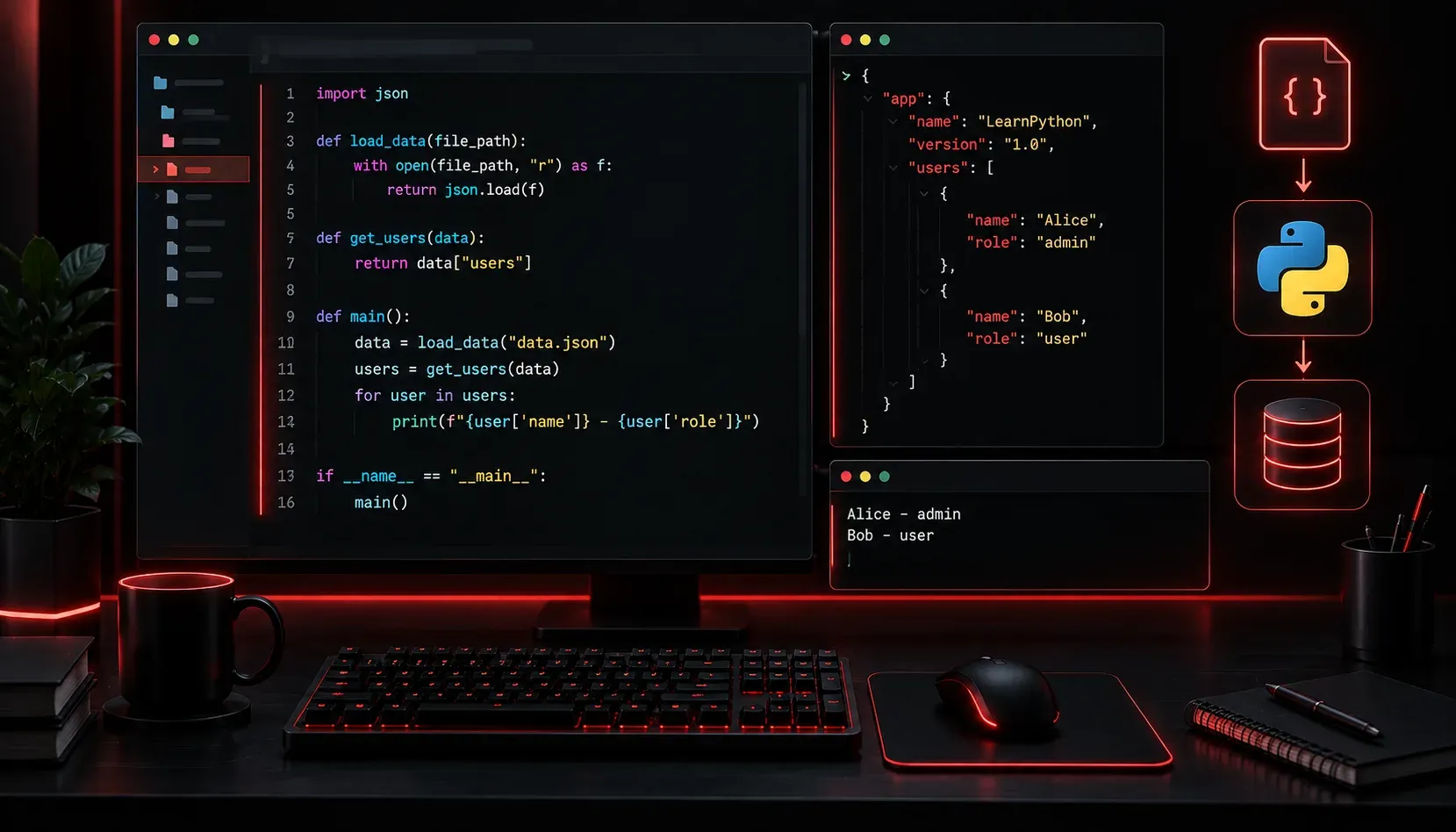
JSON (JavaScript Object Notation) has become the universal language of data exchange. Whether you are working with REST APIs, configuration files, or storing application data, you will encounter JSON constantly. The good news is that Python makes reading and writing JSON files remarkably straightforward with its built-in json module.
What is JSON?
JSON is a lightweight, text-based format for representing structured data. It uses key-value pairs and supports common data types like strings, numbers, booleans, lists, and nested objects. Here is a simple example of what a JSON file might look like:
{
  "hostname": "router01",
  "ip_address": "192.168.1.1",
  "interfaces": ["GigabitEthernet0/0", "GigabitEthernet0/1"],
  "enabled": true,
  "uptime_days": 42
}
If that structure looks familiar, it should. JSON maps almost directly to Python dictionaries and lists, which is exactly why the two work so well together.
The json Module
Python includes the json module in its standard library, so there is nothing to install. You simply import it at the top of your script:
import jsonThe module gives you four core functions to know:
- json.load(): reads JSON from a file and returns a Python object
- json.loads(): parses a JSON string and returns a Python object
- json.dump(): writes a Python object to a file as JSON
- json.dumps(): converts a Python object to a JSON string
A helpful memory trick: the functions with an s at the end work with strings. The ones without work with files.
Reading a JSON File
Suppose you have a file called device.json saved on disk. Reading it into Python looks like this:
import json

with open("device.json", "r") as file:
    data = json.load(file)

print(data["hostname"])      # Output: router01
print(data["ip_address"])    # Output: 192.168.1.1
print(data["interfaces"])    # Output: ['GigabitEthernet0/0', 'GigabitEthernet0/1']
After calling json.load(), the variable data is a regular Python dictionary. You access values exactly the same way you would with any dict. No special handling required.
Writing a JSON File
Writing works in the opposite direction. You start with a Python dictionary and use json.dump() to save it to a file:
import json

device = {
    "hostname": "switch01",
    "ip_address": "10.0.0.2",
    "interfaces": ["GigabitEthernet1/0", "GigabitEthernet1/1"],
    "enabled": True,
    "uptime_days": 7
}

with open("switch.json", "w") as file:
    json.dump(device, file, indent=4)
The indent=4 parameter is optional but highly recommended. It formats the output with proper indentation, making the file human-readable. Without it, everything gets written on a single compressed line.
Working with JSON Strings
Sometimes you receive JSON as a string rather than a file, which is common when working with API responses. That is where json.loads() and json.dumps() come in:
import json

# Convert a JSON string to a Python dict
json_string = '{"hostname": "router02", "enabled": false}'
data = json.loads(json_string)
print(data["hostname"])   # Output: router02

# Convert a Python dict to a JSON string
python_dict = {"hostname": "router03", "uptime_days": 15}
output = json.dumps(python_dict, indent=2)
print(output)
A Practical Pattern
A common real-world pattern is reading a JSON config file, modifying some values, and writing it back. Here is a complete example:
import json

# Read existing config
with open("device.json", "r") as file:
    config = json.load(file)

# Modify a value
config["uptime_days"] = 0
config["interfaces"].append("GigabitEthernet0/2")

# Write updated config back
with open("device.json", "w") as file:
    json.dump(config, file, indent=4)

print("Config updated successfully.")
This read-modify-write pattern is something you will use repeatedly in automation scripts, configuration management, and API integrations.
What's Next
Now that you can read and write JSON files, you are ready to work with real-world data sources. In the next post, we will look at how to make HTTP requests in Python using the requests library, pulling live JSON data from REST APIs and processing it with exactly the skills you have built here.