
Why Do We Use Private IP Addresses?
This post explains why private IP addresses exist and how they benefit home and business networks. It covers the three RFC 1918 address ranges, the reasons behind their adoption, and how they contribute to address conservation, network security, and internal network flexibility.

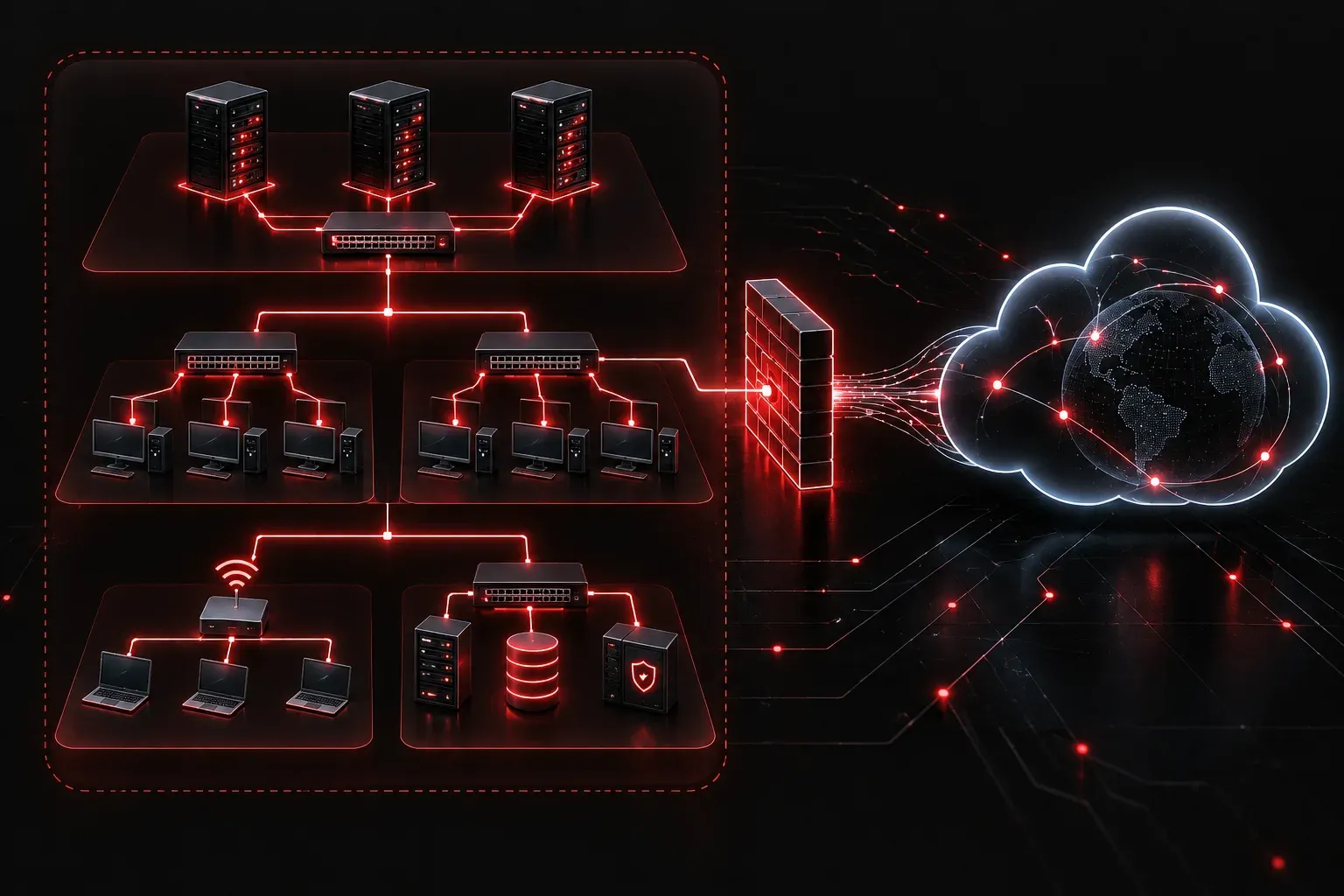
When you connect your laptop, phone, or smart TV to your home Wi-Fi, each device gets an IP address like 192.168.1.10 or 10.0.0.5. Have you ever wondered why those addresses look different from what a website sees when you visit it? The answer comes down to private IP addresses, and understanding them is a foundational concept for anyone studying networking.
Public vs. Private: What Is the Difference?
The internet primarily runs on a system called IPv4, which provides roughly 4.3 billion unique addresses. That sounds like a lot, but the internet grew far faster than anyone anticipated. By the early 1990s, engineers realized the world would run out of public IP addresses long before everyone had internet access. (IPv6 was later developed to solve this exhaustion problem permanently by providing a vastly larger address space, and its adoption continues to grow, but IPv4 with private addressing remains the dominant model in most homes and businesses today.)
The solution was to reserve certain address ranges exclusively for use inside private networks. These ranges are defined in RFC 1918 and are never routed across the public internet:
- 10.0.0.0 to 10.255.255.255: A large block used in enterprise networks
- 172.16.0.0 to 172.31.255.255: A medium block, less commonly seen in home networks
- 192.168.0.0 to 192.168.255.255: The range you likely see on your home router
Public IP addresses, by contrast, are globally unique and assigned by internet service providers (ISPs). Your home network might have dozens of devices, but to the outside world, they all share a single public IP address. That translation happens through a process called NAT (Network Address Translation), which we will cover in a future post.
Why Use Private IP Addresses?
There are three core reasons the use of private IP addresses became the standard for internal networks.
1. Address Conservation
Because private address ranges can be reused by anyone, millions of networks around the world can independently use 192.168.1.0/24 without conflict. Your home network and your neighbor's home network can both use the same private range because those addresses never leave the local network. This dramatically extends the life of IPv4 addressing.
2. Network Security
Devices on your internal network are not directly reachable from the internet. A device sitting at 192.168.1.50 cannot receive an unsolicited connection from a stranger on the internet, because that address has no meaning outside your local network. This provides a basic layer of inherent protection; it reduces your exposure by default, but it is not a substitute for a proper firewall, strong passwords, or other security measures. Private addressing alone should never be treated as sufficient security for a network.
Think of it like an office building with a reception desk. Visitors from outside cannot walk directly to any desk they want; they go through a controlled entry point first. Private IP addresses work in a similar way for your internal network, but the reception desk is not a security team on its own.
3. Simplified Internal Network Management
Using private ranges gives network administrators full control over IP address assignments inside their organization. A business can design its internal addressing however it likes, independent of what addresses its ISP assigns. This makes planning, troubleshooting, and scaling internal networks much more straightforward.
Seeing Private Addresses in Action
On a Windows or Linux machine, you can check your current IP address with a simple command. On Windows, open Command Prompt and type:
ipconfigOn Linux or macOS, open a terminal and type:
ip addr showLook for an address in one of the three RFC 1918 ranges listed above. That is your private IP address assigned by your router. If you then visit a site like whatismyip.com, you will see a completely different address; that is the public IP your ISP assigned to your router.
IP Address Advantages at a Glance
- Scalability: The same private ranges can be reused across millions of independent networks
- Security: Internal devices are not directly accessible from the internet by default, though additional security measures are still required
- Flexibility: Administrators can design internal addressing schemes freely
- Cost: Organizations do not need to purchase a public IP address for every device
What's Next
Now that you understand why private IP addresses exist and the IP address advantages they provide, the natural follow-up question is: how does a device with a private address actually communicate with the internet? That brings us to NAT, Network Address Translation, which is the mechanism that bridges internal networks and the public internet. We will cover that concept in the next post in this series.