
Router vs Switch: What’s the Difference?
This post explains the fundamental differences between routers and switches, covering their distinct functions, layers of operation, and when to use each network device. Includes practical examples and CLI output to illustrate key concepts.

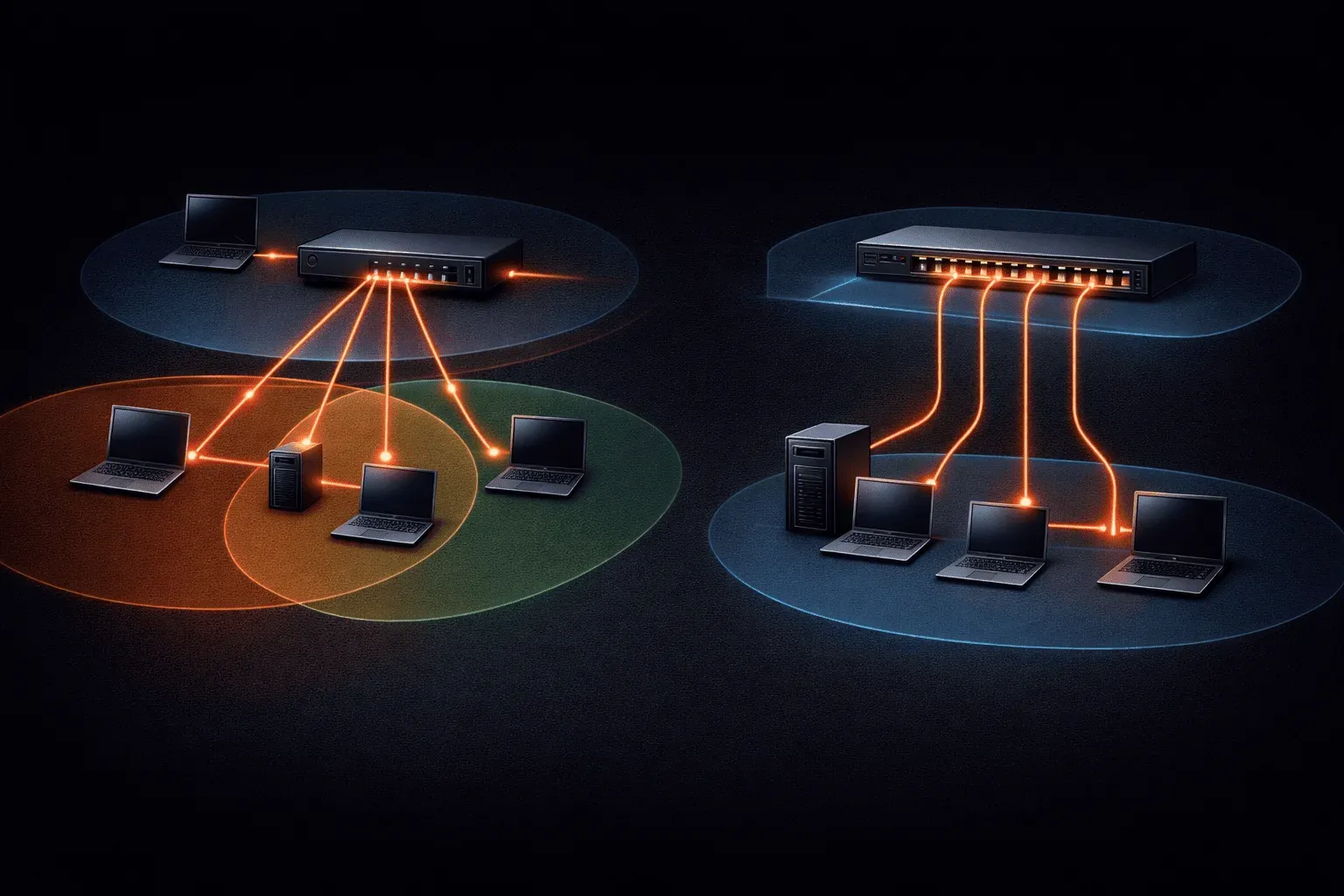
When you're first learning about networking, two devices that often cause confusion are routers and switches. While they might look similar in a network rack, these network appliances serve very different purposes. Understanding the key differences between router and switch functions will help you grasp how modern networks actually work.
What Does a Switch Do?
A switch operates at Layer 2 (Data Link Layer) of the OSI model and primarily deals with MAC addresses. Think of a switch as an intelligent hub that connects devices within the same network segment.
Key switch functions include:
- Learning and storing MAC addresses in a MAC address table
- Forwarding frames based on destination MAC addresses
- Creating separate collision domains for each port
- Maintaining one large broadcast domain for all connected devices
When you connect your laptop, desktop, and printer to a switch, they can all communicate directly with each other because they're on the same network (like 192.168.1.0/24). The switch learns which device is connected to which port and efficiently forwards traffic between them.
Switch# show mac address-table
          Mac Address Table
-------------------------------------------
Vlan    Mac Address       Type        Ports
----    -----------       --------    -----
   1    0050.56c0.0001    DYNAMIC     Fa0/1
   1    0050.56c0.0002    DYNAMIC     Fa0/2
   1    0050.56c0.0003    DYNAMIC     Fa0/3
What Does a Router Do?
A router operates at Layer 3 (Network Layer) and makes decisions based on IP addresses. Routers are the traffic directors of the internet, determining the best path for data to travel between different networks.
Key router functions include:
- Routing packets between different networks and subnets
- Maintaining routing tables with network destinations
- Creating separate broadcast domains
- Providing services like DHCP, NAT, and firewall capabilities
Your home router connects your local network (192.168.1.0/24) to your ISP's network and ultimately the internet. It knows how to route traffic destined for external networks while keeping local traffic local.
Router# show ip route
Codes: C - connected, S - static, R - RIP, M - mobile, B - BGP

Gateway of last resort is 203.0.113.1 to network 0.0.0.0

     192.168.1.0/24 is directly connected, FastEthernet0/0
S*   0.0.0.0/0 [1/0] via 203.0.113.1
Router vs Switch: The Key Differences
The fundamental difference in this network appliances comparison comes down to scope and layer of operation:
Layer of Operation
- Switch: Layer 2 (MAC addresses)
- Router: Layer 3 (IP addresses)
Network Scope
- Switch: Connects devices within the same network
- Router: Connects different networks together
Broadcast Domains
- Switch: All ports share one broadcast domain
- Router: Each interface creates a separate broadcast domain
Typical Use Cases
- Switch: Connecting computers, printers, and servers in an office
- Router: Connecting your home network to the internet, or linking different office locations
When to Use Each Device
Use a switch when you need to:
- Connect multiple devices in the same network segment
- Provide high-speed connections between servers
- Expand the number of available ports in your network
Use a router when you need to:
- Connect to the internet
- Link different subnets or VLANs
- Provide network services like DHCP or firewall protection
- Control traffic flow between network segments
Modern Complexity
Today's networking equipment often combines functions. Many "routers" include built-in switches, and "Layer 3 switches" can perform routing functions. However, understanding the core differences between router and switch functions remains crucial for network design and troubleshooting.
What's Next
Now that you understand the basic differences between routers and switches, the next step is exploring how these devices work together in real network topologies. We'll cover common network designs and how traffic flows between switches and routers in different scenarios.
Network+ study resources
- CompTIA Network+ Study Guide — Full N10-009 exam coverage across all five domains. Essential exam preparation.