
Scalability in Cloud-Hosted and Local AI Models
This post compares scalability between cloud-hosted and local AI models, explaining vertical and horizontal scaling, elastic cloud scalability, and the hardware constraints of local deployments. It helps beginners understand how AI model growth impacts infrastructure decisions and offers practical

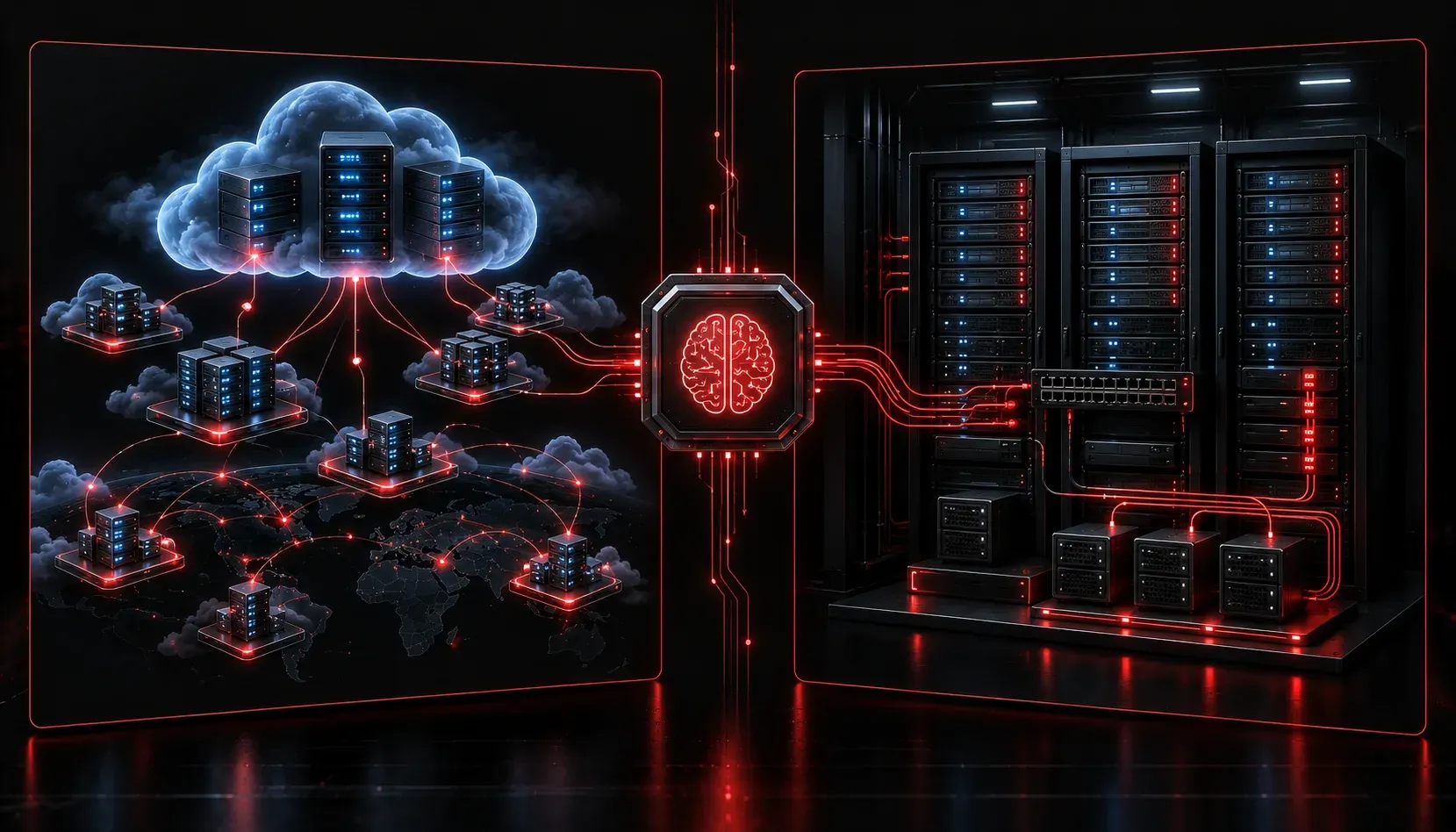
When you start working with AI models, one of the first practical questions you face is: where should this model run? Cloud or local? The answer involves many factors, but one of the most important is scalability. Understanding how scalability cloud local AI models differ is essential for making smart decisions as your AI usage grows.
What Does Scalability Actually Mean?
Scalability refers to a system's ability to handle increasing workloads without falling apart. In the context of AI models, this means being able to serve more users, process larger datasets, or run more complex models as your needs grow over time. AI model growth rarely stays flat. What starts as a small internal tool can quickly become a mission-critical application, and your infrastructure needs to keep up.
There are two main dimensions of scalability worth knowing:
- Vertical scaling: Adding more resources (CPU, RAM, GPU) to an existing machine.
- Horizontal scaling: Adding more machines to distribute the workload across multiple systems.
Cloud and local environments handle these differently, and understanding the contrast will help you plan ahead.
Cloud Scalability: Elastic and On-Demand
Cloud-hosted AI models benefit from what providers call elastic scalability. Platforms like AWS (Amazon Web Services), Google Cloud, and Microsoft Azure allow you to scale resources up or down based on demand, often automatically. This is sometimes called autoscaling.
For example, if your AI-powered application sees a spike in traffic at 9 AM every weekday, the cloud can automatically spin up additional compute instances to handle the load, then scale back down when things quiet off. You pay for what you use, which makes this model very attractive for variable or unpredictable workloads.
Key advantages of cloud scalability include:
- Speed of scaling: Resources can be provisioned in minutes without hardware procurement.
- Global distribution: Deploy your model closer to users in different regions to reduce latency.
- Managed infrastructure: The provider handles hardware failures, updates, and maintenance.
- Access to specialized hardware: Instantly access high-end GPUs like NVIDIA A100s for demanding models without buying them outright.
The trade-off is cost visibility. Cloud scalability is powerful, but costs can grow quickly if you are not monitoring usage carefully. It also introduces a dependency on internet connectivity and third-party providers.
Local Scalability: Controlled but Constrained
Local scalability, sometimes called on-premises scalability, means running AI models on hardware you own and manage directly. This could be a single workstation with a capable GPU, a small server rack, or an entire private data center.
The appeal here is control. You know exactly what hardware you have, your data never leaves your network, and there are no per-request API costs. For sensitive industries like healthcare or finance, this matters a great deal.
However, local scalability comes with real limitations:
- Hardware ceiling: You can only scale as far as your physical hardware allows. Adding capacity means buying, installing, and configuring new equipment.
- Lead time: Ordering and deploying new servers can take weeks or months, compared to minutes in the cloud.
- Upfront costs: High-end GPUs and server infrastructure represent significant capital expenditure.
- Maintenance burden: Your team is responsible for hardware failures, driver updates, and system reliability.
That said, local environments can be cost-effective for predictable, steady workloads. If you know exactly how much compute you need every day, owning that hardware may be cheaper in the long run than paying cloud rates continuously.
Choosing Based on Your Growth Trajectory
The right choice depends on your specific situation. A few guiding questions to ask:
- Is your workload predictable or variable? Variable workloads favor cloud scalability.
- Do you have strict data privacy requirements? Local setups give you full data control.
- What is your team's capacity to manage infrastructure? Cloud reduces operational overhead.
- What is your budget structure? Cloud favors operational expense; local favors capital expense.
Many organizations end up using a hybrid approach: running baseline workloads locally while bursting to the cloud during peak demand. This balances cost efficiency with flexibility.
What's Next
Now that you understand how scalability differs between cloud and local AI deployments, the next logical topic is understanding the cost structures behind each model. Knowing how you are billed (per token, per hour, per API call) helps you make even smarter decisions about where your AI workloads should live. We will cover that in the next post in this series.