
Why Structured Troubleshooting Saves Time in IT
Structured troubleshooting is a step-by-step methodology that helps IT professionals solve problems faster and more consistently. This post introduces the seven-step process from CompTIA Network+ Objective 5.1 and shows how it saves time with a practical real-world example. Newcomers will learn why

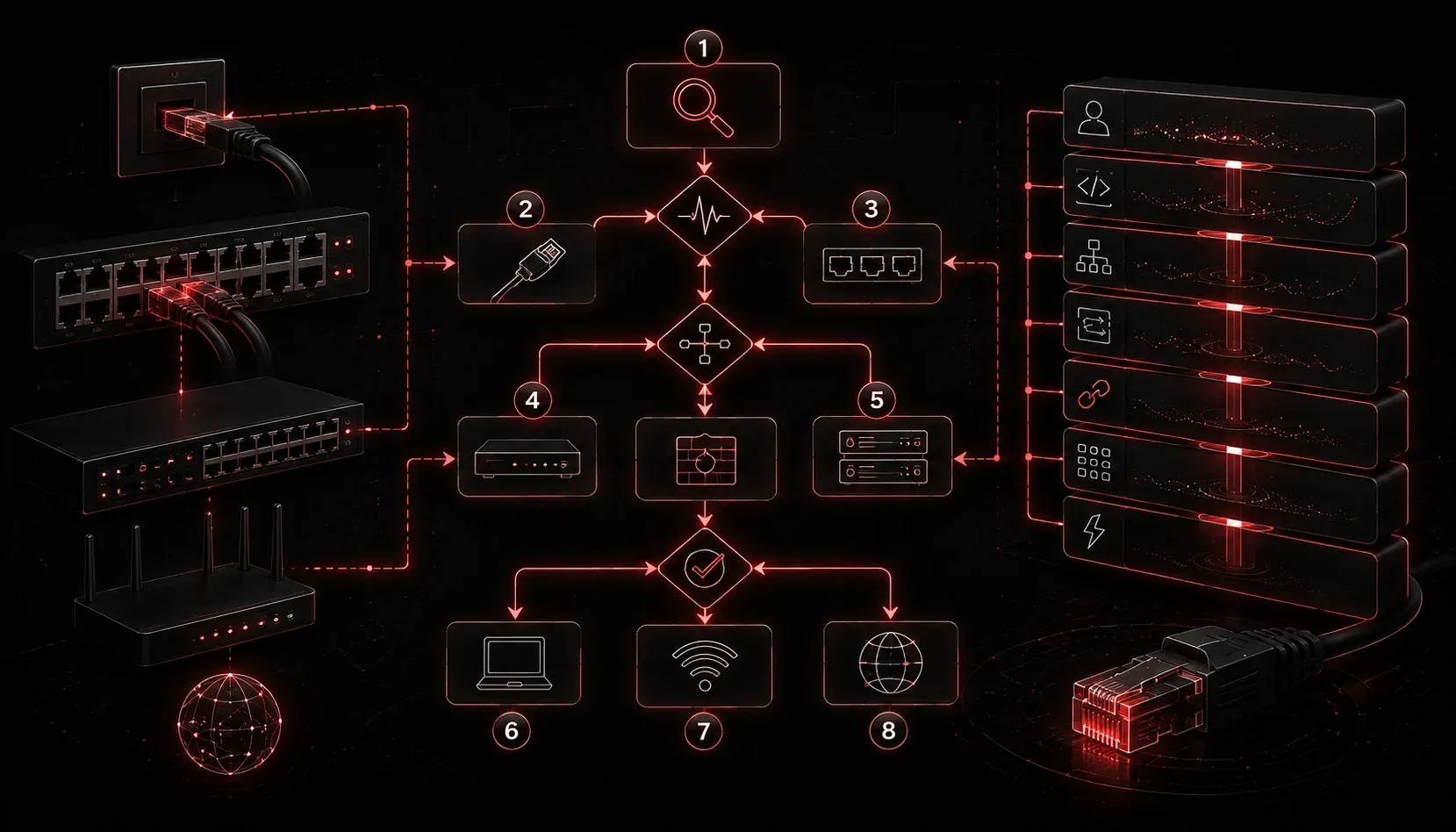
Every IT professional has been there: a user calls in with a problem, you try a handful of fixes at random, nothing works, and thirty minutes later you are still guessing. That frustrating experience is exactly what structured troubleshooting is designed to prevent. When you follow a defined process, you stop wasting time on dead ends and start moving toward a solution with purpose.
What Is Structured Troubleshooting?
Structured troubleshooting is a systematic, step-by-step approach to identifying, diagnosing, and resolving technical problems. Rather than randomly swapping cables or rebooting devices and hoping something sticks, you gather information, form a hypothesis, test it, and work toward a verified fix. The CompTIA Network+ exam references this methodology under Domain 5, Objective 5.1, and it applies directly to real-world IT work every day.
The core steps of the structured troubleshooting process are:
- Identify the problem: Gather information, ask the user what happened, and document symptoms.
- Establish a theory of probable cause: Consider the most likely explanations, starting simple.
- Test the theory: Confirm or rule out your hypothesis with a focused test.
- Establish a plan of action: Decide how to resolve the issue with minimal disruption.
- Implement the solution: Apply the fix carefully and document what you did.
- Verify full functionality: Confirm the problem is resolved and nothing else broke.
- Document findings: Record the problem, cause, and solution for future reference.
Why It Actually Saves Time
It might feel like following a structured process takes longer than just jumping in and trying things. In practice, the opposite is true. When you skip steps, you often fix the wrong thing, create new problems, or spend time on a layer of the network that was never the issue.
Consider a classic example: a user reports they cannot access the internet. Without a structured approach, you might immediately replace the network cable, then restart the switch port, then check DNS settings, each step taking time with no clear direction. With structured troubleshooting, you start by asking a few targeted questions:
- Can they reach local resources like a shared drive or printer?
- When did the problem start?
- Did anything change recently?
If they can reach local resources but not the internet, you have immediately narrowed the problem to routing, the default gateway, or the WAN connection. That single round of questioning just saved you from wasting time at the physical layer.
A Quick Real-World Example
Imagine a technician gets a ticket: "My computer says limited connectivity." Using structured troubleshooting, the first command they run is:
ipconfig /allThe output shows an IP address of 169.254.x.x, which is an Automatic Private IP Addressing (APIPA) address. This tells the technician immediately that the machine failed to get a DHCP lease. The theory: the DHCP server is unreachable or the lease pool is exhausted. They test by running:
ipconfig /release
ipconfig /renew
If renewal fails, they check the DHCP server next. If it succeeds, the issue was a temporary lease problem. The point is that two commands and a clear process led directly to the answer, without any guessing.
IT Efficiency Starts With Discipline
Structured troubleshooting builds a habit of disciplined problem solving that compounds over time. New technicians who learn this methodology early develop an instinct for quickly isolating problems. Senior engineers use it to tackle complex, multi-layer issues without losing their place. In both cases, the benefit is the same: less time spent troubleshooting means more time spent on proactive improvements and other tickets.
Documentation, that final step, is often skipped under time pressure, but it is one of the biggest contributors to long-term IT efficiency. When a similar problem surfaces six months later, a well-documented ticket is worth hours of saved time.
What's Next
Now that you understand why structured troubleshooting matters, the next step is learning how to apply it at each layer of the network. In the next post, we will look at how the OSI model serves as a built-in troubleshooting framework, giving you a logical starting point for nearly any network problem you encounter.
Tools and resources for this topic
- CompTIA Network+ Study Guide — Comprehensive N10-009 exam preparation covering all five domains.