
Comparing Local LLMs: Ollama vs Others for IT Projects
This post compares the leading platforms for running local LLMs, with a focus on Ollama, LM Studio, and llama.cpp. It evaluates each tool against real IT project needs including automation, privacy, and ease of use. Ollama emerges as the recommended starting point for most IT professionals.

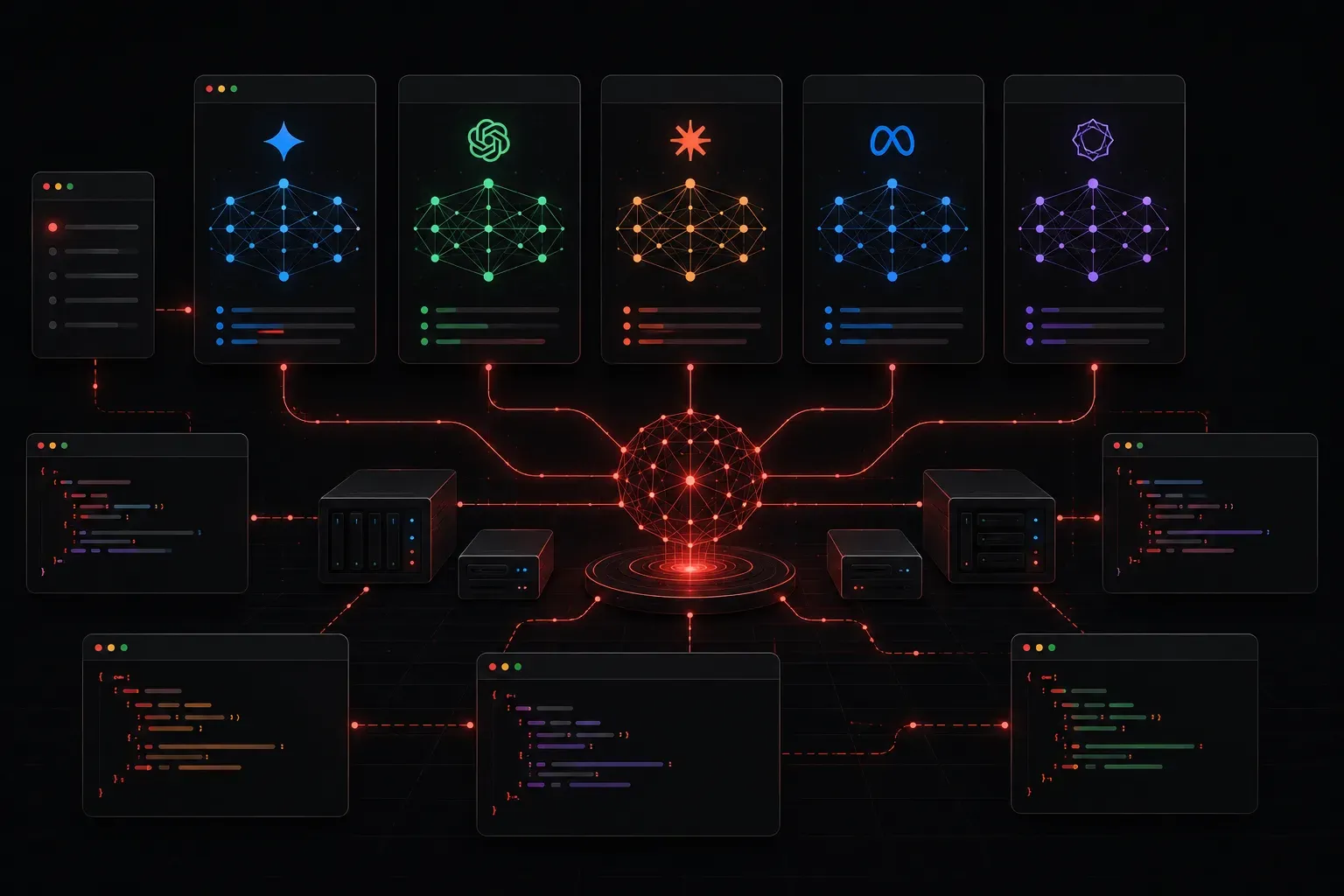
Running AI models locally has become increasingly practical for IT professionals who need privacy, control, and offline capability. Whether you're generating network configs, parsing logs, or building internal automation tools, local LLMs offer a compelling alternative to cloud-based services like ChatGPT or Claude. But which tool should you actually use? Let's break down the main contenders and see how they stack up for real IT projects.
Why Local LLMs Matter for IT Projects
Before comparing tools, it's worth understanding why local AI solutions are gaining traction in IT environments. Three key reasons stand out:
- Data privacy: Sensitive network diagrams, credentials, and internal documentation never leave your infrastructure.
- Offline operation: Air-gapped environments, lab setups, and remote sites without reliable internet all benefit from on-premises AI.
- Cost control: No per-token API billing means you can run as many queries as you want without watching a usage meter.
With that context, let's look at the main platforms for running local LLMs today.
The Main Contenders
Ollama
Ollama is one of the most approachable options for IT professionals getting started with local LLMs. It wraps model management, a local API server, and a simple CLI into one clean package. Installation takes under two minutes on macOS, Linux, or Windows (via WSL).
Getting a model running is genuinely this simple:
ollama pull llama3
ollama run llama3
Ollama starts a local REST API server on localhost:11434 as part of its default background service. On most installations this is available automatically once Ollama is running, though you should verify this behaviour for your specific platform and version. Once confirmed active, you can query it from Python scripts, curl commands, or any tool that speaks HTTP. Here's a quick example using curl:
curl http://localhost:11434/api/generate -d '{
  "model": "llama3",
  "prompt": "Write a Python script to ping all hosts in a /24 subnet",
  "stream": false
}'
For IT projects, Ollama's model library is a genuine advantage. You can pull models like mistral, codellama, phi3, and gemma with a single command. The codellama model in particular is well-suited for generating Ansible playbooks, Python automation scripts, and structured config output. For example, prompting it with a request to write an Ansible task that restarts a service on a list of hosts typically produces clean, usable YAML with minimal correction needed.
LM Studio
LM Studio (available at lmstudio.ai) is a desktop GUI application that makes local LLM management very approachable. It supports GGUF model files from HuggingFace and includes a built-in chat interface and a local server mode compatible with the OpenAI API format.
LM Studio is excellent for:
- Team members who prefer a graphical interface over a terminal
- Quickly testing different models side by side
- Environments where you want OpenAI-compatible endpoints without writing custom code
The trade-off is that LM Studio is a GUI-first tool. Scripting and automation workflows are less natural compared to Ollama's CLI and API-first design.
llama.cpp
llama.cpp is the underlying engine that powers much of the local LLM ecosystem, including Ollama itself. Running it directly gives you maximum control over quantization levels, thread counts, context length, and hardware acceleration settings. For IT professionals comfortable with compilation and flags, it offers performance tuning that higher-level tools abstract away.
The downside is complexity. Managing models manually, compiling from source, and wiring up a server interface yourself is significantly more involved than using Ollama.
Head-to-Head: Ollama vs. the Field
Here's a practical summary of how these tools compare for common IT project needs:
- Ease of setup: Ollama wins clearly. Single binary install, models pulled by name.
- Automation and scripting: Ollama's REST API and CLI make it a strong choice for integration into Python scripts and CI pipelines.
- GUI and usability: LM Studio is the better option for non-technical stakeholders or quick ad-hoc testing.
- Raw performance tuning:
llama.cppgives you the most control, but requires the most effort. - Model variety: All three support a wide range of open models, but Ollama's curated library makes discovery and updates the simplest.
Which One Should You Use?
For many IT projects, Ollama is a strong starting point. Its combination of simplicity, API access, and model management makes it immediately useful for network automation, log analysis, and internal tooling. If your team needs a GUI, add LM Studio alongside it. Reserve llama.cpp for situations where you're squeezing performance out of specific hardware.
The good news is that these tools are not mutually exclusive. Many practitioners use Ollama for day-to-day scripting and LM Studio for quick exploratory conversations with a model.
What's Next
Now that you have a clearer picture of which local LLM platform suits your needs, the next step is learning how to get the most useful output from it. In the next post, we'll cover prompt engineering specifically for IT tasks: how to structure prompts that reliably produce working CLI commands, valid configs, and useful automation scripts rather than generic answers.