
How Token Usage Affects AI Tool Performance
Learn how token usage affects AI tool performance including cost, latency, and output quality. Discover practical strategies for optimizing token consumption and managing context windows effectively.

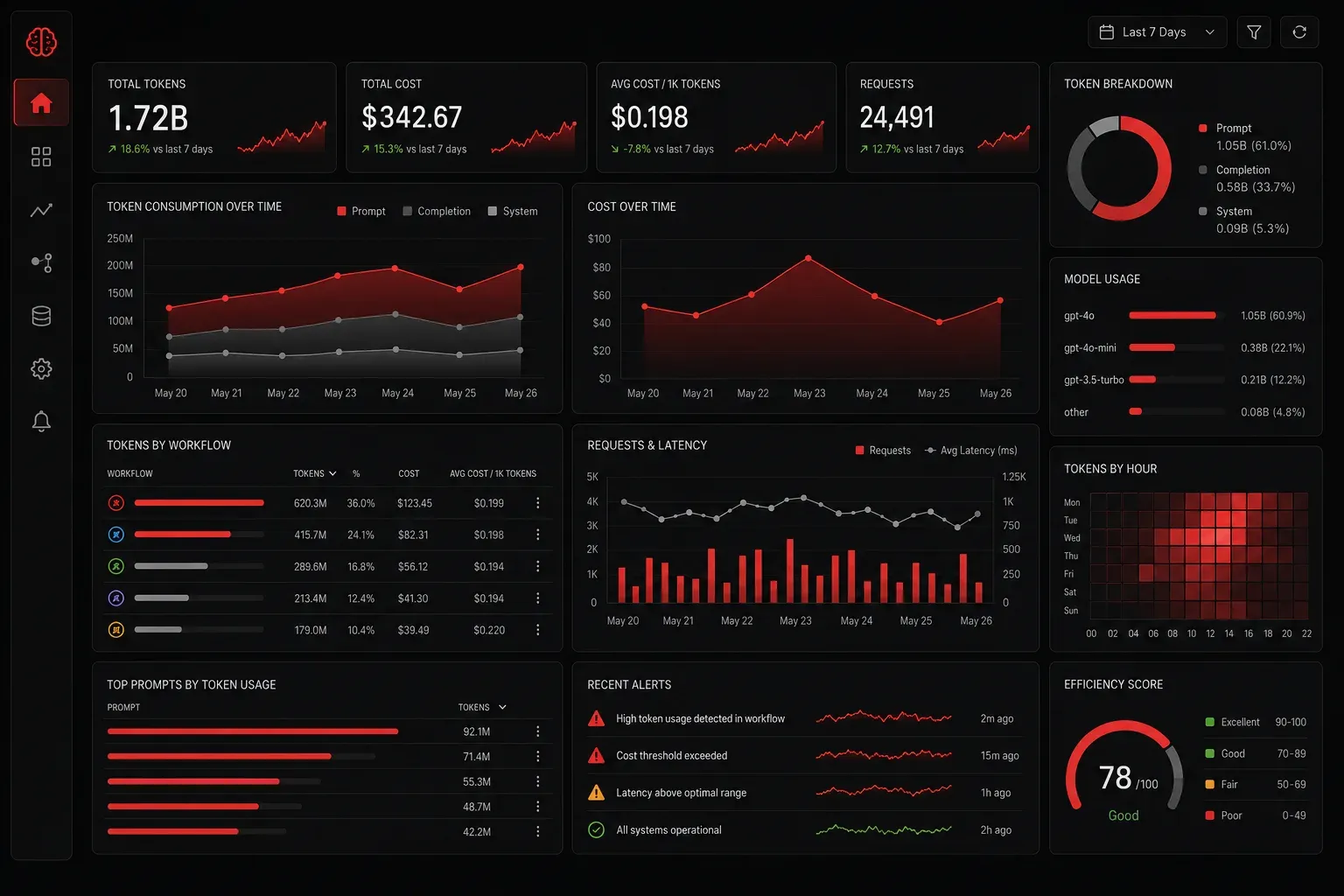
When working with AI tools like ChatGPT, Claude, or API-based language models, understanding token usage is crucial for optimizing performance, controlling costs, and improving response quality. Think of tokens as the fundamental units that AI models use to process and generate text; they're not quite words, but pieces of words, punctuation, and spaces.
What Are Tokens and Why They Matter
Tokens are how AI models break down text for processing. A single token might be a whole word like "hello" or just part of a word like "ing" in "running." On average, one token equals about 0.75 words in English, though this varies significantly.
Here's a practical example:
Text: "Hello, how are you today?"
Tokens: ["Hello", ",", " how", " are", " you", " today", "?"]
Token count: 7 tokens
Every interaction with an AI tool consumes tokens in two ways: input tokens (your prompt and conversation history) and output tokens (the AI's response). Both count toward your usage limits and costs.
How Token Usage Impacts Performance
Cost Optimization
Token usage directly affects your bill when using AI APIs. Most providers charge separately for input and output tokens, with output tokens typically costing more. For example, OpenAI's GPT-4 charges different rates for input versus output tokens.
To optimize costs:
- Keep prompts concise but specific
- Use shorter system messages when possible
- Clear conversation history periodically in chat interfaces
- Choose the right model size for your task—smaller models use fewer tokens for similar outputs
Latency Reduction
More tokens mean longer processing times. The AI must read through all input tokens before generating a response, and then generate each output token sequentially. This creates a direct relationship between token count and response speed.
For faster responses:
- Minimize unnecessary context in your prompts
- Request shorter responses when detailed answers aren't needed
- Use
max_tokensparameters to limit output length
Output Quality Considerations
Interestingly, token usage affects quality in complex ways. Too few input tokens might provide insufficient context, while too many can overwhelm the model or exceed context windows. The sweet spot varies by task and model.
Context Window Management
Every AI model has a context window—the maximum number of tokens it can process in a single interaction. For example, GPT-3.5-turbo has a 4,096-token window, while GPT-4-turbo can handle up to 32,768 tokens.
When you exceed the context window:
- Older conversation history gets truncated automatically
- Important context might be lost
- Response quality can degrade
Manage context windows by:
- Summarizing long conversations before continuing
- Breaking complex tasks into smaller, focused interactions
- Using conversation threading for related but separate topics
Practical Token Management for Technical Workflows
Monitor your token usage through API responses or tool dashboards. Most AI platforms show token consumption for each request. This data helps you identify patterns and optimize your workflows.
In AI-assisted coding scenarios, token efficiency becomes critical when reviewing configuration files, generating network automation scripts, or explaining complex technical concepts. For instance, when working with Cisco networking configurations, asking for specific VLAN setups uses fewer tokens than requesting comprehensive network designs.
For development work, consider using token counting libraries to estimate usage before making API calls:
import tiktoken

def count_tokens(text, model="gpt-3.5-turbo"):
    encoding = tiktoken.encoding_for_model(model)
    return len(encoding.encode(text))

prompt = "Explain OSPF routing configuration"
token_count = count_tokens(prompt)
print(f"Tokens: {token_count}")
When implementing AI tools in workflow automation, establish token budgets for different types of tasks. Network troubleshooting queries might require more context tokens than simple syntax explanations, while automated code reviews need balanced input to avoid overwhelming the model with excessive configuration details.
What's Next
Now that you understand how token usage impacts AI tool performance, the next step is learning advanced prompt engineering techniques that maximize output quality while minimizing token consumption. We'll explore how to craft efficient prompts that get better results with fewer tokens.