
Troubleshooting Common EtherChannel Issues
Learn to identify and resolve the most common EtherChannel problems including protocol mismatches, configuration inconsistencies, and STP issues. Includes systematic troubleshooting steps and recovery commands for beginners.

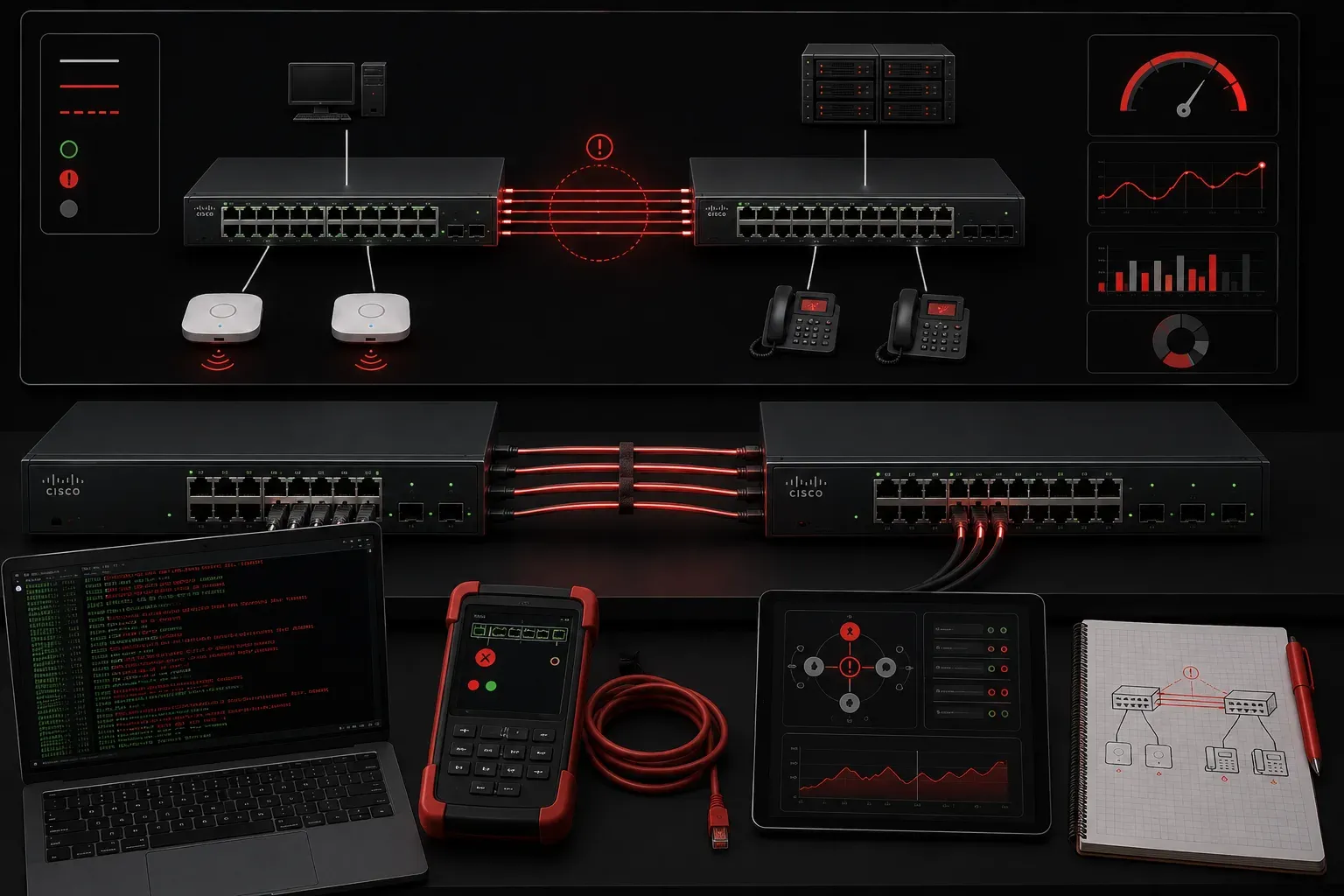
EtherChannel is a powerful technology that bundles multiple physical links into a single logical connection, but it's also one of those features that can drive beginners crazy when things go wrong. The good news? Most EtherChannel issues follow predictable patterns, and once you know what to look for, troubleshooting becomes much more manageable.
Let's walk through the most common EtherChannel problems you'll encounter and learn how to resolve issues systematically.
Understanding EtherChannel States
Before diving into troubleshooting, you need to understand what healthy EtherChannel operation looks like. Use the show etherchannel summary command to check your configuration:
Switch# show etherchannel summary
Flags:  D - down        P - bundled in port-channel
        I - stand-alone s - suspended
        H - Hot-standby (LACP only)
        R - Layer3      S - Layer2
        U - in use      f - failed to allocate aggregator

Number of channel-groups in use: 1
Number of aggregators:           1

Group  Port-channel  Protocol    Ports
------+-------------+-----------+-----------------------------------------------
1      Po1(SU)         LACP      Fa0/1(P)   Fa0/2(P)
In this healthy output, you see Po1(SU) indicating the port-channel is up and in use, with both physical ports showing (P) for properly bundled. Note that the exact output format may vary depending on your switch model and IOS version, but the key information remains consistent.
EtherChannel Configuration Methods
EtherChannel can be configured using three different methods:
- LACP (Link Aggregation Control Protocol): IEEE 802.3ad standard, supports active and passive modes
- PAgP (Port Aggregation Protocol): Cisco proprietary, supports auto and desirable modes
- Static (On mode): No negotiation protocol, manually forces bundling without dynamic negotiation
Static configuration can be useful when connecting to devices that don't support LACP or PAgP, but lacks the automatic error detection and recovery features of the negotiation protocols.
Common Problem #1: Mismatched Negotiation Protocols
The most frequent beginner troubleshooting mistake is mixing LACP and PAgP protocols, or using different modes on each side. Here's what a protocol mismatch looks like:
Switch# show etherchannel summary
Group  Port-channel  Protocol    Ports
------+-------------+-----------+-----------------------------------------------
1      Po1(SD)         LACP      Fa0/1(I)   Fa0/2(I)
Notice the (SD) indicating the channel is down, and (I) showing the ports are stand-alone rather than bundled.
Solution: Verify both switches use the same protocol and compatible modes:
! LACP configuration - use active/passive or both active
interface range fa0/1-2
 channel-protocol lacp
 channel-group 1 mode active

! Alternative: PAgP configuration
interface range fa0/1-2
 channel-protocol pagp
 channel-group 1 mode desirable

! Alternative: Static configuration (no negotiation)
interface range fa0/1-2
 channel-group 1 mode on
Common Problem #2: Configuration Inconsistencies
EtherChannel requires identical configurations across all member ports. Different duplex settings, speed configurations, or VLAN assignments will prevent proper bundling.
Use show interfaces status to verify consistency:
Switch# show interfaces status
Port    Name     Status    Vlan    Duplex  Speed Type
Fa0/1            connected 1       a-full  a-100 10/100BaseTX
Fa0/2            connected 1       a-half  a-100 10/100BaseTX
In this example, Fa0/1 and Fa0/2 have different duplex settings, which will cause EtherChannel formation to fail.
Solution: Standardize all interface configurations:
interface range fa0/1-2
 duplex full
 speed 100
 switchport mode access
 switchport access vlan 1
Common Problem #3: STP Inconsistencies
Sometimes EtherChannel ports show as bundled but traffic doesn't flow properly due to Spanning Tree Protocol issues. EtherChannel interacts differently with various STP protocols:
- Traditional STP (802.1D): Treats the port-channel as a single interface
- RSTP (802.1w): Provides faster convergence with EtherChannel
- MSTP (802.1s): Allows per-VLAN load balancing across EtherChannel links
Check for STP errors:
Switch# show spanning-tree interface po1
Port 1 (Port-Channel1) of VLAN0001 is forwarding
   Port path cost 12, Port priority 128, Port Identifier 128.833
   Designated root has priority 32769, address 001b.2b3c.4d5e
If you see the port-channel in blocking state when it should be forwarding, you may have a loop in your network topology or STP configuration issues.
Systematic Troubleshooting Approach
When facing EtherChannel network problems, follow this beginner troubleshooting methodology:
- Check physical connectivity: Verify cables and port status with
show interfaces status - Verify protocol consistency: Use
show etherchannel summaryto confirm both sides use the same protocol - Compare configurations: Ensure identical settings on all member interfaces
- Review logs: Check
show loggingfor EtherChannel-related error messages - Test incrementally: Start with a single link, then add additional members once the channel is stable
Quick Recovery Commands
When you need to quickly resolve issues and start fresh:
! Remove problematic configuration
interface range fa0/1-2
 no channel-group 1

! Clear the port-channel interface
no interface port-channel 1

! Reconfigure step by step
interface port-channel 1
 switchport mode access

interface range fa0/1-2
 channel-protocol lacp
 channel-group 1 mode active
What's Next
Now that you can troubleshoot basic EtherChannel issues, you're ready to explore more advanced topics like load balancing methods and optimizing EtherChannel performance with different spanning tree protocols. Understanding how RSTP and MSTP interact with EtherChannel will help you design more resilient and efficient network topologies.
Tools and resources for this topic
- CCNA Official Cert Guide (Wendell Odom) — The definitive CCNA study resource. Both volumes cover the 200-301 exam blueprint in full.
- Wendell Odom CCNA Vol 1 — Covers networking fundamentals, switching, and routing basics.
- Wendell Odom CCNA Vol 2 — Covers advanced routing, WAN, infrastructure services, and security.