
Understanding LACP in EtherChannel
LACP (Link Aggregation Control Protocol) automates the negotiation and management of EtherChannel links, providing dynamic bundling with failure detection and recovery. This guide covers LACP modes, configuration, and verification for CCNA students.

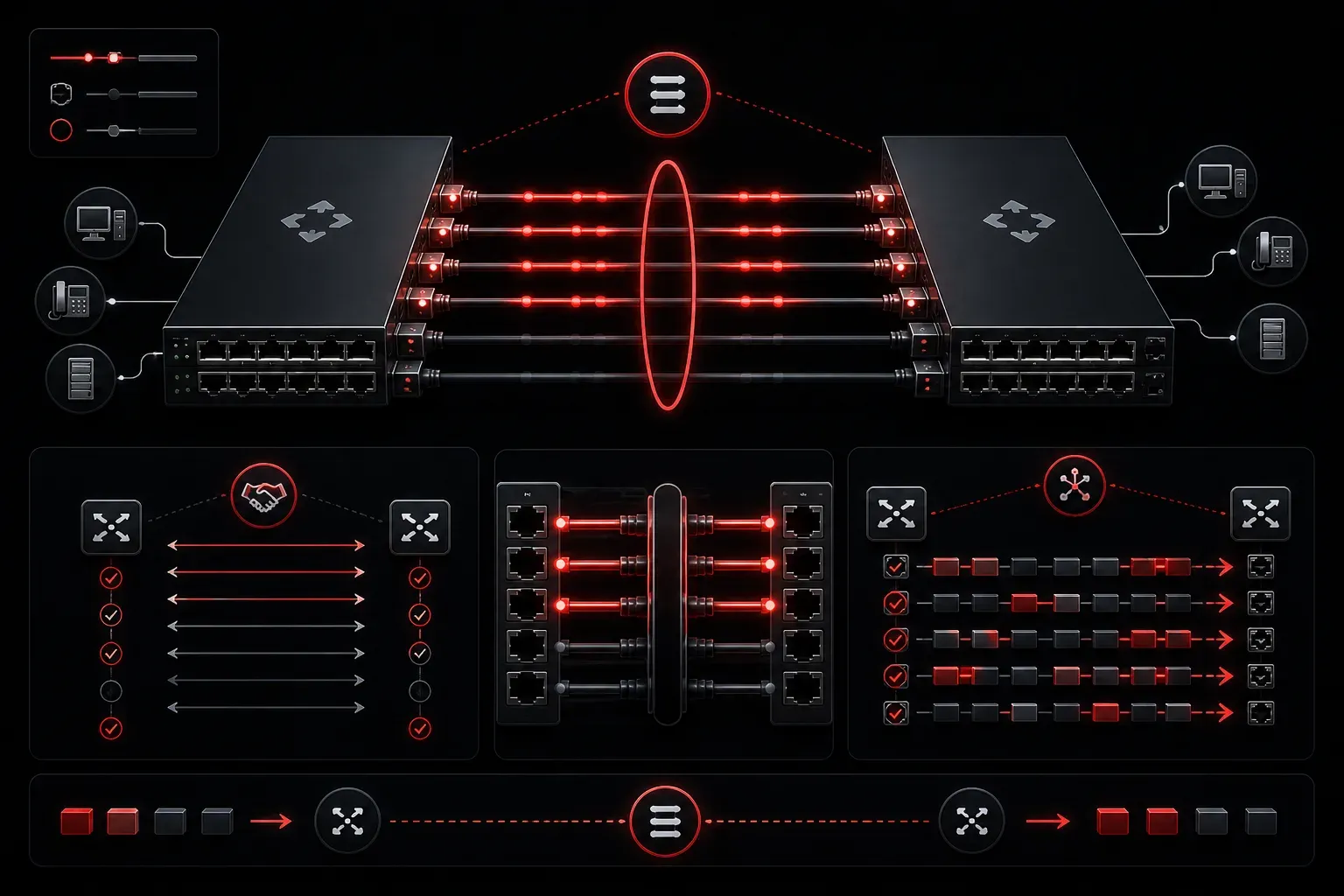
When you're building networks that need more bandwidth and redundancy, EtherChannel becomes your best friend. But managing multiple physical links as one logical connection requires coordination, and that's where the Link Aggregation Control Protocol (LACP) comes in. LACP automates the negotiation and management of link bundling, making your EtherChannel configurations more reliable and dynamic.
What is LACP in EtherChannel?
LACP is an IEEE 802.3ad standard protocol that handles the intelligent bundling of multiple physical links into a single logical EtherChannel. Think of it as the "traffic controller" that ensures all links in your bundle work together harmoniously. Unlike static EtherChannel configurations, where you manually define everything, LACP provides protocol negotiation between switches to automatically establish and maintain the channel.
The protocol continuously monitors link status, detects failures, and dynamically adds or removes links from the bundle without disrupting traffic flow. This automation significantly improves network performance and reduces the chance of configuration errors that could bring down your entire channel.
How LACP Negotiation Works
LACP uses a simple but effective negotiation process between connected switches. Each switch sends LACP Data Units (LACPDUs) every second to exchange information about:
- System priority and MAC address
- Port priority and number
- Operational key (determines which ports can bundle together)
- Port state information
The switches use this information to determine which ports should be active in the bundle and which should remain in standby mode. LACP supports up to 16 links per group, with 8 active and 8 in standby.
LACP Modes Explained
LACP operates in two primary modes that determine how aggressively a switch negotiates the EtherChannel:
Active Mode: The switch actively sends LACP packets and initiates negotiation. Use this when you want the switch to be proactive in forming the channel.
Passive Mode: The switch responds to LACP packets but doesn't initiate negotiation. It waits for the other end to start the conversation.
For successful link aggregation control, at least one end must be in active mode. Both ends can be active, but both cannot be passive; that would result in no negotiation at all.
Configuring LACP
Here's how to configure LACP on a Cisco switch:
Switch(config)# interface range gigabitethernet0/1-2
Switch(config-if-range)# channel-group 1 mode active
Switch(config-if-range)# exit
Switch(config)# interface port-channel 1
Switch(config-if)# switchport mode trunk
This configuration creates a 2-link EtherChannel using LACP active mode. The channel-group 1 mode active command enables LACP negotiation on the physical interfaces.
Verifying LACP Operation
Use these commands to verify your LACP configuration:
Switch# show etherchannel summary
Switch# show lacp neighbor
Switch# show lacp internal
The show etherchannel summary command shows you which ports are bundled and their status. Look for "P" flags next to port numbers, indicating they're actively participating in the port channel.
Benefits of Using LACP
LACP brings several advantages over static EtherChannel configurations. It provides automatic link failure detection and recovery, ensuring that if one link fails, traffic seamlessly continues over the remaining active links. The protocol also prevents misconfigurations by refusing to form channels when port parameters don't match between switches.
For network performance optimization, LACP's dynamic nature means you can hot-add links to existing channels during maintenance windows without disrupting traffic. This flexibility makes it ideal for production environments where uptime is critical.
What's Next
Now that you understand how LACP manages link bundling in EtherChannel, the next step is learning about load-balancing methods within the channel. We'll explore how switches distribute traffic across multiple links and how to optimize this distribution for your specific traffic patterns.
Tools and resources for this topic
- CCNA Official Cert Guide (Wendell Odom) — The definitive CCNA study resource. Both volumes cover the 200-301 exam blueprint in full.
- Wendell Odom CCNA Vol 1 — Covers networking fundamentals, switching, and routing basics.
- Wendell Odom CCNA Vol 2 — Covers advanced routing, WAN, infrastructure services, and security.