
Troubleshooting Common PBR Issues in Enterprise Networks
Learn systematic approaches to troubleshoot Policy-Based Routing failures in enterprise networks. Covers route-map logic errors, next-hop reachability issues, interface application mistakes, and advanced debugging techniques for production environments.

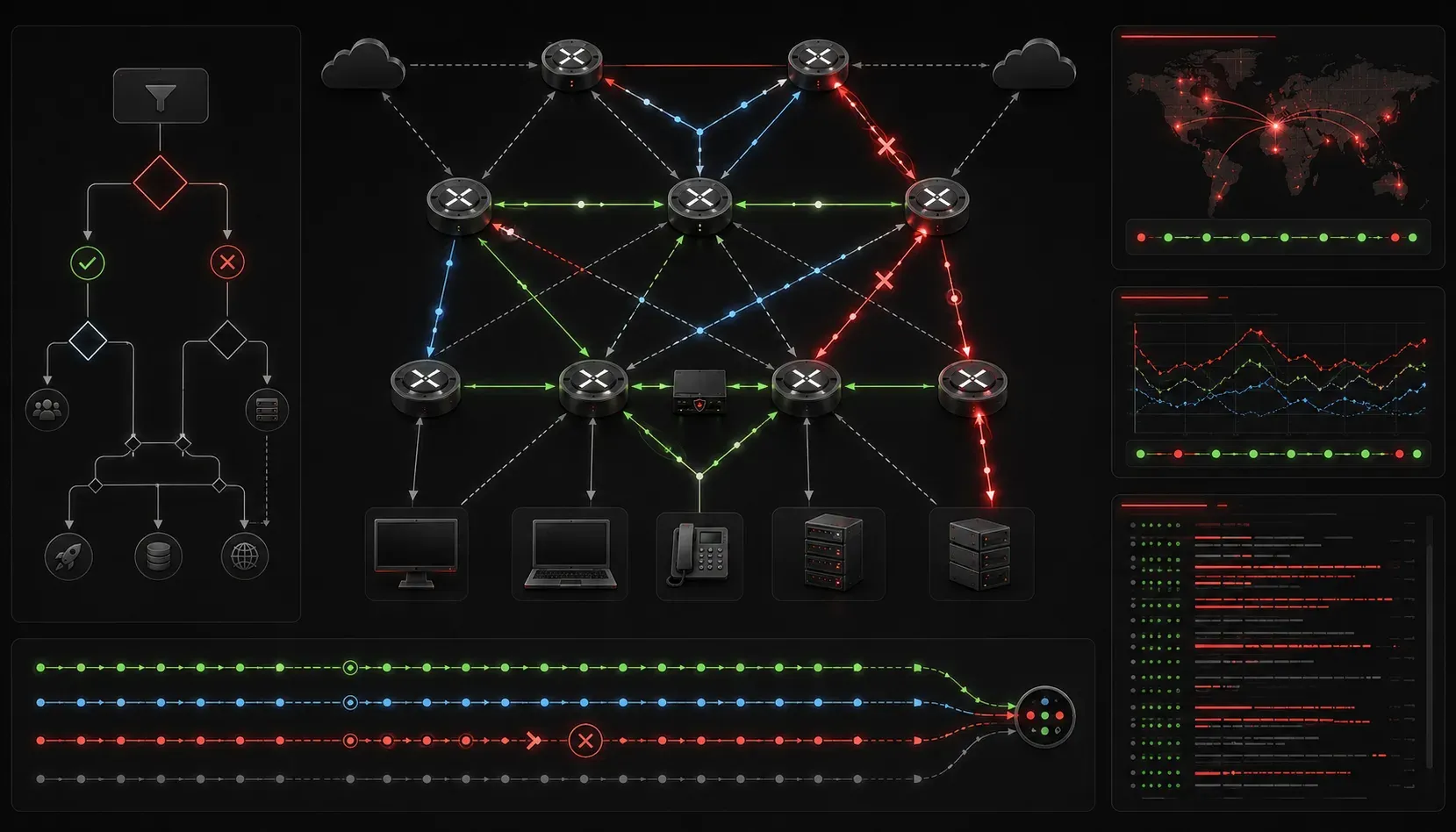
Understanding Common PBR Failure Points
Policy-Based Routing troubleshooting requires a systematic approach, as failures can occur at multiple layers within the forwarding plane. Most troubleshooting PBR issues stem from three primary categories: route-map logic errors, next-hop reachability problems, and interface application mistakes. Before diving into packet captures or complex debugging, establishing a clear methodology prevents wasted time chasing symptoms rather than root causes.
The most effective troubleshooting approach begins with verifying PBR is actually processing your target traffic. Use show route-map to confirm your route-map exists and contains the expected match and set statements. Then validate that packets are hitting your policy with show ip policy statistics.
Router#show route-map PBR-POLICY
route-map PBR-POLICY, permit, sequence 10
  Match clauses:
    ip address (access-lists): 101
  Set clauses:
    ip next-hop 10.1.1.10
  Policy routing matches: 1250 packets, 125000 bytes
Route-Map Logic and Sequencing Problems
Route-map sequence processing follows a top-down evaluation model, and policy routing errors frequently occur when engineers misunderstand this behavior. Unlike access-lists with implicit deny statements, route-maps have an implicit permit for unmatched traffic, meaning packets that don't match any policy statement will follow normal routing.
A common mistake involves placing broad match statements before specific ones. Consider this problematic configuration:
route-map PBR-POLICY permit 10
 match ip address 100
 set ip next-hop 192.168.1.1

route-map PBR-POLICY permit 20
 match ip address 110
 set ip next-hop 192.168.2.1

access-list 100 permit ip 10.0.0.0 0.255.255.255 any
access-list 110 permit ip 10.1.0.0 0.0.255.255 any
Traffic from the 10.1.0.0/16 subnet will never reach sequence 20 because it matches the broader 10.0.0.0/8 statement in sequence 10. Always verify your match logic with debug ip policy, but be cautious with debug commands in production environments.
Next-Hop Reachability Validation
Next-hop reachability represents the most frequent cause of PBR failures in enterprise networks. When the specified next-hop becomes unreachable, PBR behavior depends on your configuration. Without set ip next-hop verify-availability, traffic will be dropped when the next-hop fails.
Use show ip route next-hop-address to confirm the next-hop is reachable through the routing table. Remember that PBR bypasses the normal routing process, so a next-hop that appears unreachable via normal routing might still work if it's directly connected.
Router#show ip route 192.168.1.1
% Network not in table

Router#ping 192.168.1.1 source GigabitEthernet0/0
Type escape sequence to abort.
Sending 5, 100-byte ICMP Echos to 192.168.1.1, timeout is 2 seconds:
Packet sent with a source address of 10.1.1.2
!!!!!
Success rate is 100 percent (5/5), round-trip min/avg/max = 1/1/2 ms
Interface Application and Direction Issues
PBR policies apply to traffic entering an interface, not exiting. This fundamental concept causes confusion when PBR troubleshooting reveals that traffic isn't being processed by the expected policy. Always apply the route-map to the interface where traffic enters the router.
Verify proper application with show ip interface interface-name and look for the "Policy routing is enabled" statement:
Router#show ip interface GigabitEthernet0/1
GigabitEthernet0/1 is up, line protocol is up
  Internet address is 10.1.1.1/24
  Broadcast address is 255.255.255.255
  Address determined by setup command
  MTU is 1500 bytes
  Helper address is not set
  Directed broadcast forwarding is disabled
  Multicast reserved groups joined: 224.0.0.22
  Outgoing access list is not set
  Inbound access list is not set
  Proxy ARP is enabled
  Local Proxy ARP is disabled
  Security level is default
  Split horizon is enabled
  ICMP redirects are always sent
  ICMP unreachables are always sent
  ICMP mask replies are never sent
  IP fast switching is enabled
  IP fast switching on the same interface is disabled
  IP Flow switching is disabled
  IP CEF switching is enabled
  IP CEF switching turbo vector
  Policy routing is enabled, using route map PBR-POLICY
Advanced Troubleshooting Techniques
When basic verification steps don't reveal the problem, advanced troubleshooting techniques become necessary. The set ip next-hop verify-availability command provides sophisticated failover capabilities, but introduces additional complexity to your troubleshooting process.
This configuration enables next-hop tracking with specific parameters:
route-map PBR-ADVANCED permit 10
 match ip address 120
 set ip next-hop verify-availability 192.168.1.1 1 track 1
 set ip next-hop verify-availability 192.168.2.1 2 track 2
Monitor tracking object status with show track to understand why failover might be occurring:
Router#show track
Track 1
  IP route 192.168.1.1/32 reachability
  Reachability is Up
    2 changes, last change 00:15:23
    Delay up 10 secs, down 10 secs
    Carrier delay up 10 secs, down 10 secs
    First-hop interface is GigabitEthernet0/0
Performance Impact Considerations
Process-switched PBR can significantly impact router performance. Always verify that your platform supports hardware-accelerated PBR for your specific policy requirements. Use show ip cache policy to confirm whether policies are being cached in the fast-switching path.
If performance degradation occurs after PBR implementation, consider simplifying route-map logic or reducing the granularity of your policies. Complex access-lists and frequent route-map evaluation can overwhelm older platforms.
Common Configuration Mistakes
Several configuration patterns consistently cause network issues in PBR deployments. Recursive routing loops occur when PBR next-hops point back through the same router. Always verify that your next-hop infrastructure doesn't create forwarding loops.
Access-list references in route-maps must use numbers or names that actually exist. Missing or incorrectly referenced access-lists cause the entire sequence to be ignored, often without clear error messages.
The set ip default next-hop versus set ip next-hop distinction causes frequent confusion. The default variant only applies when no specific route exists in the routing table, while the regular variant always overrides normal routing decisions.
What's Next
With PBR troubleshooting fundamentals established, the next logical step involves implementing advanced PBR features like load balancing across multiple next-hops and integrating PBR with network automation tools for dynamic policy updates. These advanced implementations require understanding how PBR interacts with other routing protocols and convergence behaviors during network topology changes.
Tools and resources for this topic
- CCNP ENARSI 300-410 Official Cert Guide — The definitive ENARSI study resource by Raymond Lacoste. Covers advanced routing, services, and troubleshooting.