
Using EVE-NG for Enterprise Network Simulation
EVE-NG is a powerful network emulation platform for creating realistic enterprise network simulations using real vendor images. It offers superior web interface and performance compared to GNS3, making it ideal for hands-on networking practice with authentic enterprise equipment and scenarios.

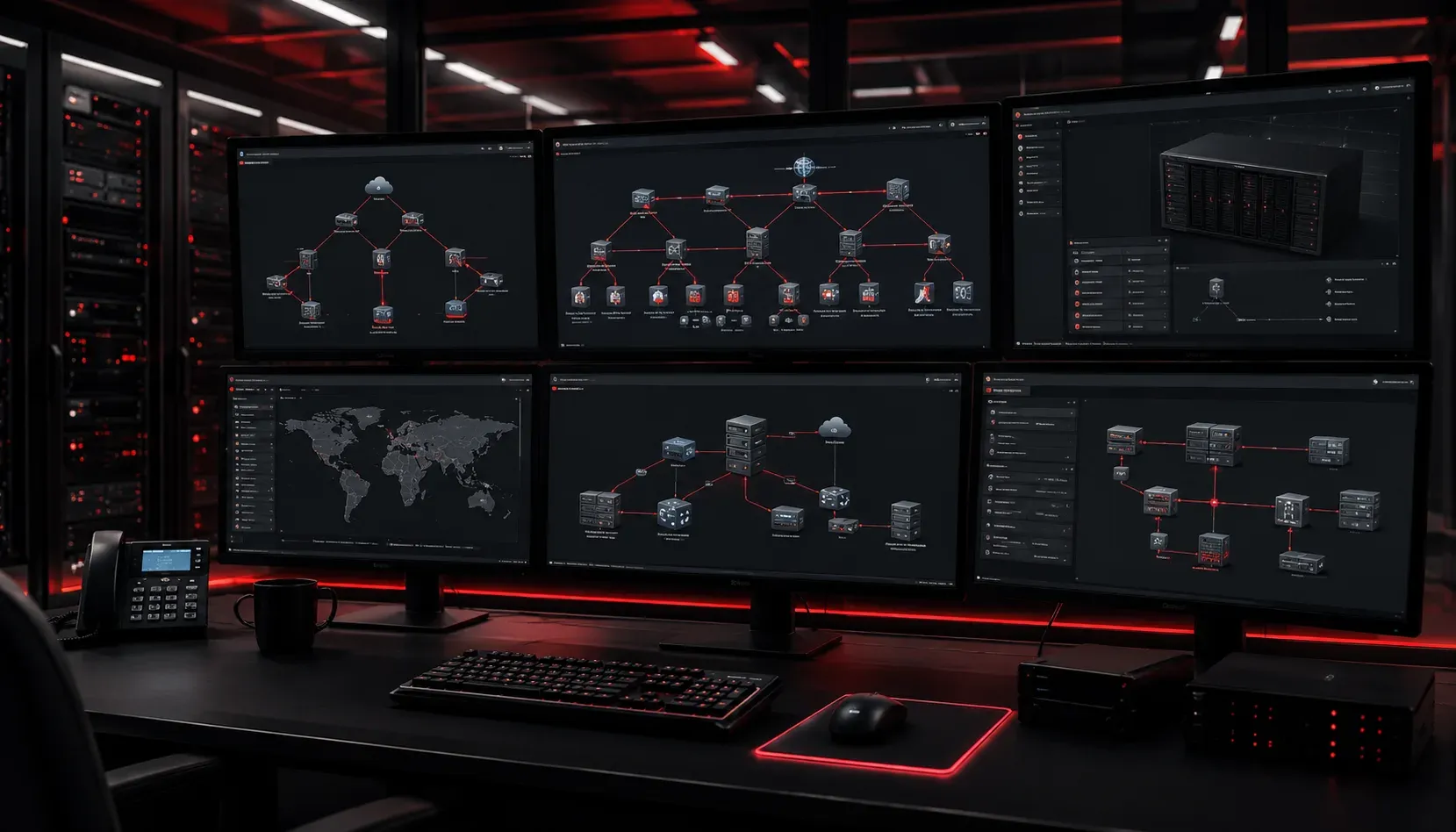
When building your networking skills, hands-on practice is essential. But setting up physical lab equipment is expensive and impractical for most learners. This is where network simulation tools like EVE-NG (Emulated Virtual Environment - Next Generation) become invaluable for creating realistic enterprise network environments.
What is EVE-NG?
EVE-NG is a powerful network emulation platform that allows you to create complex virtual network topologies using real vendor images. Unlike packet tracers that simulate protocols, EVE-NG runs actual router and switch operating systems, giving you authentic hands-on experience with enterprise networking equipment.
The platform supports images from major vendors including Cisco, Juniper, Arista, Fortinet, and many others. This means you can practice with the same software that runs in production networks, making your lab experience directly applicable to real-world scenarios.
Key Features for Enterprise Simulation
EVE-NG excels at enterprise network simulation through several key capabilities:
- Multi-vendor support: Mix Cisco routers with Juniper switches and Fortinet firewalls in the same topology
- Web-based interface: Access your labs from any device with a browser
- Snapshot functionality: Save lab states and quickly restore configurations
- Scalability: Build large topologies with hundreds of nodes
- Real console access: SSH, Telnet, and console connections to devices
The platform runs on Linux and can be installed on bare metal, VMware, or cloud instances. For enterprise-scale simulations, you'll want adequate RAM and CPU resources, as each virtual device consumes system resources.
Building Enterprise Topologies
Creating realistic enterprise networks in EVE-NG involves more than just connecting routers and switches. Consider these common enterprise components:
# Example enterprise topology elements:
- Core layer: High-end switches (Catalyst 9500 series)
- Distribution layer: L3 switches with routing capabilities
- Access layer: Edge switches connecting end devices
- WAN edge: Routers handling internet and MPLS connections
- Security: Firewalls, IPS devices, and VPN concentrators
- Wireless: Controllers and access points
- Data center: Nexus switches and ASA firewalls
EVE-NG allows you to connect these elements logically, creating realistic traffic flows and testing scenarios that mirror production environments. You can simulate WAN links with bandwidth limitations, implement QoS policies, and test failover scenarios.
EVE-NG vs GNS3 Comparison
Both EVE-NG and GNS3 serve similar purposes, but they have distinct differences that affect your choice for enterprise simulation:
EVE-NG advantages:
- Superior web interface that's more intuitive
- Better performance with multiple concurrent labs
- Simplified image management and deployment
- Native support for modern vendor images
- Professional version includes advanced features
GNS3 advantages:
- Completely free and open-source
- Strong community support and documentation
- Integration with VMware and VirtualBox
- Packet capture integration with Wireshark
- More flexible for custom scenarios
For enterprise network simulation specifically, EVE-NG often provides a smoother experience, especially when working with newer vendor images and complex topologies. The web interface makes it easier to share labs with team members and access them remotely.
Getting Started with EVE-NG
To begin using EVE-NG for enterprise simulation:
- Download the Community Edition (free) or Professional Edition
- Install on a dedicated system or VM with sufficient resources
- Obtain vendor images (following proper licensing requirements)
- Create your first simple topology to familiarize yourself with the interface
- Gradually build more complex enterprise scenarios
Start with basic three-tier architectures before moving to advanced scenarios like MPLS networks, data center fabrics, or SD-WAN implementations. This progressive approach helps you master the tool while building networking expertise.
What's Next
Now that you understand EVE-NG's capabilities for enterprise simulation, our next post will walk through setting up your first EVE-NG lab environment, including system requirements, installation steps, and initial configuration to get you running your first virtual network.